How do I reply to a customer's SMS or MMS?
Read an incoming text or photo and reply by SMS.
You can reply to an SMS or MMS after it arrives in Direct messages. You cannot start a new SMS conversation with a contact.
Select the customer's conversation.
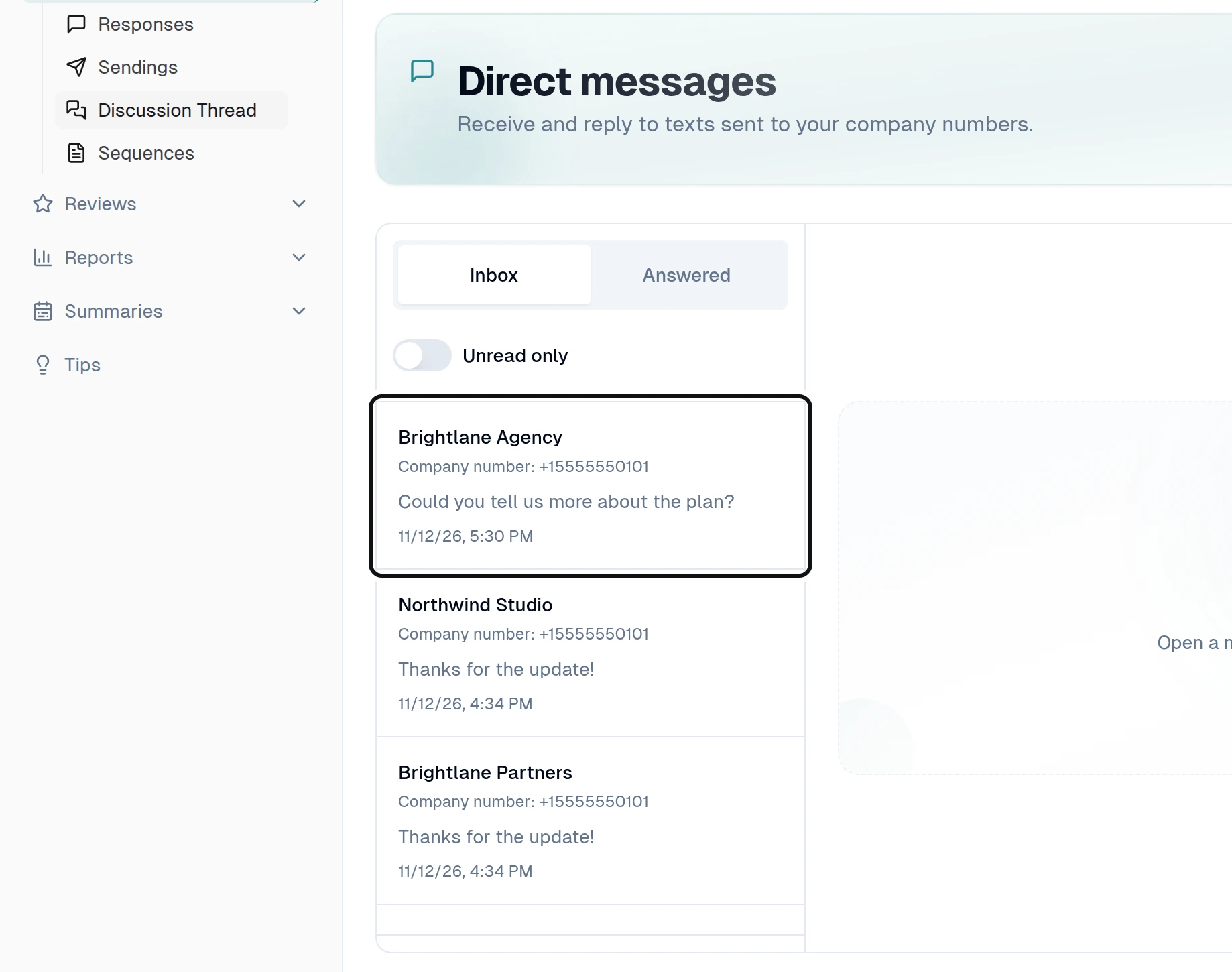
Read the message and any photo in the conversation.
Type your reply in Reply by SMS.
Select Send reply. The reply is sent from the company number that received the message. Its status appears in the conversation.