How do I save a report segment?
Save report filters so you can use them again.
Save report filters so you can use them again.
Open the Questionnaires report
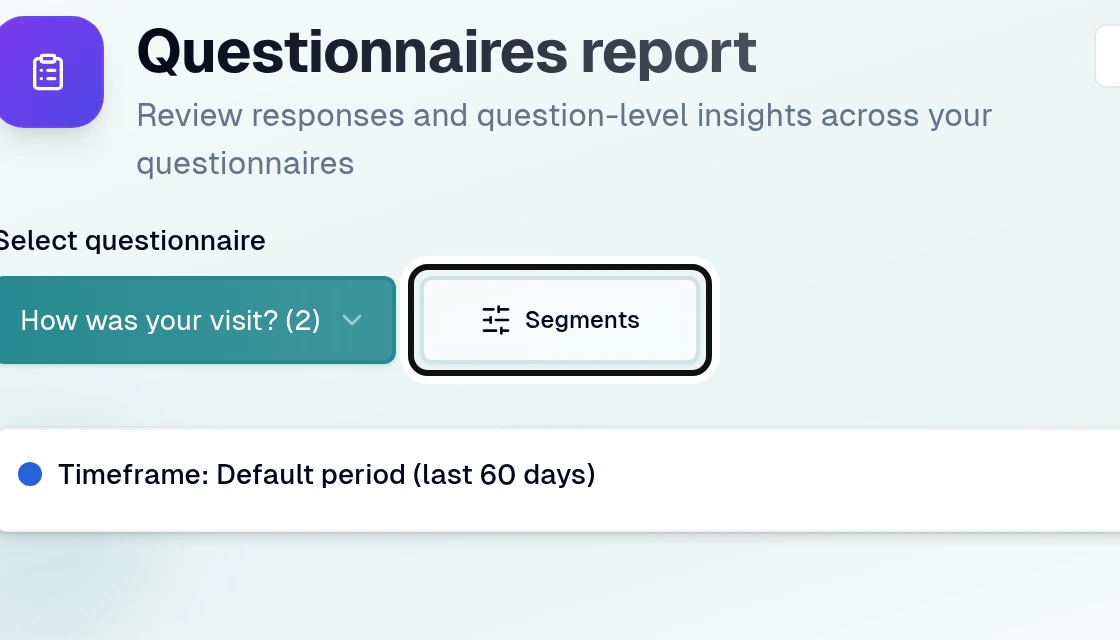
Select a questionnaire and open Segments.
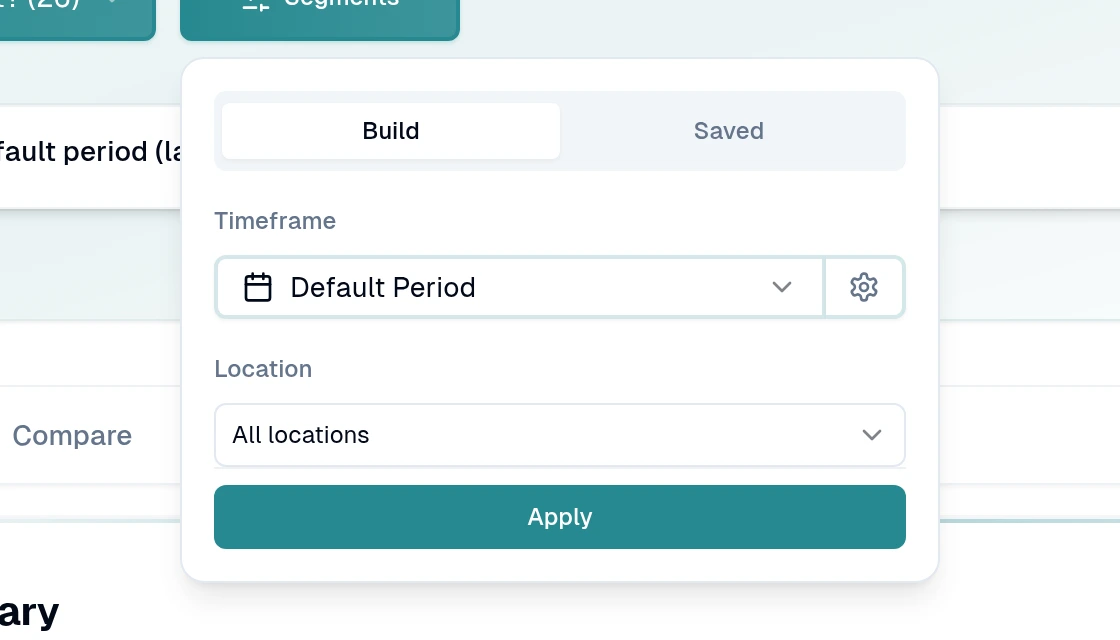
Choose the filters you need and select Apply.
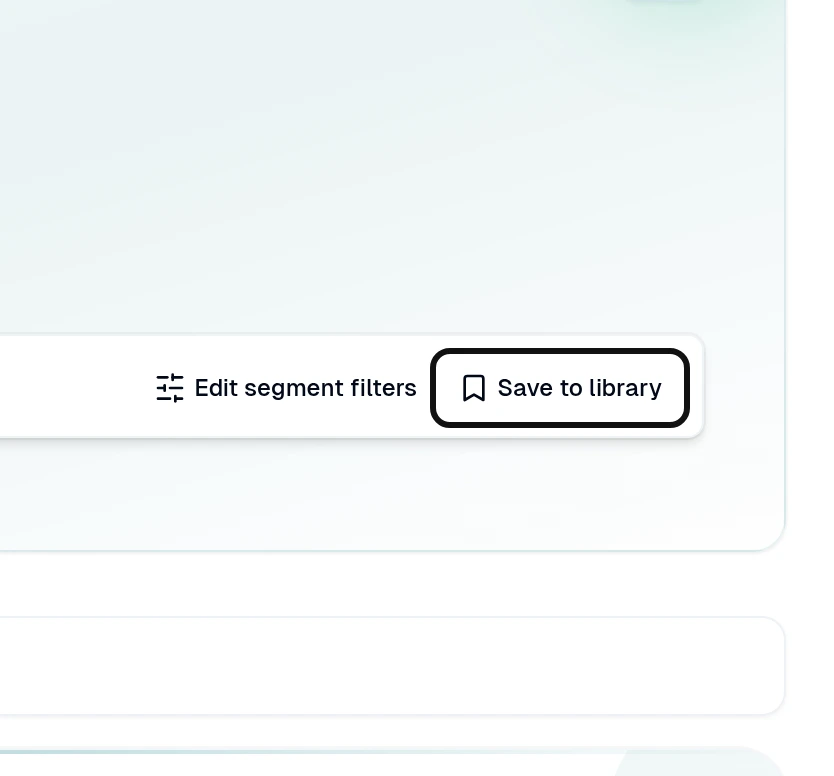
Select Save to library.
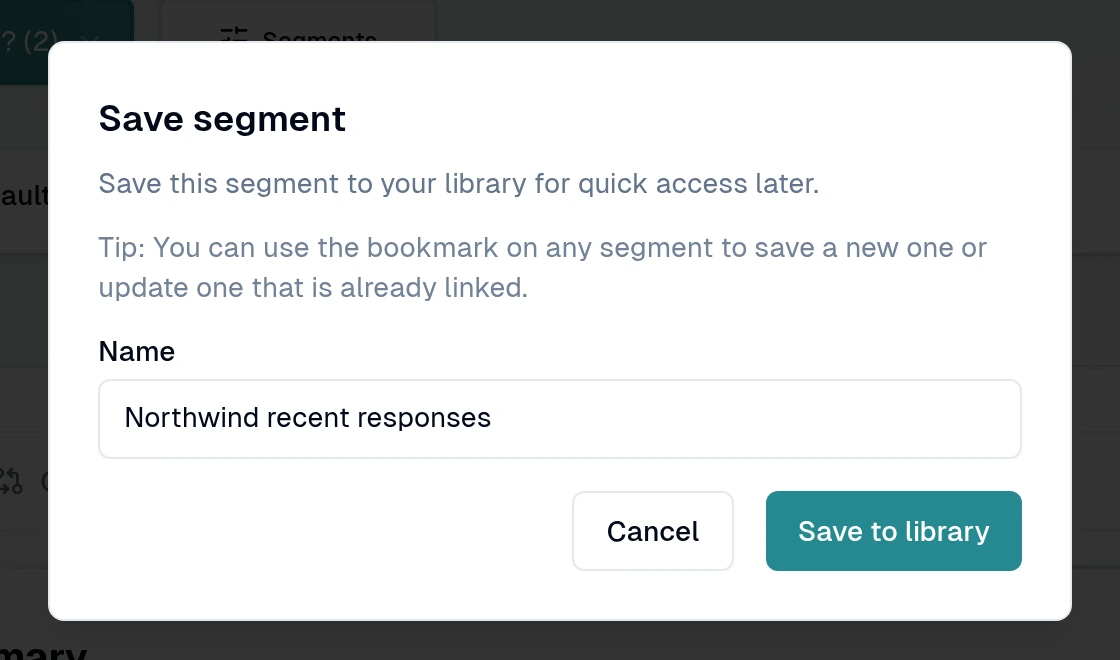
Enter a name and select Save to library.
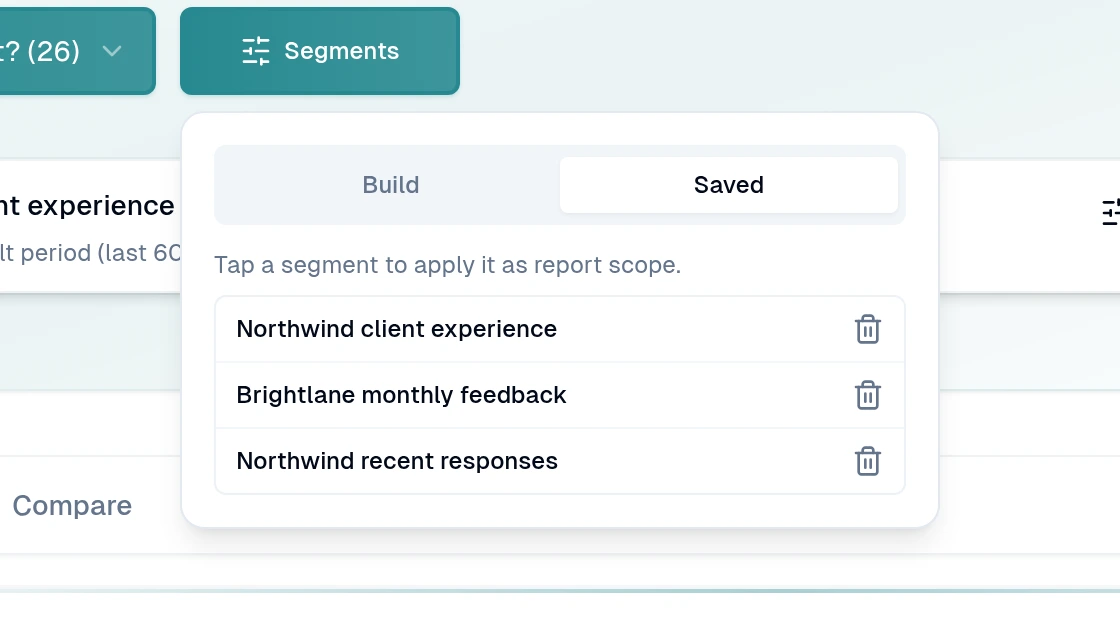
To reuse it, open Segments, choose Saved, then select your segment.
Saved segments belong to your user account.