How do I reset my AI reply writing style?
Start the AI writing style again from defaults or your recent replies.
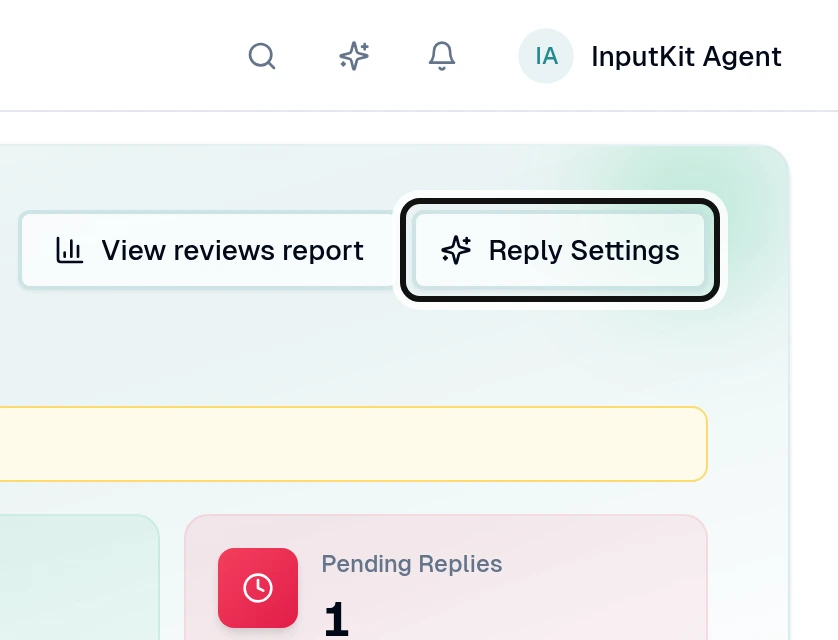
Select Reply Settings.
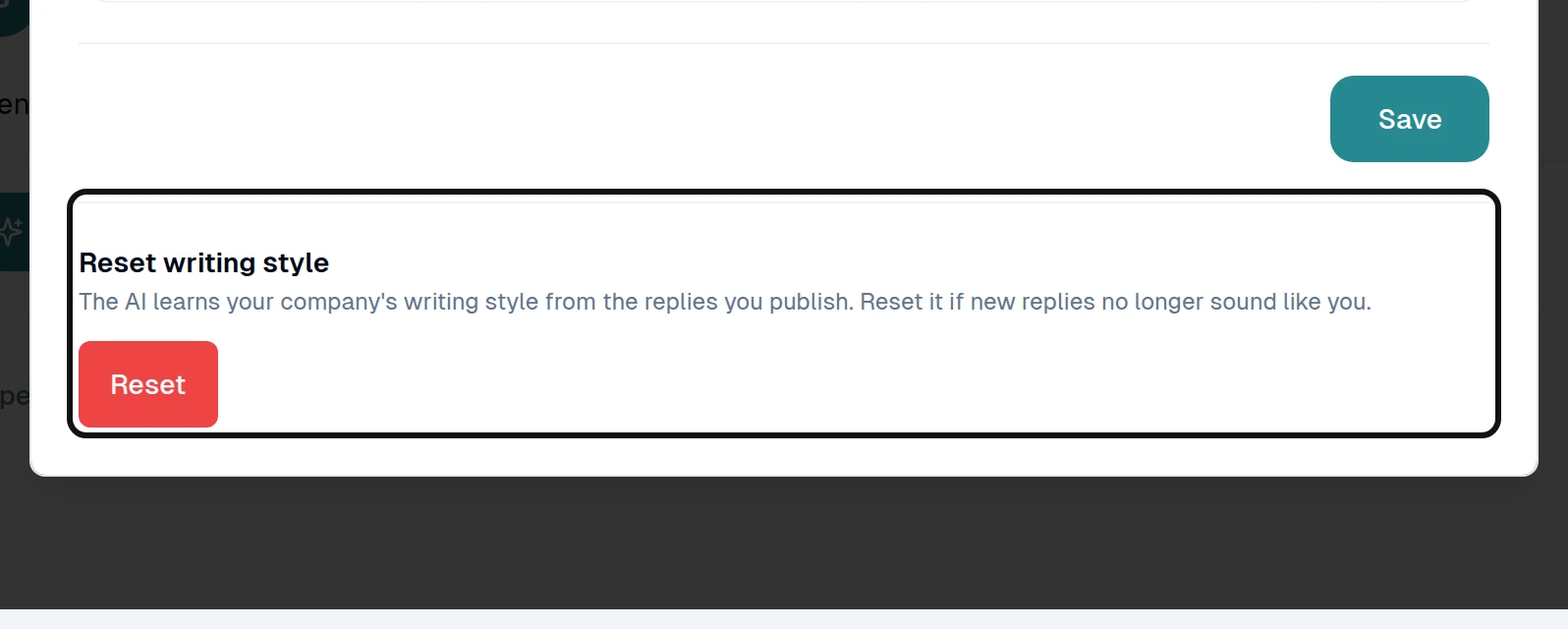
Under Reset writing style, select Reset.
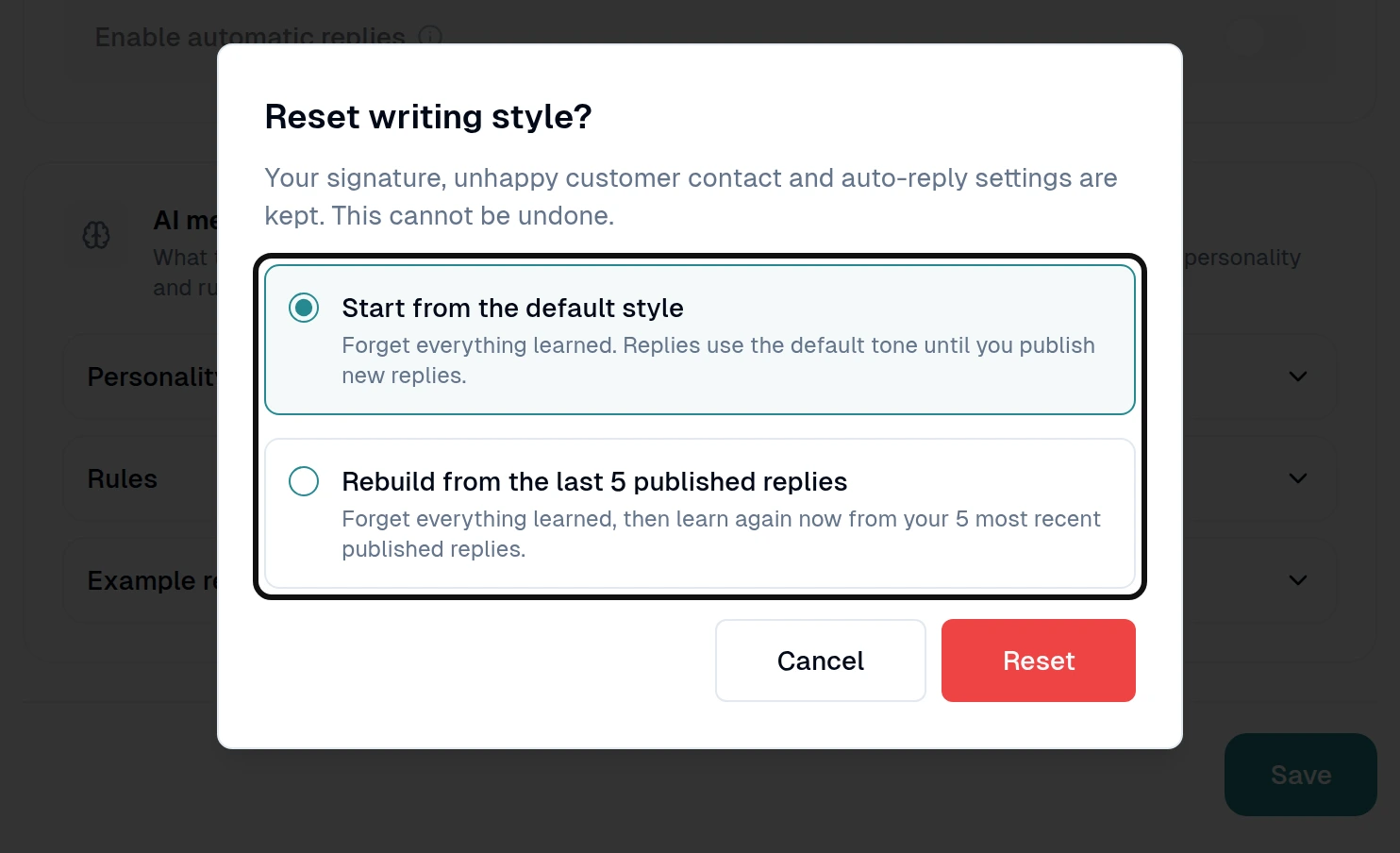
Choose Start from the default style or Rebuild from the last 5 published replies.
Select Reset to confirm.
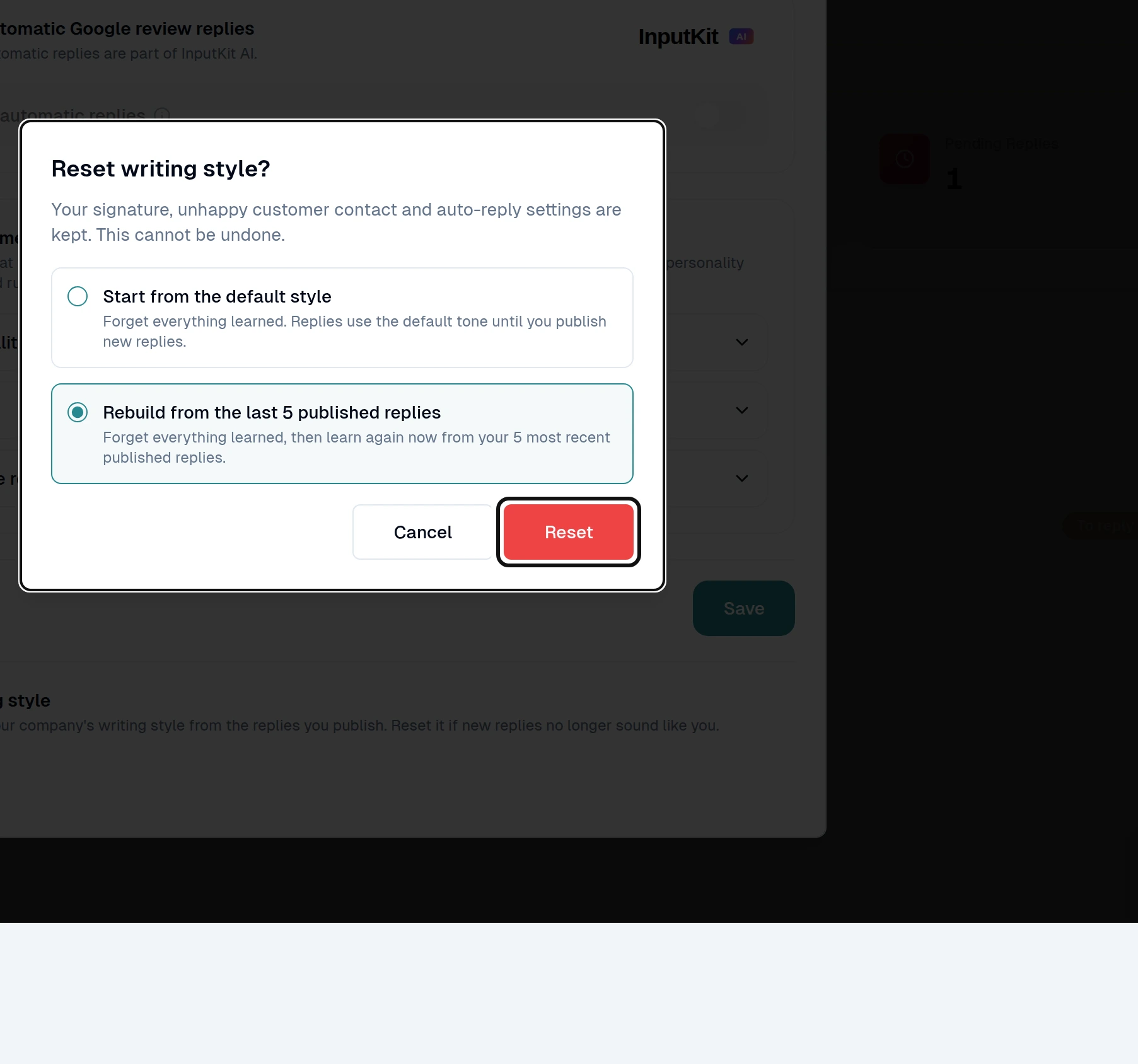
Resetting cannot be undone. Your signature, unhappy customer contact and automatic reply settings stay in place. The writing style also applies to AI replies in discussions.