How do I see the results of a questionnaire?
Review questionnaire answers and summary numbers.
See answers and summary numbers for a questionnaire.
Open the Questionnaires report
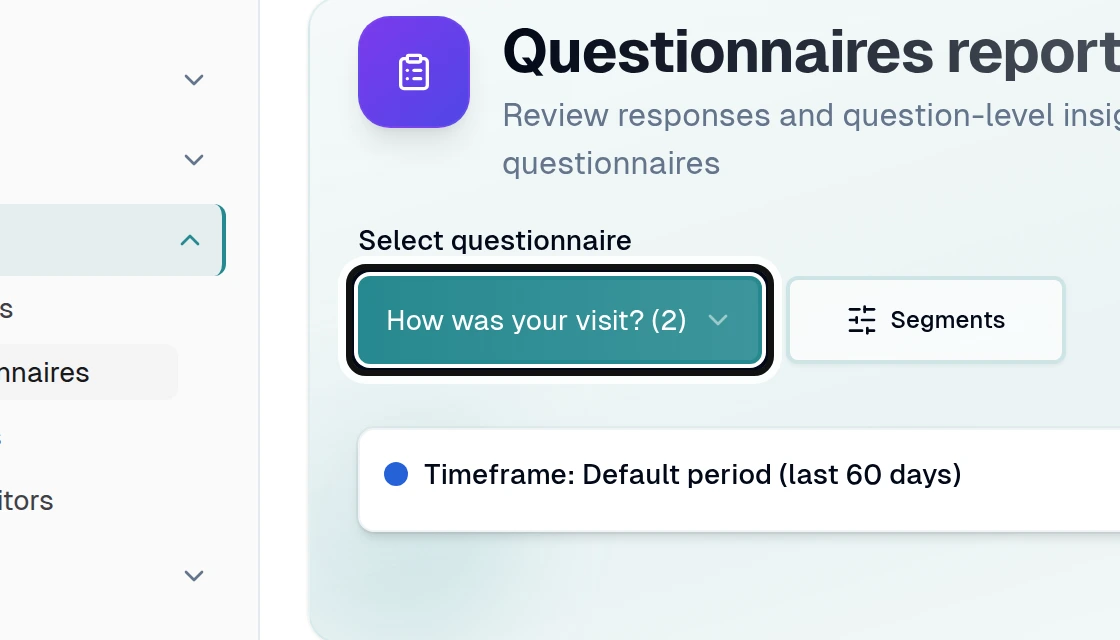
Choose a questionnaire from Select questionnaire.
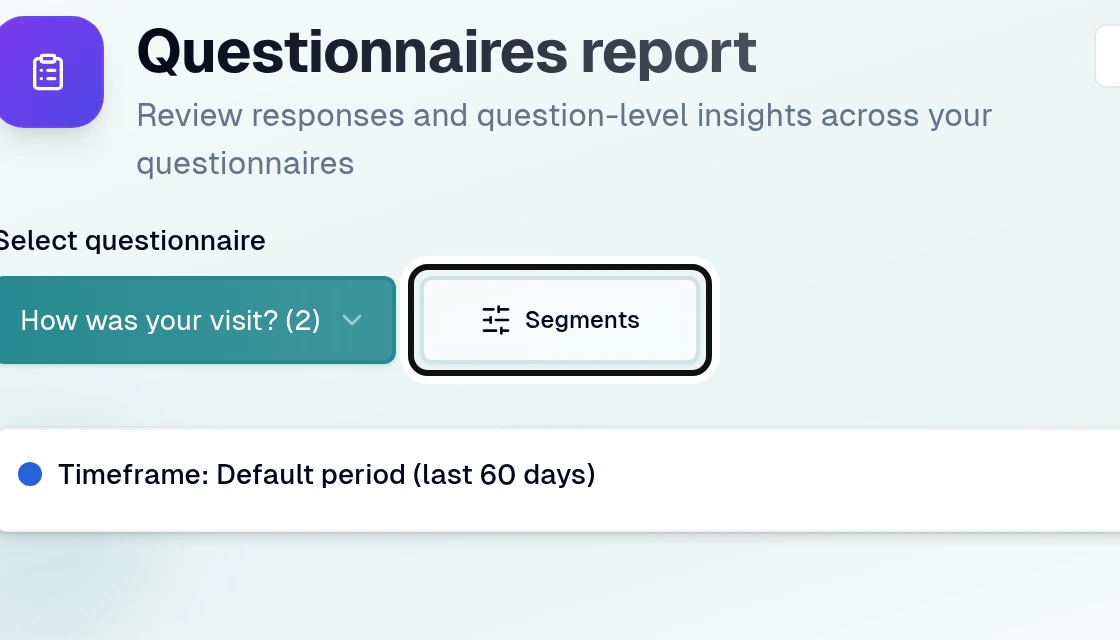
Open Segments.
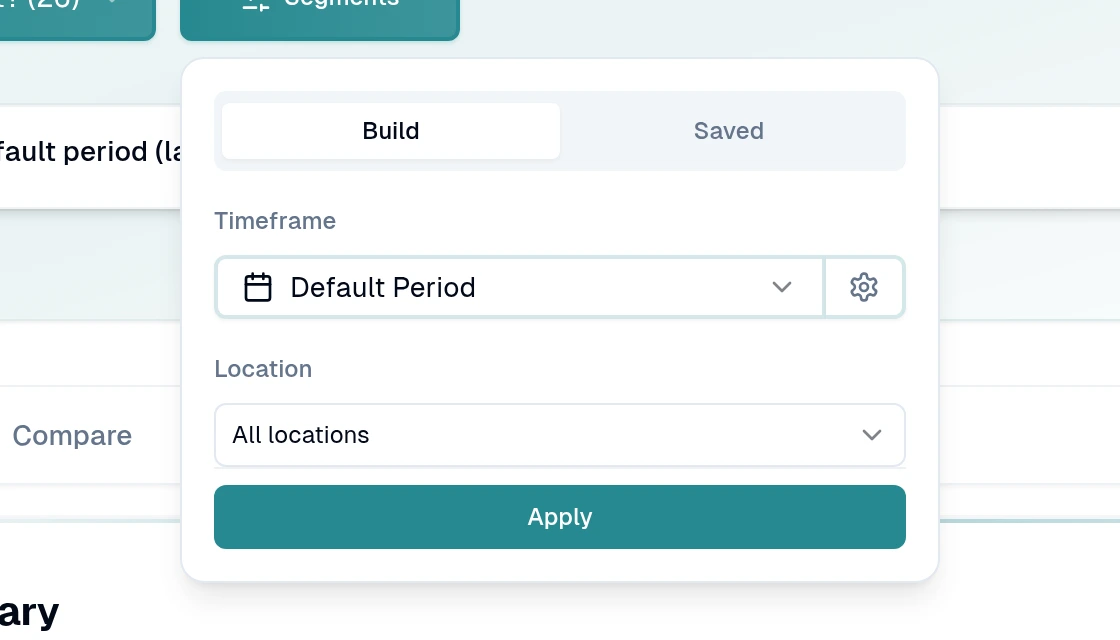
Choose the filters you need and select Apply.
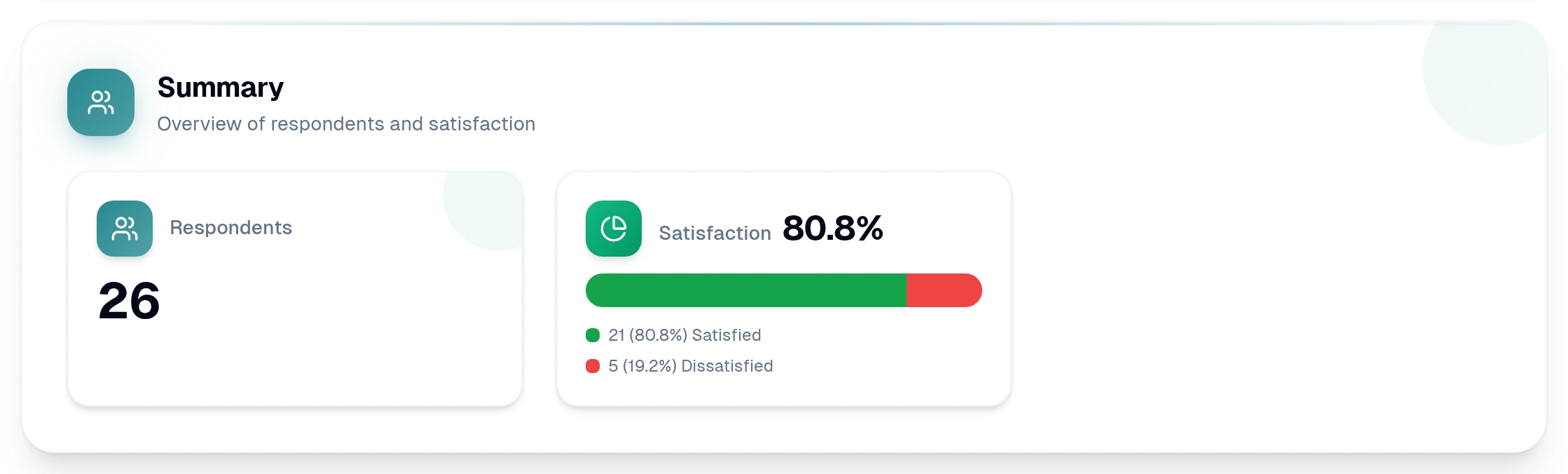
Read the Summary and scroll down to see results for each question.
Use Search questions... to narrow the questions shown. For an open-text question, use Responses to read answers and View response to see an answer in full.