How do I pair an office TV screen?
Connect an office TV with the code on its screen.
The TV shows a pairing code, so nobody needs to sign in on the TV.
Open it on the office TV and leave the pairing code on the screen.
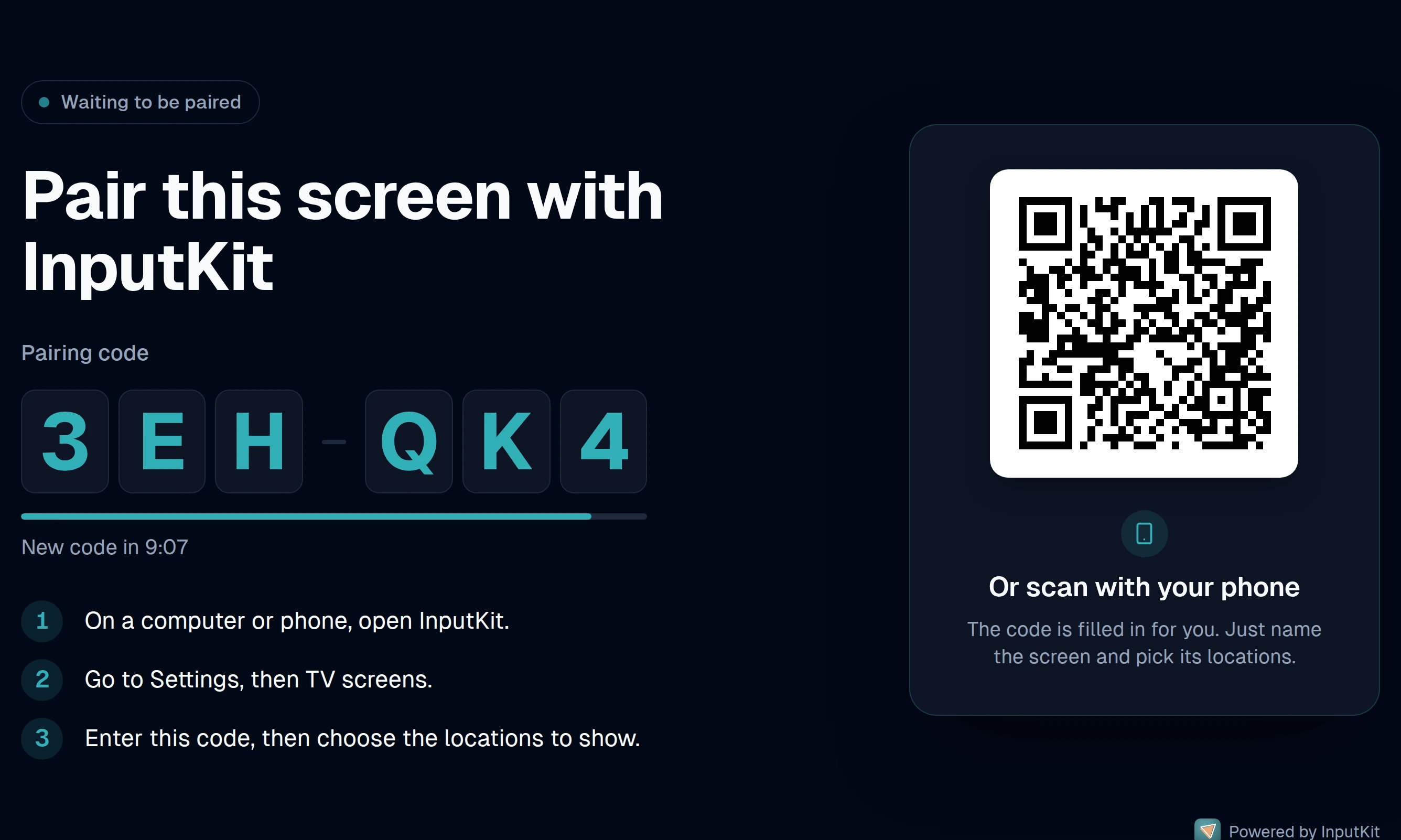
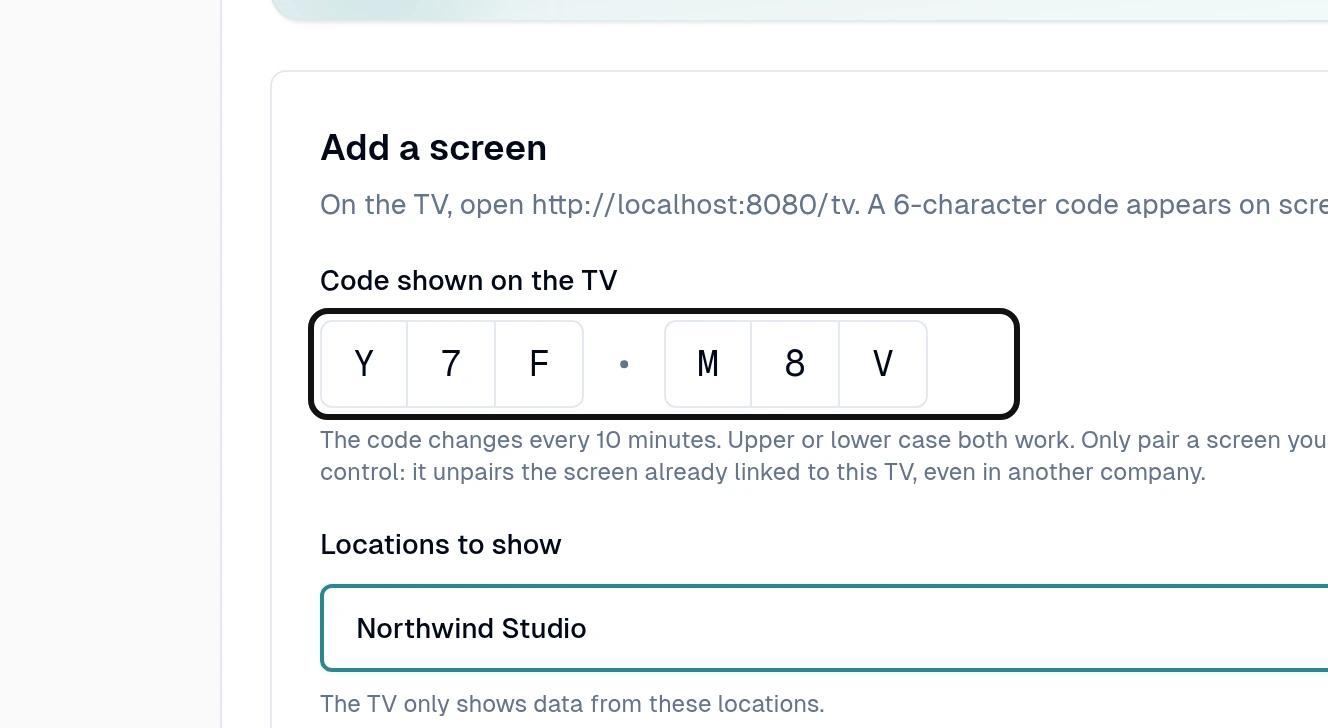
On a signed-in computer or phone, enter the code shown on the TV. The code changes every 10 minutes.
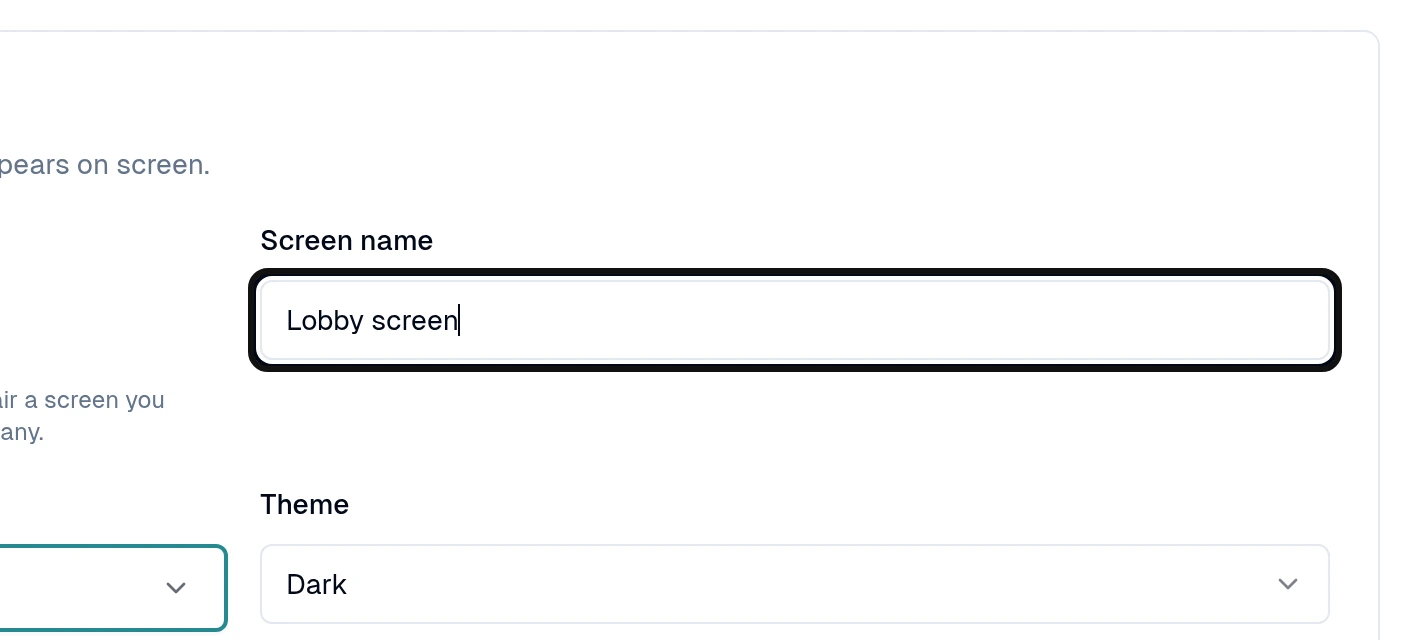
Enter a Screen name.
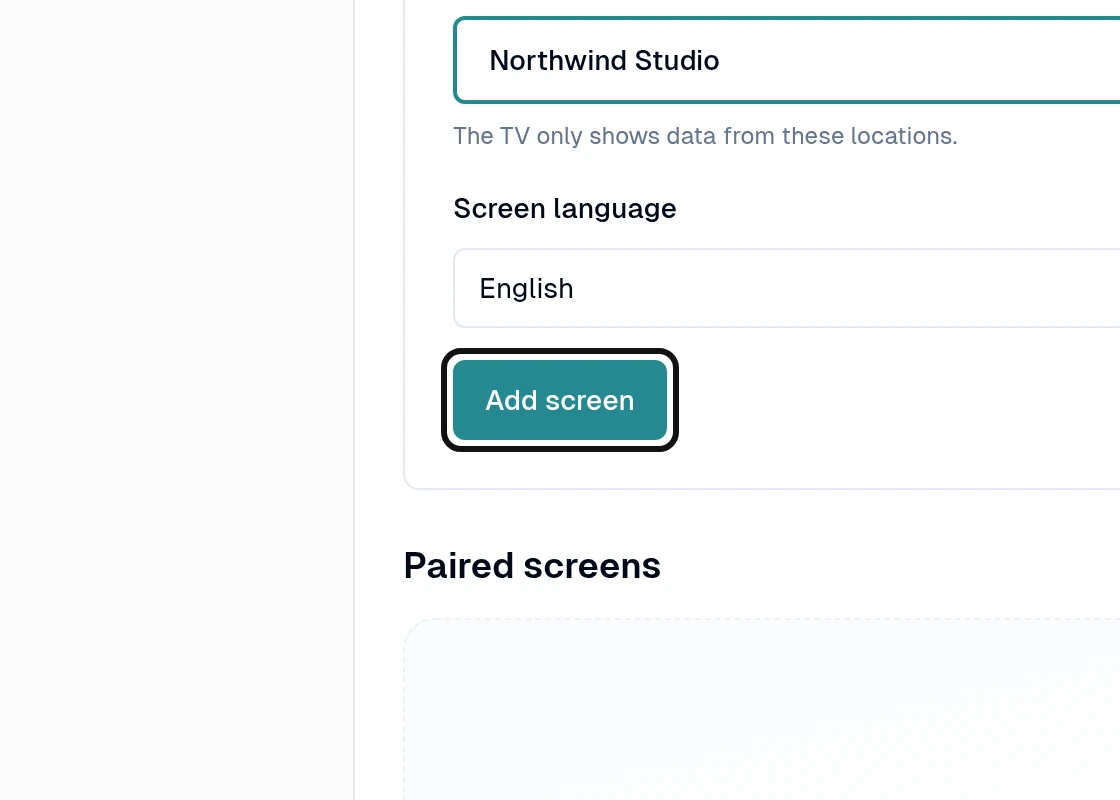
Choose the Locations to show.
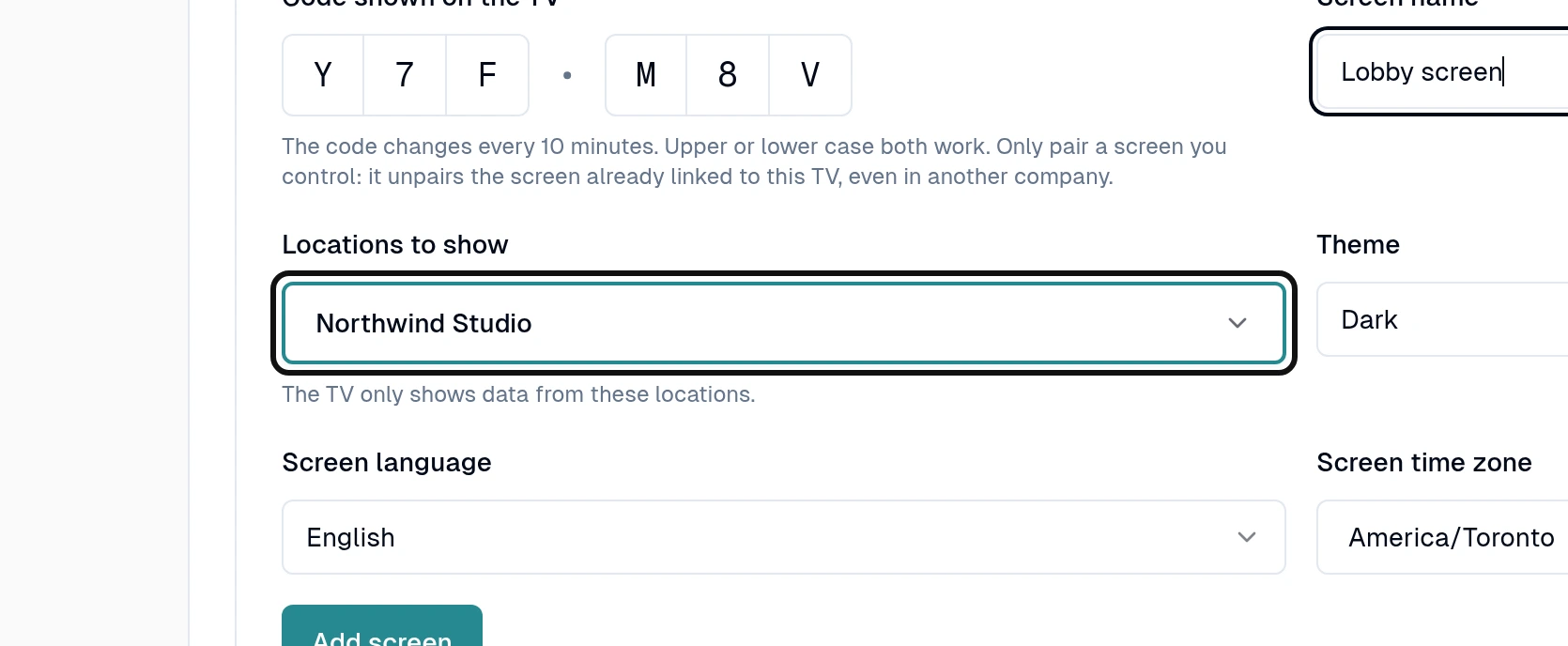
Select Add screen. The screen appears under Paired screens.
Only pair a TV you control: pairing it can replace its existing connection, even if it belongs to another company. You can also choose the screen's theme, language and time zone before adding it.