How do I reconnect an integration that shows an error?
Find an integration in error and follow its steps to connect again.
Written by Philippe Genois
An integration can show Error when its connection needs attention. For an integration that uses the InputKit Chrome extension, a rejected or expired provider session can require you to sign in again.
Find the integration marked Error under Active integrations and click Configure.
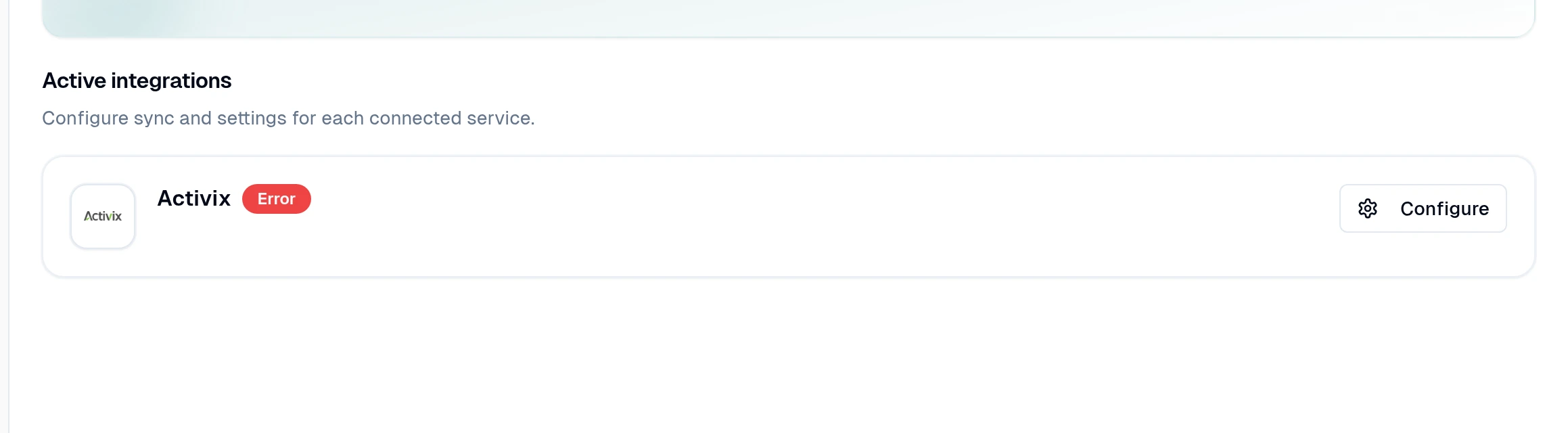
Follow the instructions on the integration page to sign in again. For Activix, sign in to Activix in Chrome, open the InputKit extension there, and refresh the integration page once it connects.
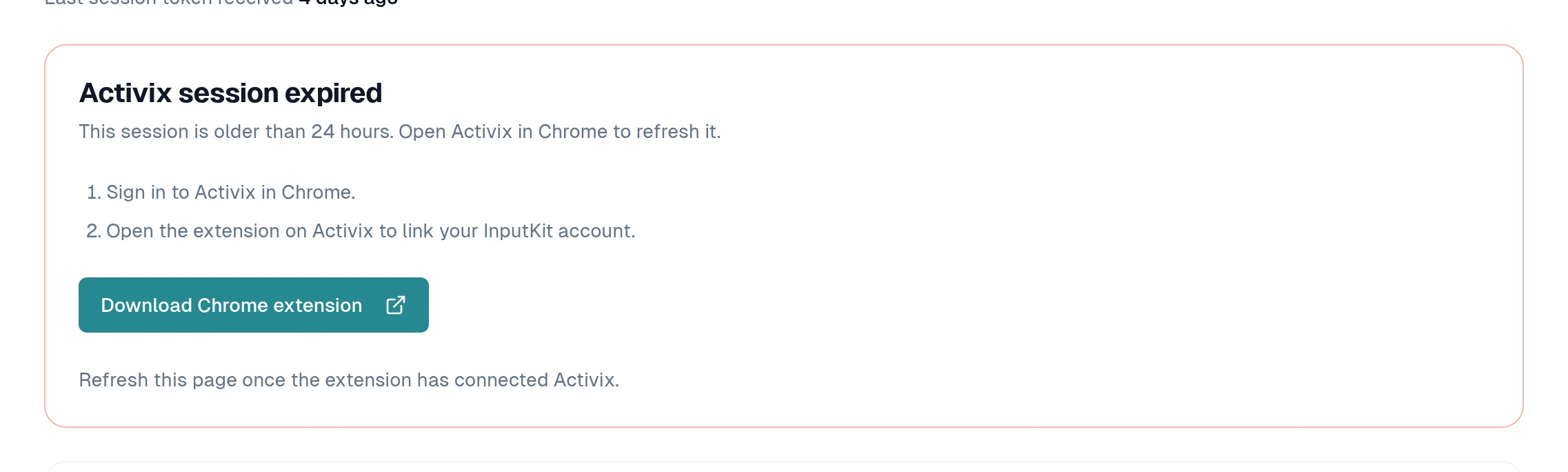
If you cannot manage the integration, ask someone with permission to manage integrations. If it still shows an error after you reconnect, contact the InputKit team through the chat.
Did this answer your question?