How do I choose what my TV screen shows?
Change the locations and content on a paired TV screen.
Written by Philippe Genois
Choose the locations and information shown on a paired screen.
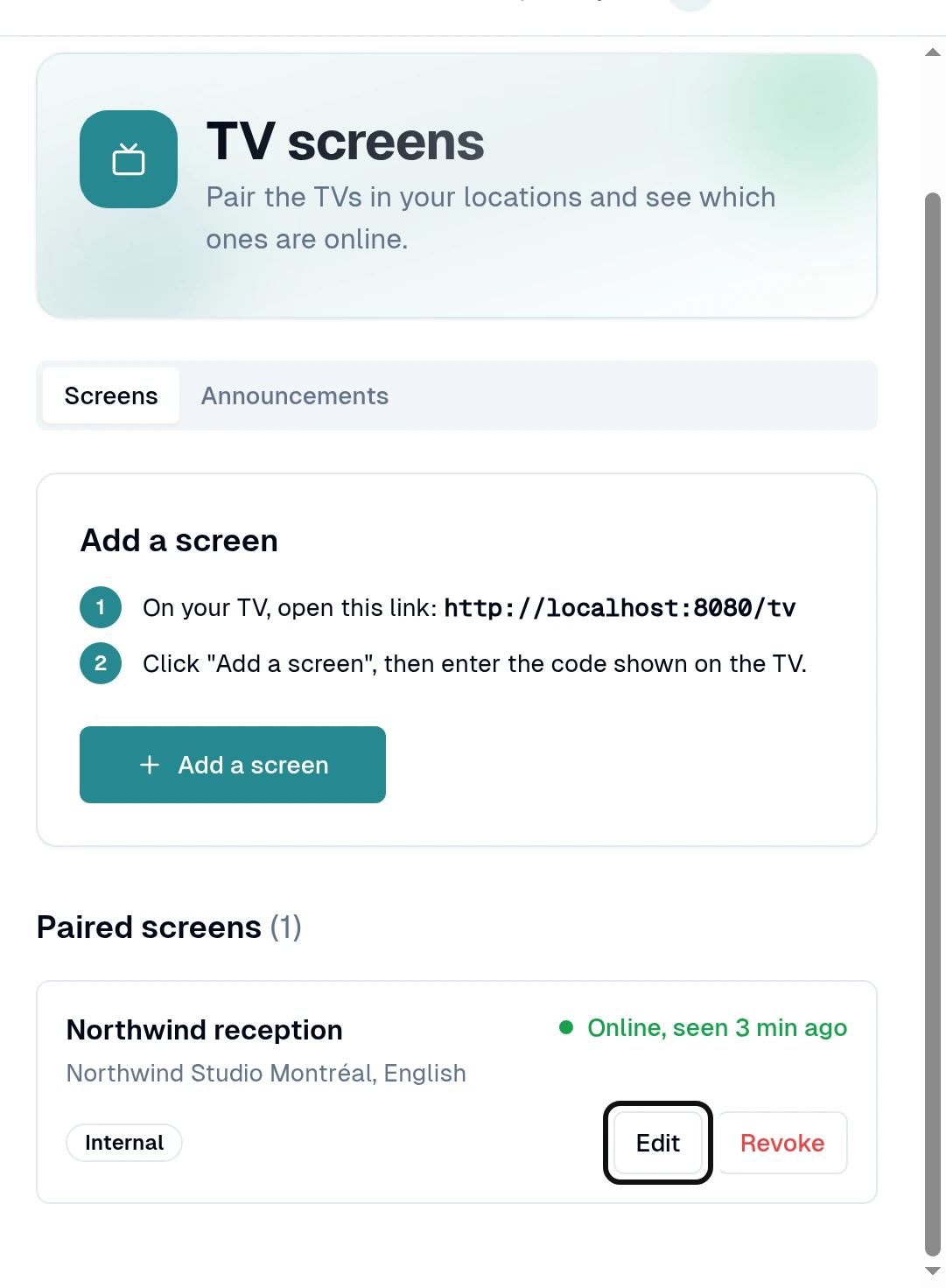
Under Paired screens, select Edit for the screen you want.
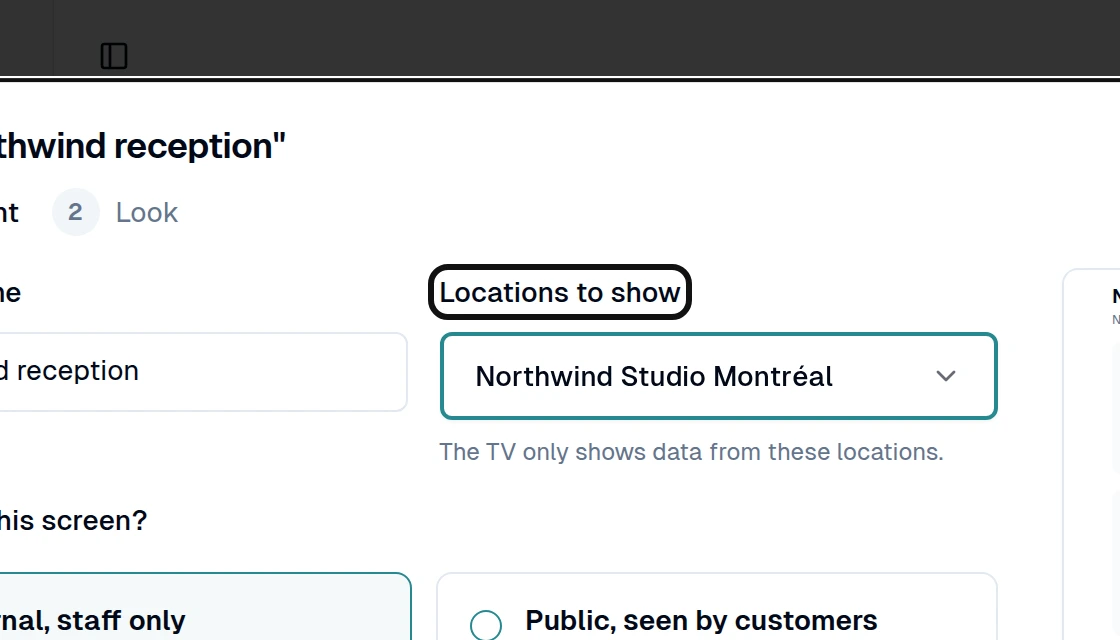
Choose the Locations to show. The TV only shows data from these locations.
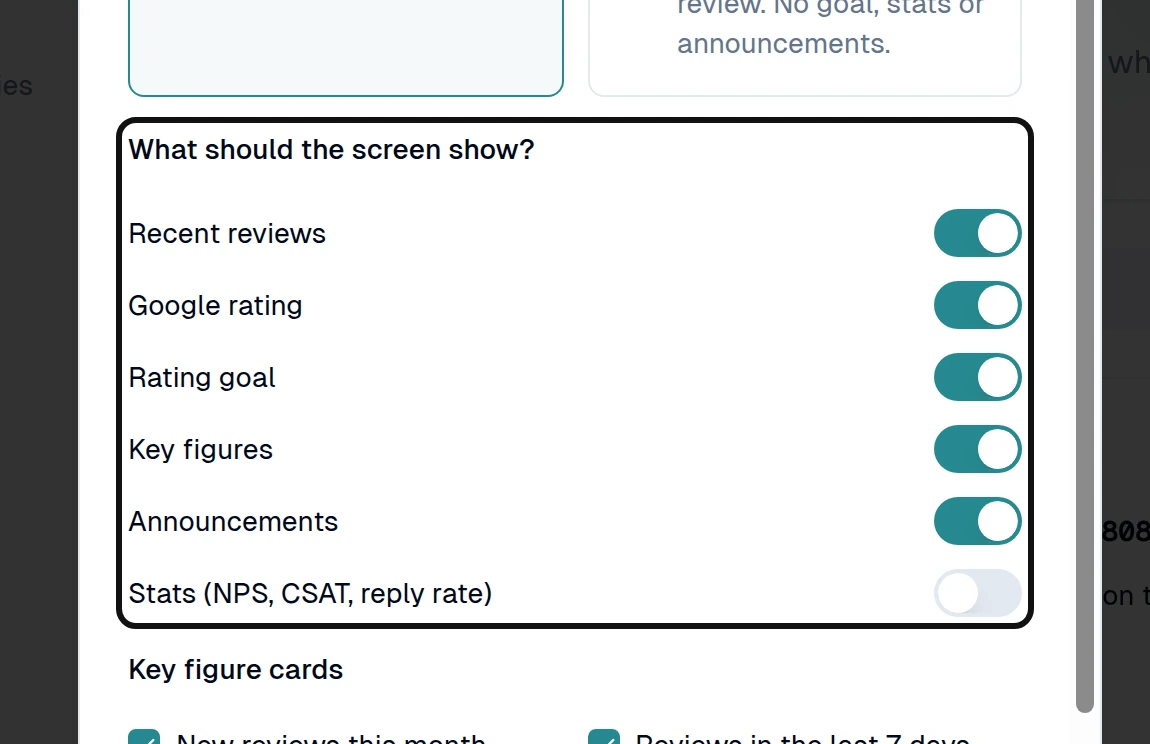
Under What should the screen show?, turn on the items you want, such as Recent reviews, Google rating, Rating goal and Stats (NPS, CSAT, reply rate). The reviews shown are Google 5-star reviews with a comment.
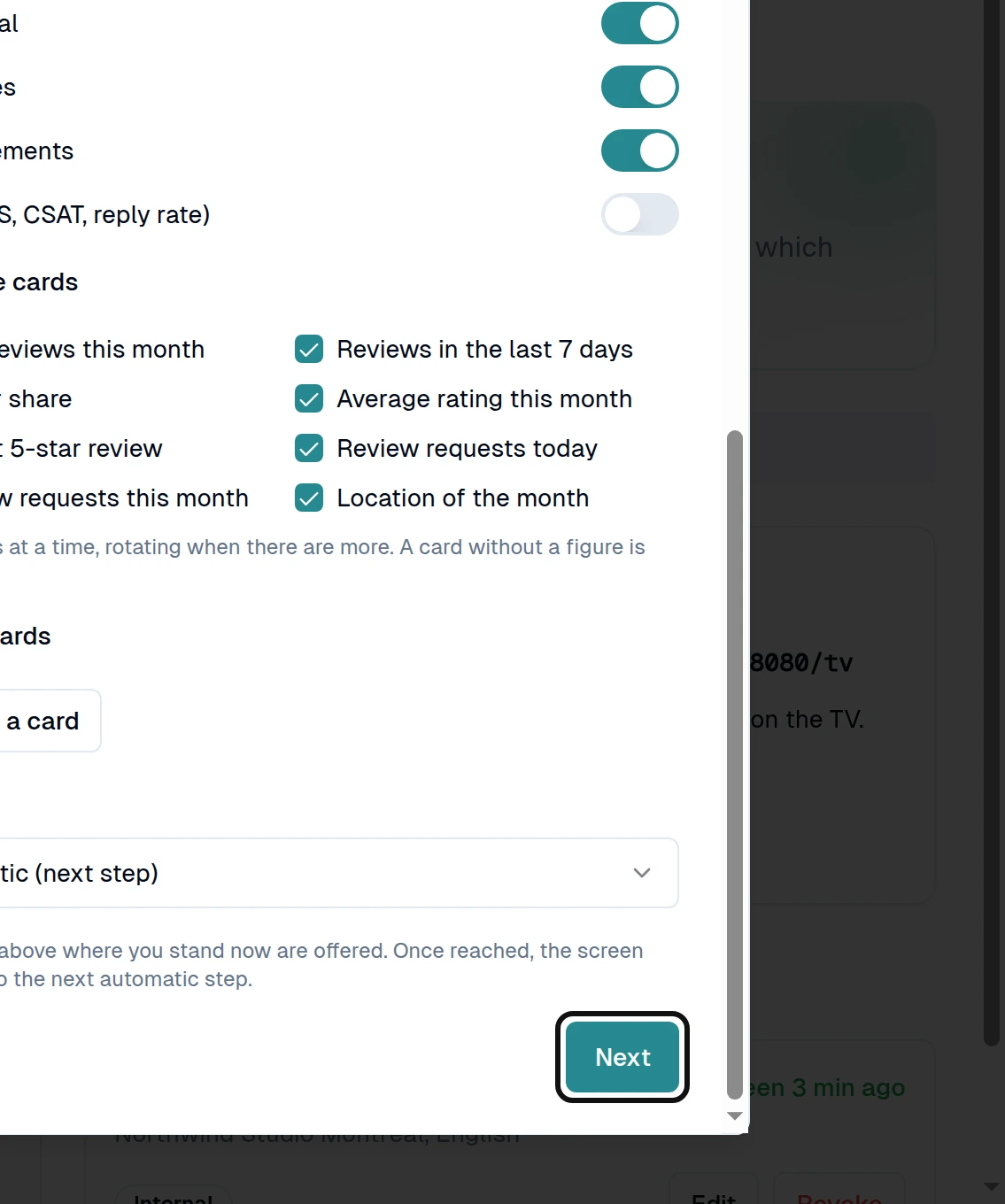
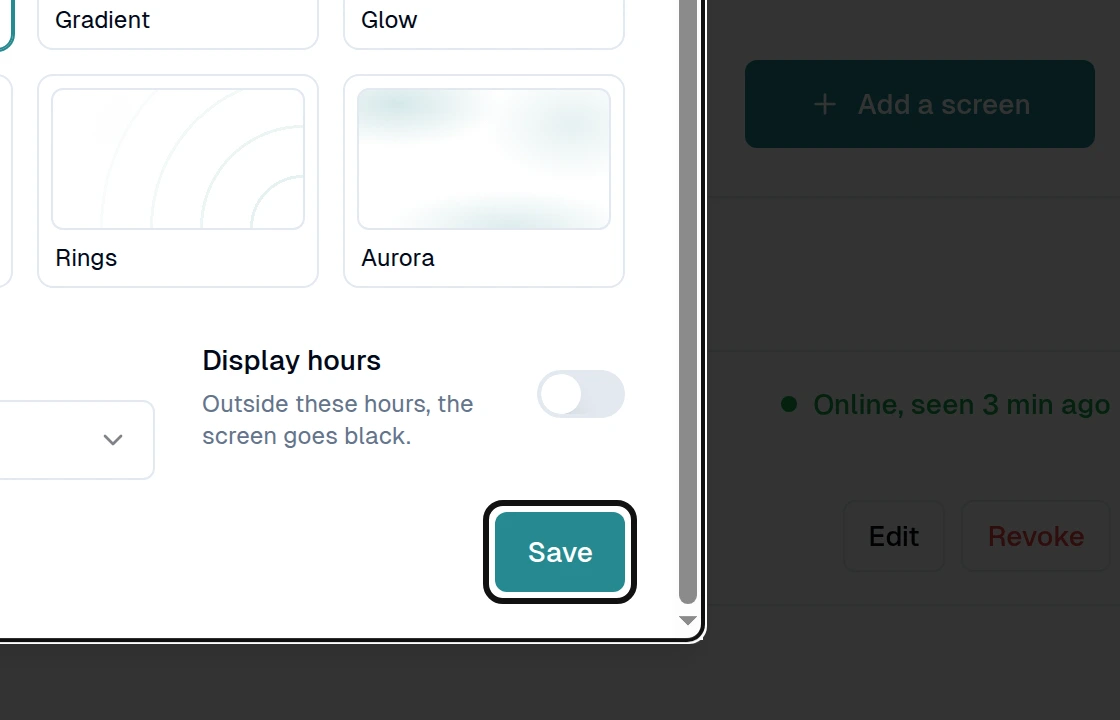
Select Next to choose the look, language and time zone.
To finish editing the paired screen, select Save.
A Public, seen by customers screen shows the Google rating and 5-star reviews with a QR code, without goals, stats or announcements. To show stats, you need access to the reports for every chosen location.
Did this answer your question?