How do I send a sequence when a Zoho CRM deal is updated?
Send a sequence to a deal's contact when the deal is updated in Zoho CRM.
Send a sequence to a deal's contact when the deal is updated in Zoho CRM.
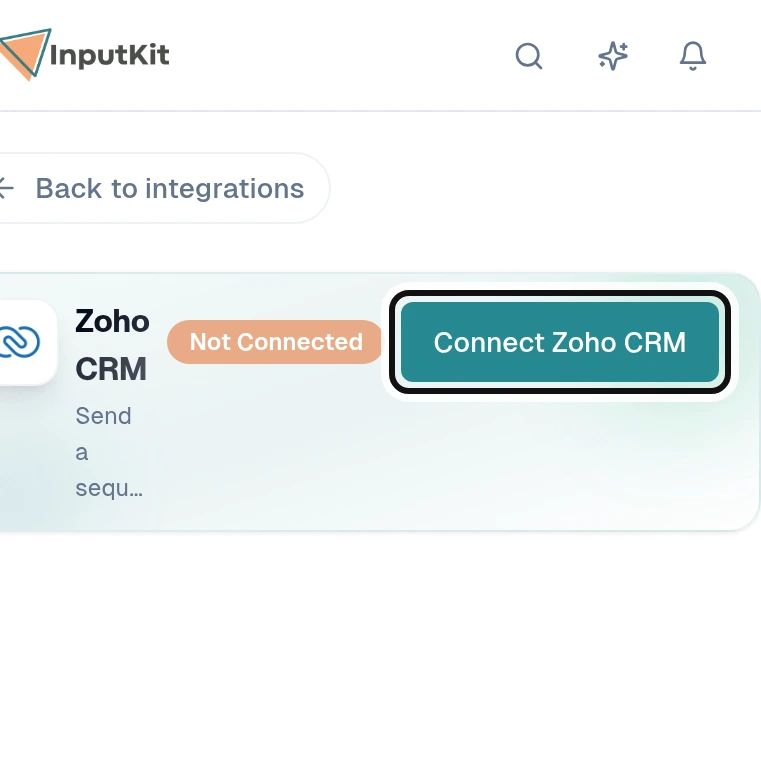
Select Connect Zoho CRM.
Sign in to Zoho and accept the connection.
On the Zoho CRM page in InputKit, select Add a trigger.
Choose the Sequence to send when a deal is updated.
Choose the location and timing for the sending.
Select Next and map the deal and contact fields you need.
Select Next and add any filters you want.
Select Create trigger.
For Zoho Books, see How to connect Zoho Books to InputKit.
Did this answer your question?
NoPartlyYes