How do I add or change questions in a sequence that already has answers?
Change a sequence's questions while keeping the answers already collected.
Change a sequence's questions while keeping the answers already collected.
You can add, remove, move or change the type of questions after a sequence has answers. You no longer have to duplicate the sequence just to make these changes.
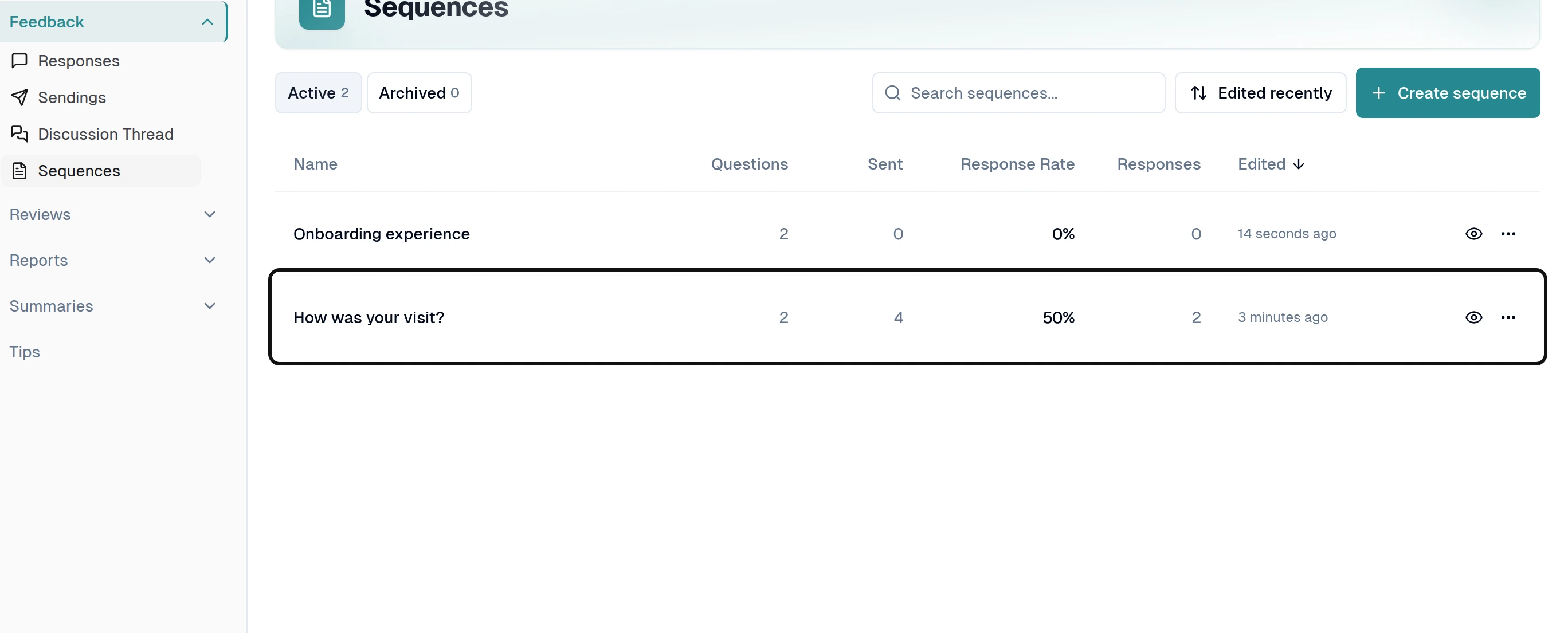
Select the sequence you want to change.
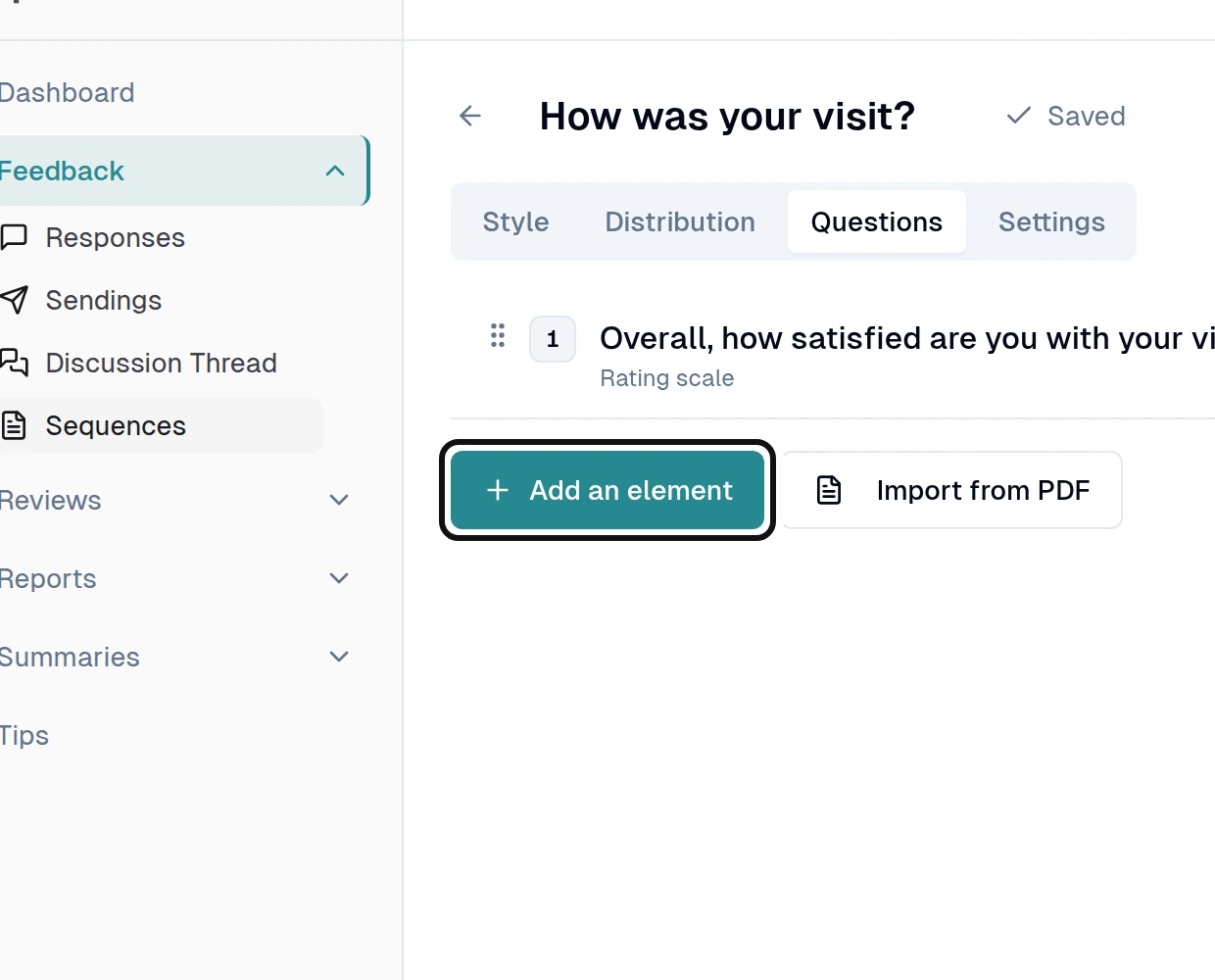
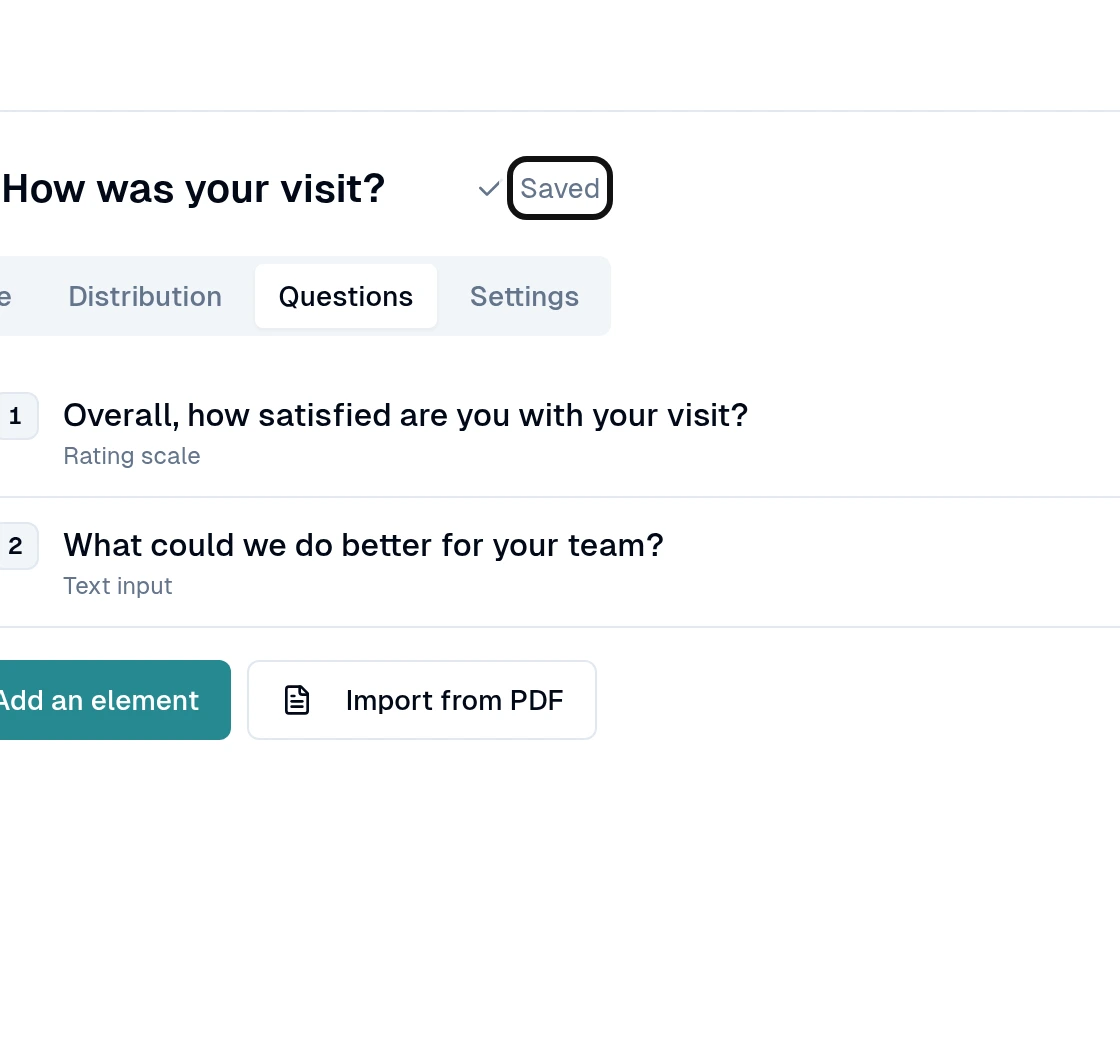
In Questions, select Add an element.
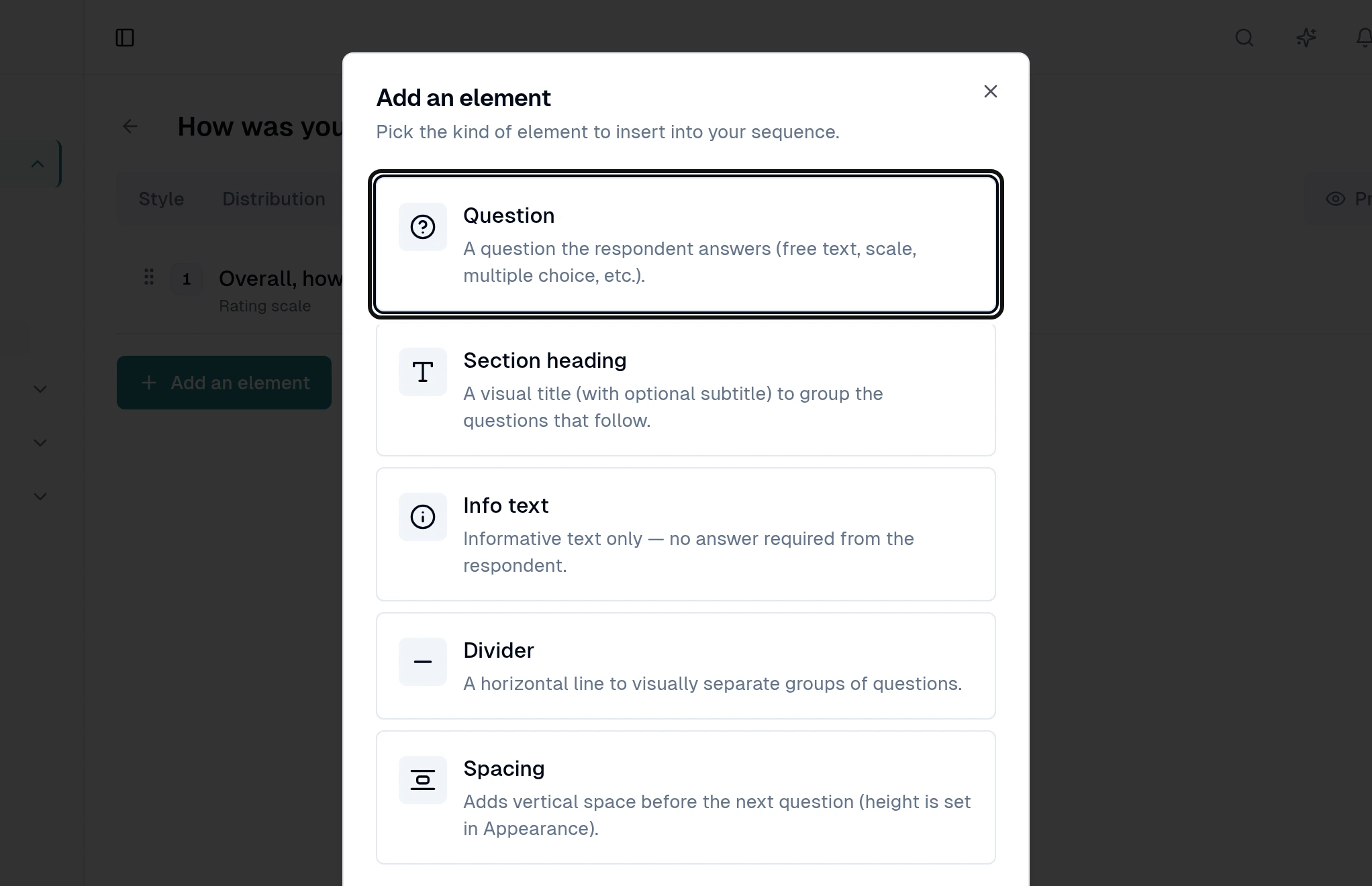
Select Question.
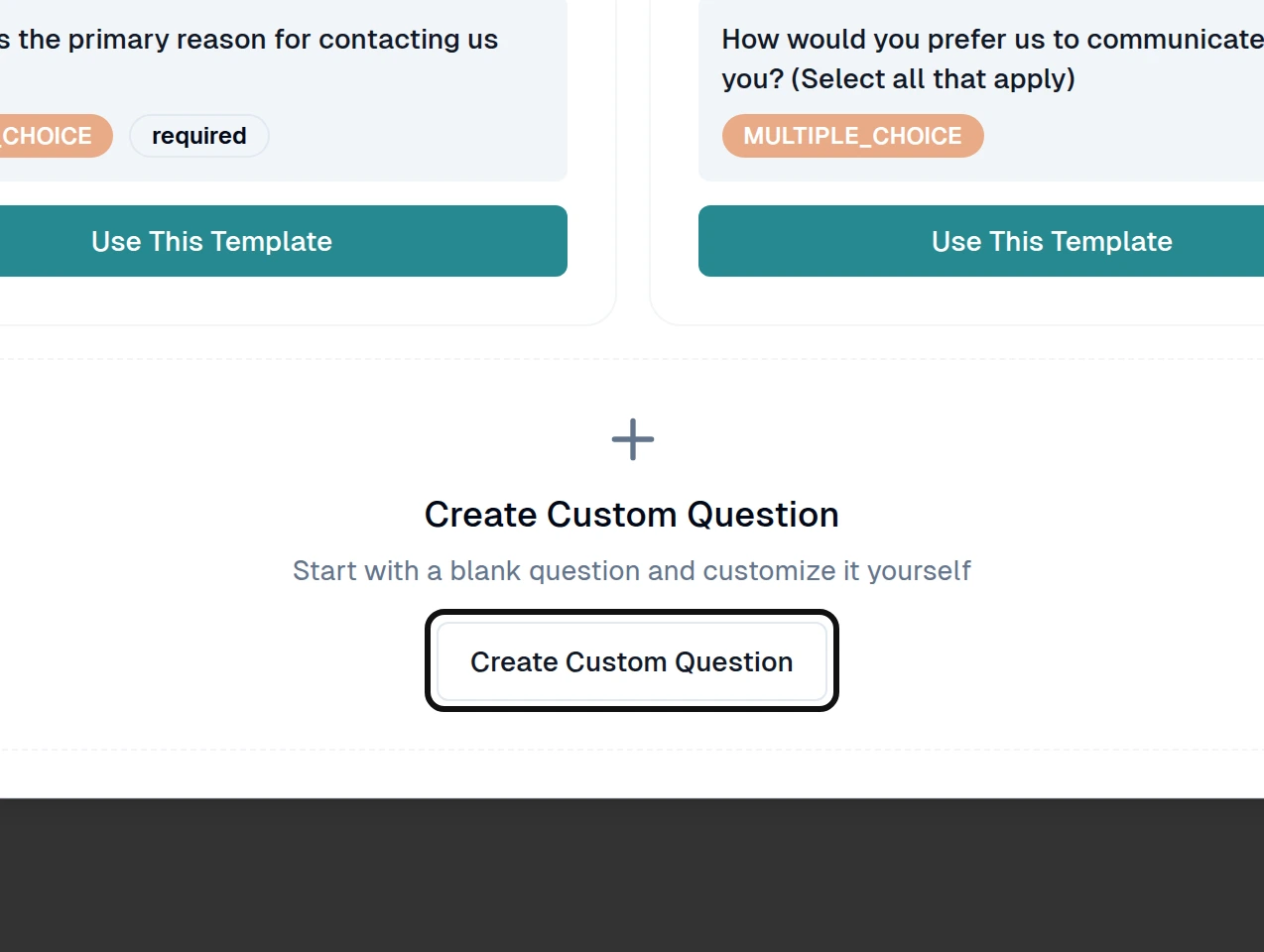
Select Create Custom Question, or choose a template.
Open the question and enter its text.
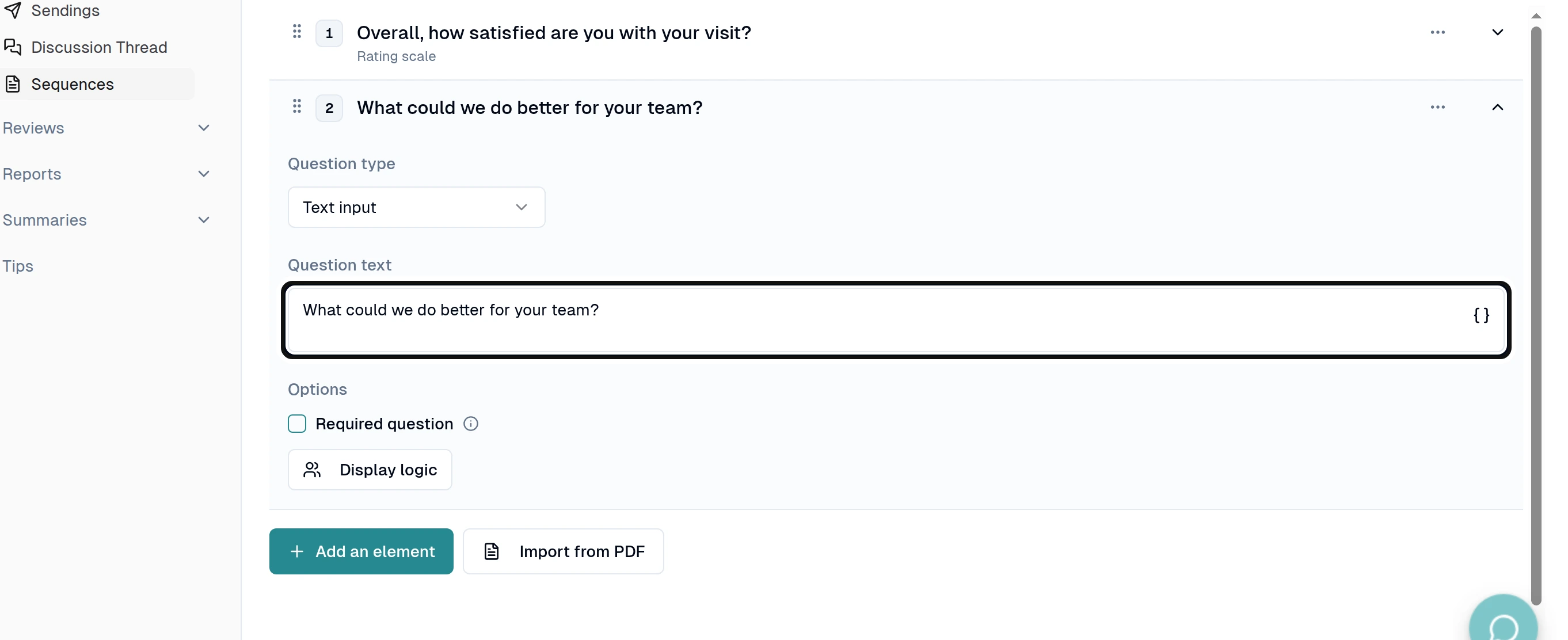
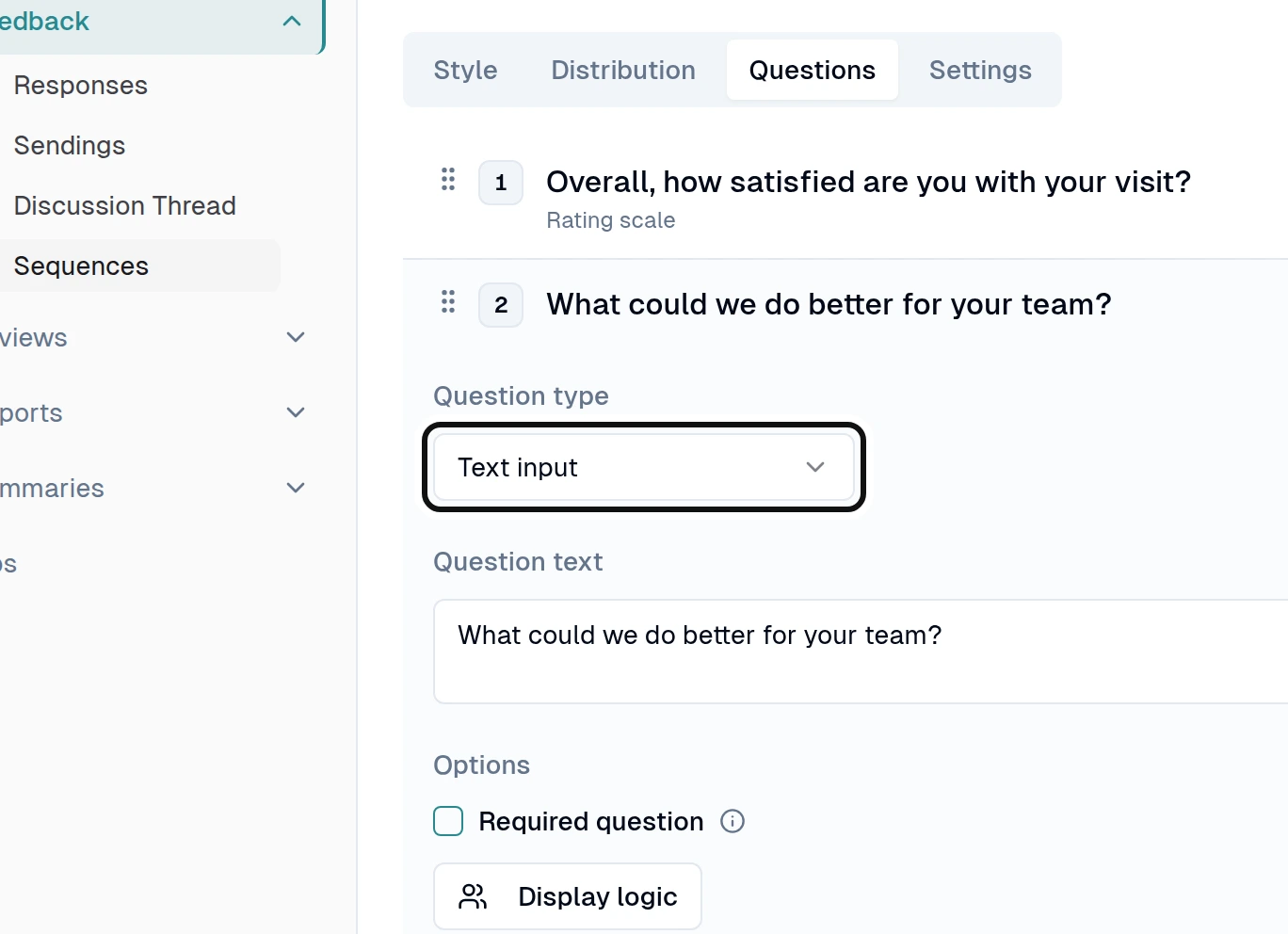
To change its kind, use Question type.
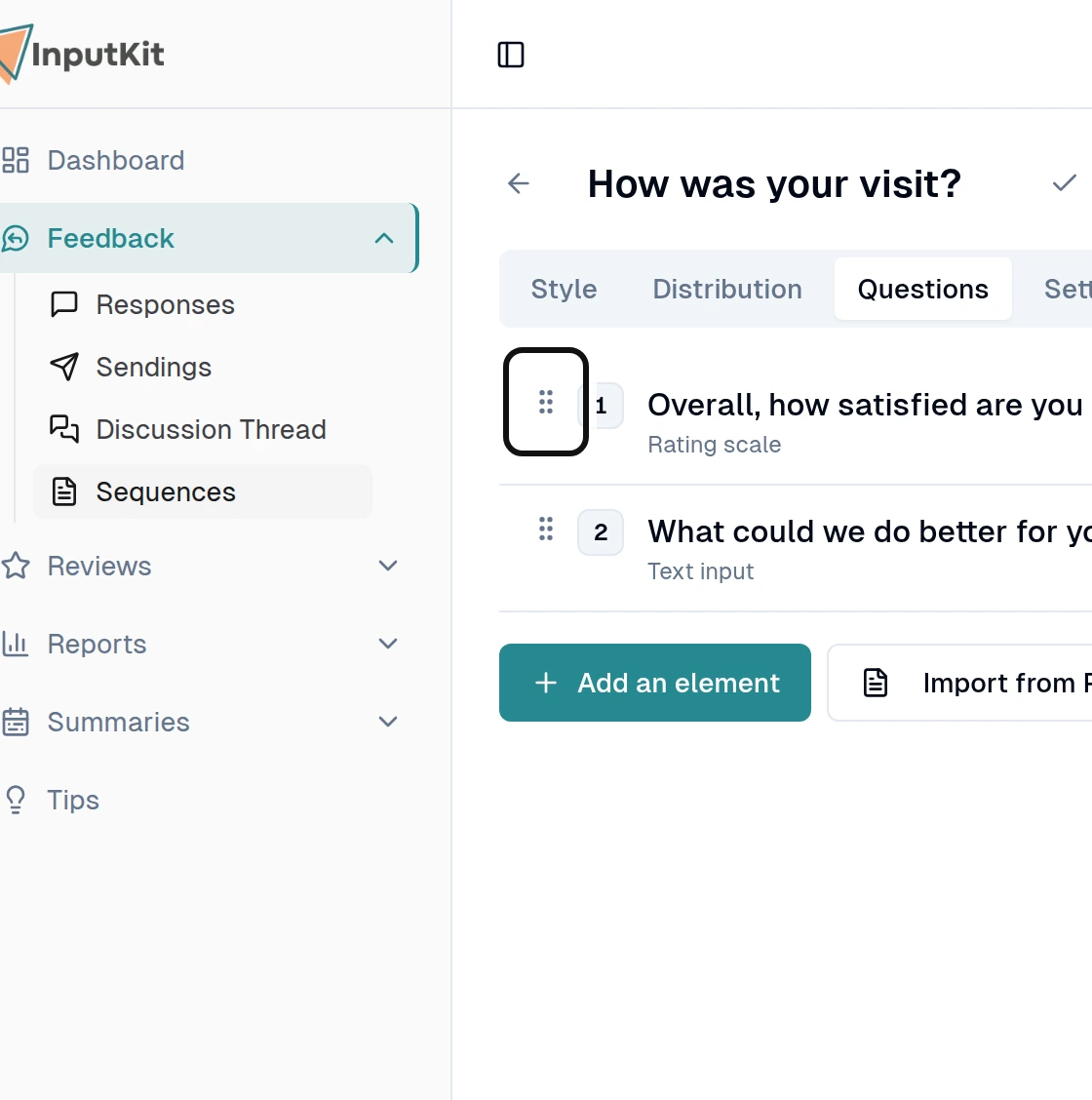
To move a question, drag its handle to its new place.
To remove a question, open its actions menu and select Delete.
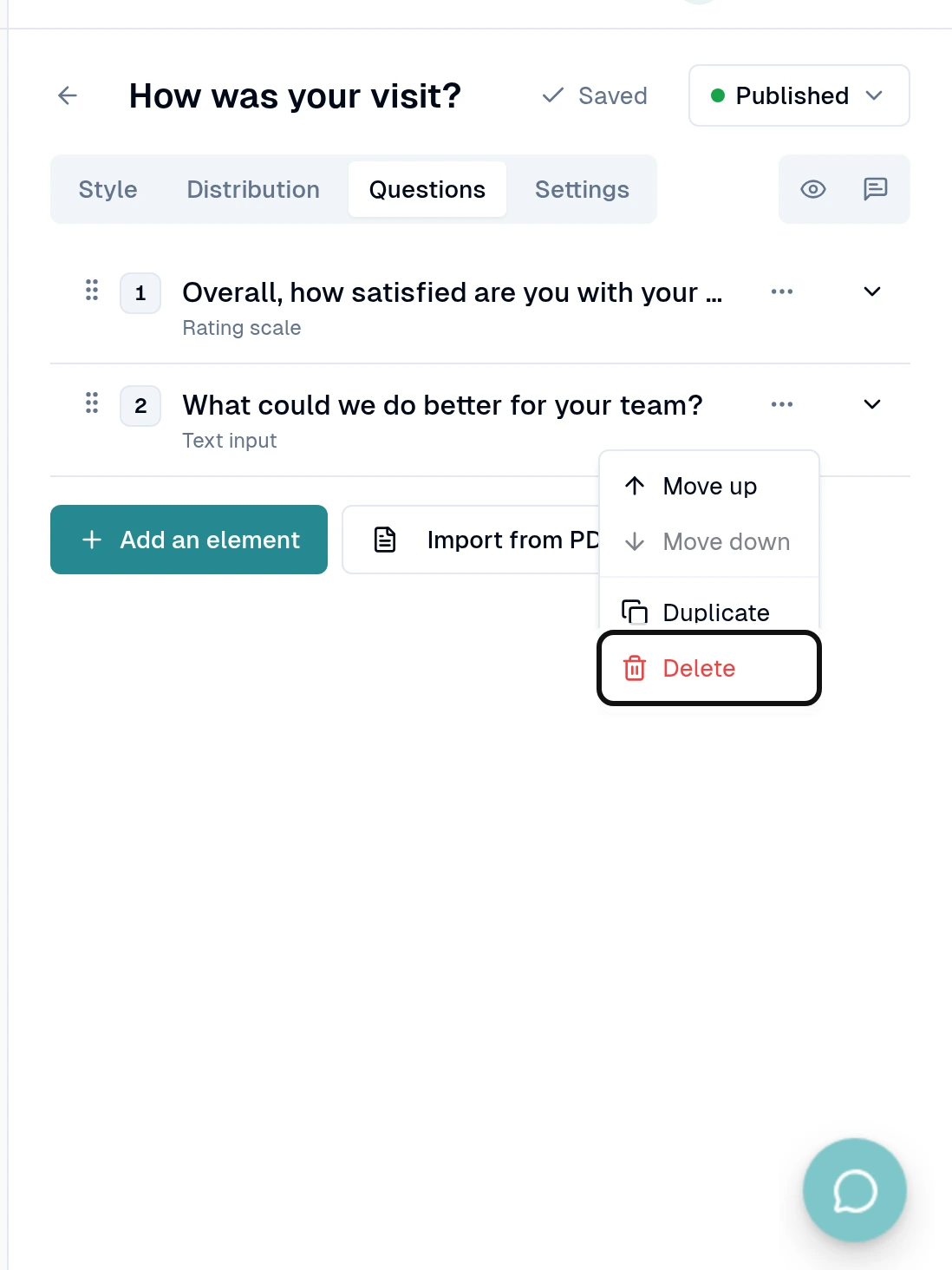
Check that the header says Saved.
Past answers are kept, including answers to a removed question. A regular sequence must keep at least one question. If you prefer a separate sequence, you can still duplicate it from the sequence list.
Did this answer your question?