How do I create a sequence?
Create and publish a sequence for customer feedback.
Create a sequence, choose its questions and delivery, and publish it when it is ready.
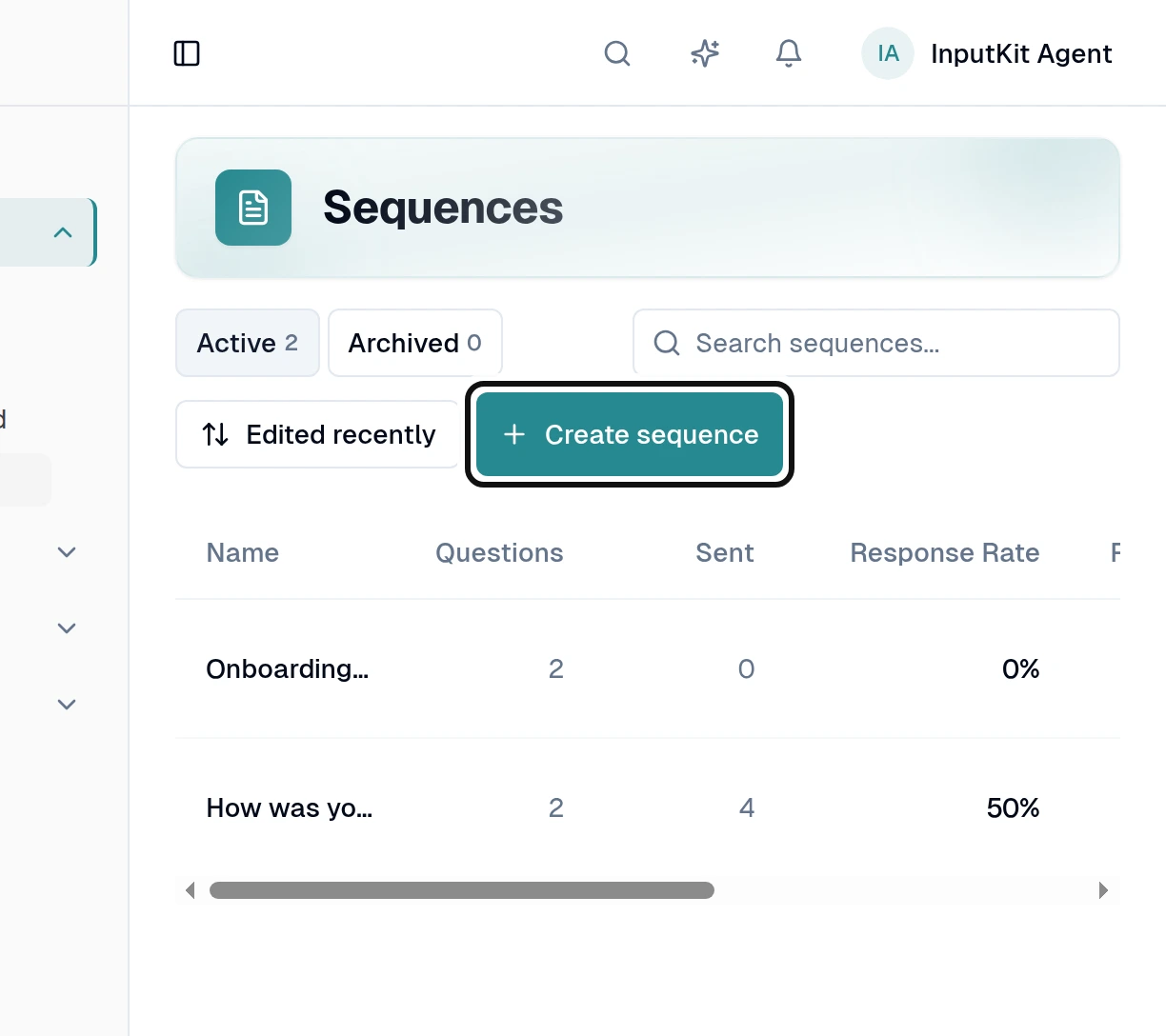
Select Create sequence.
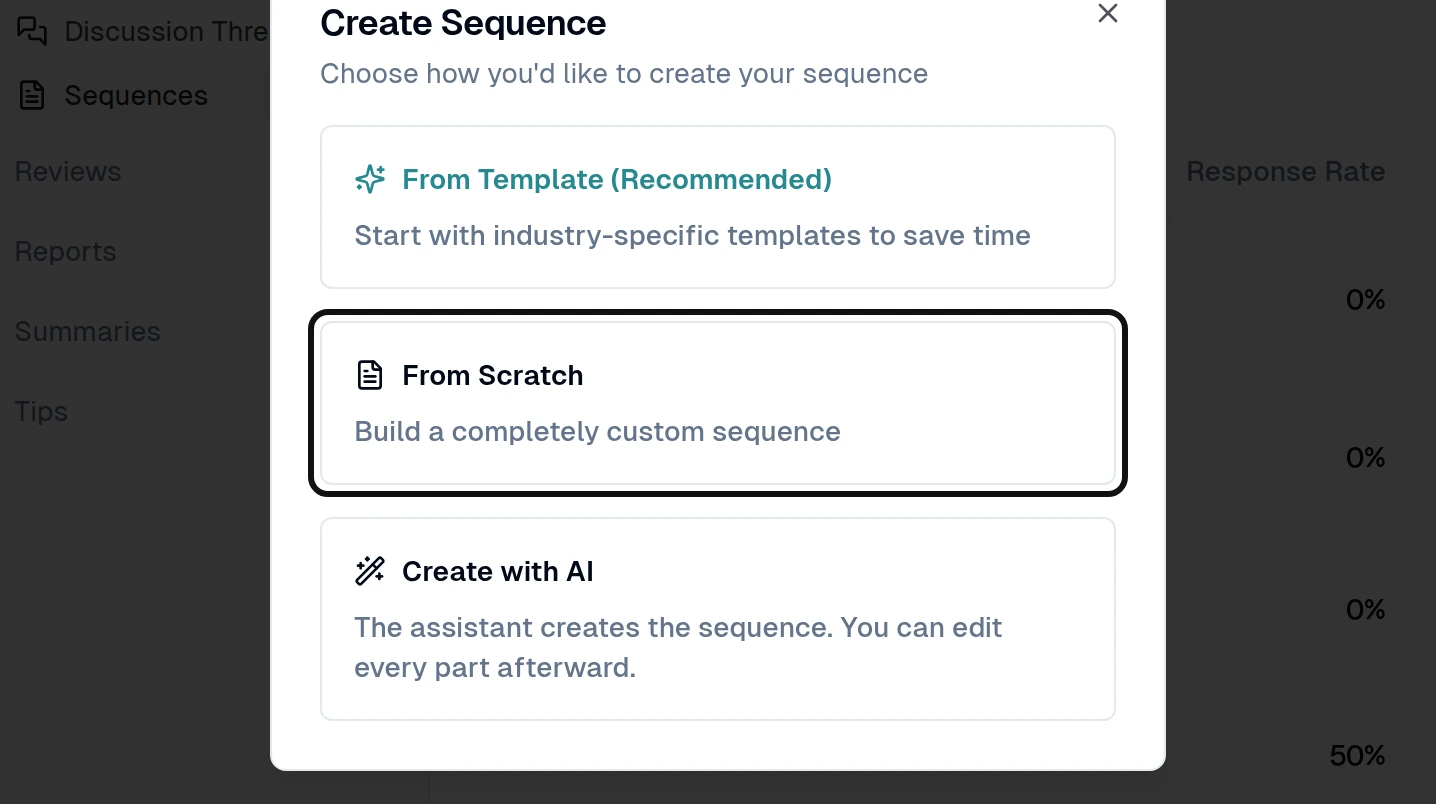
Select From Scratch. You can also start from a template or use Create with AI.
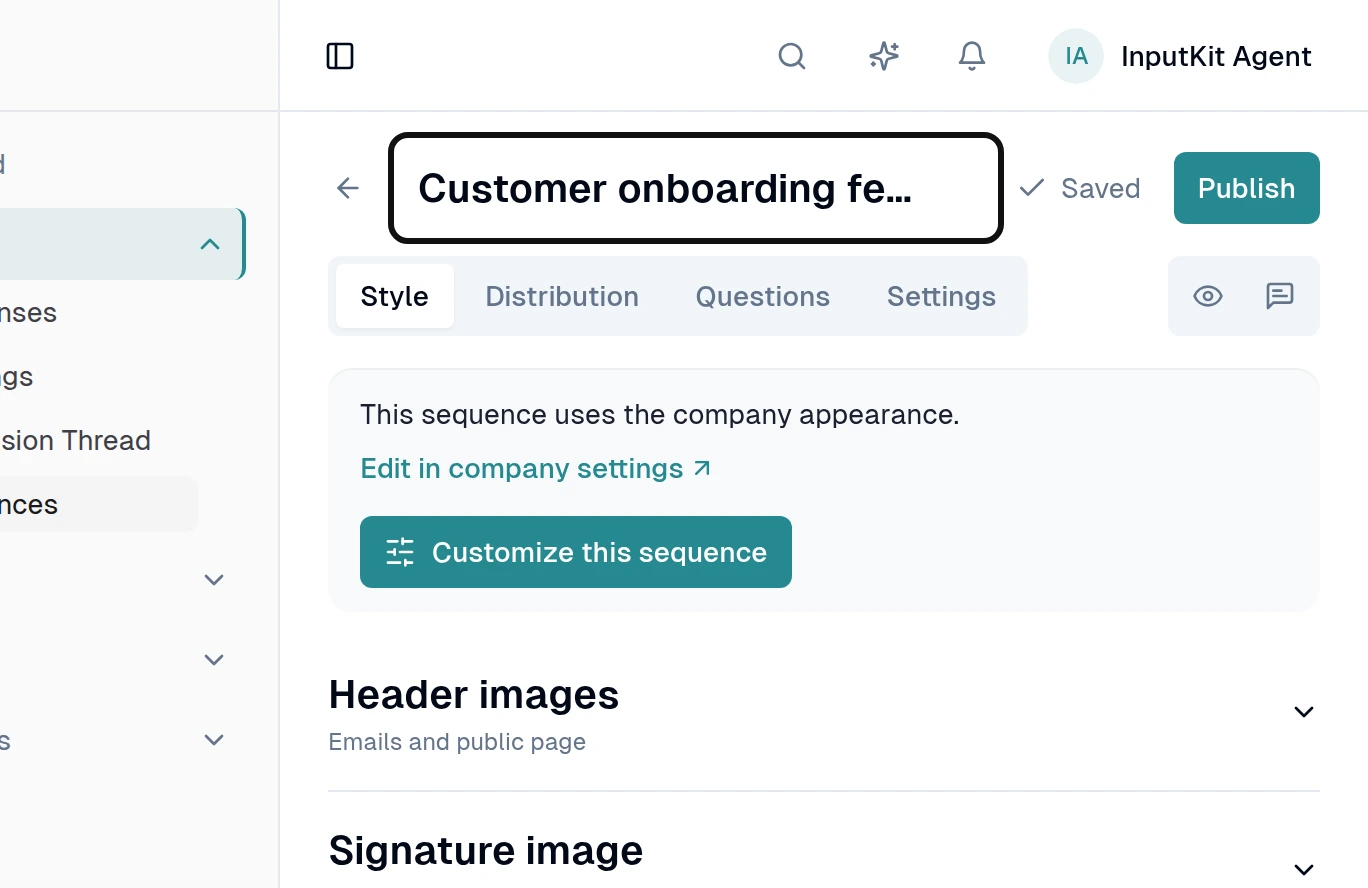
Enter a title in the header.
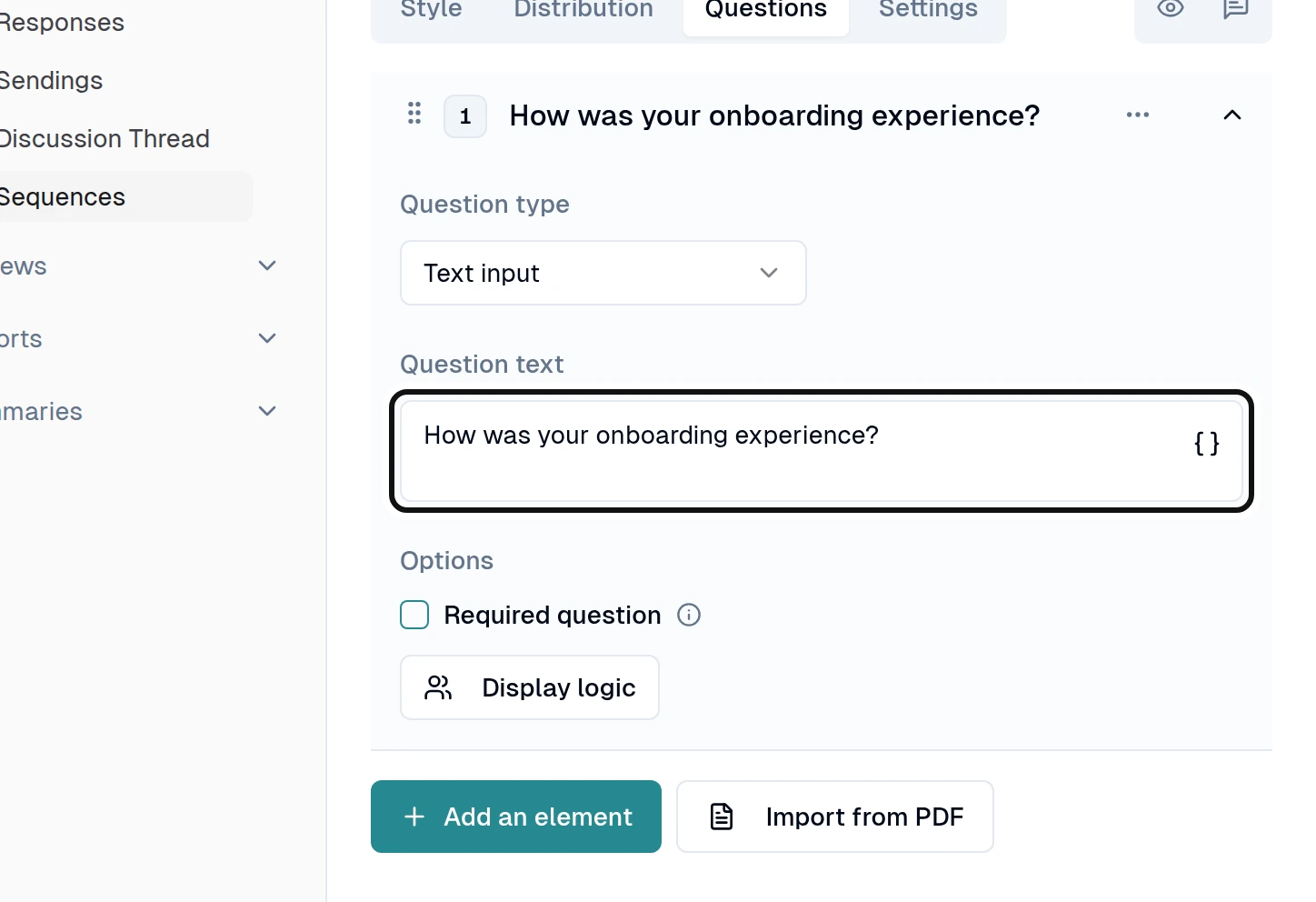
Open Questions and write the questions you want customers to answer.
Use Style to choose how the sequence looks.
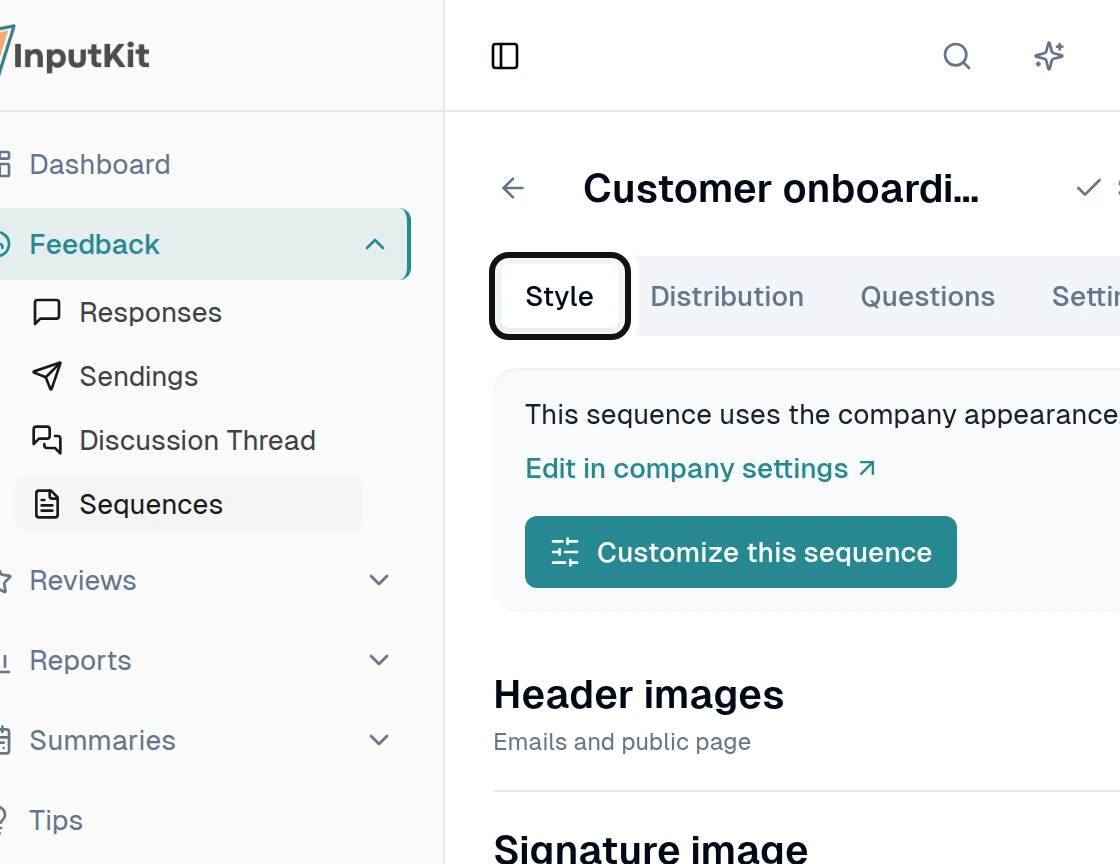
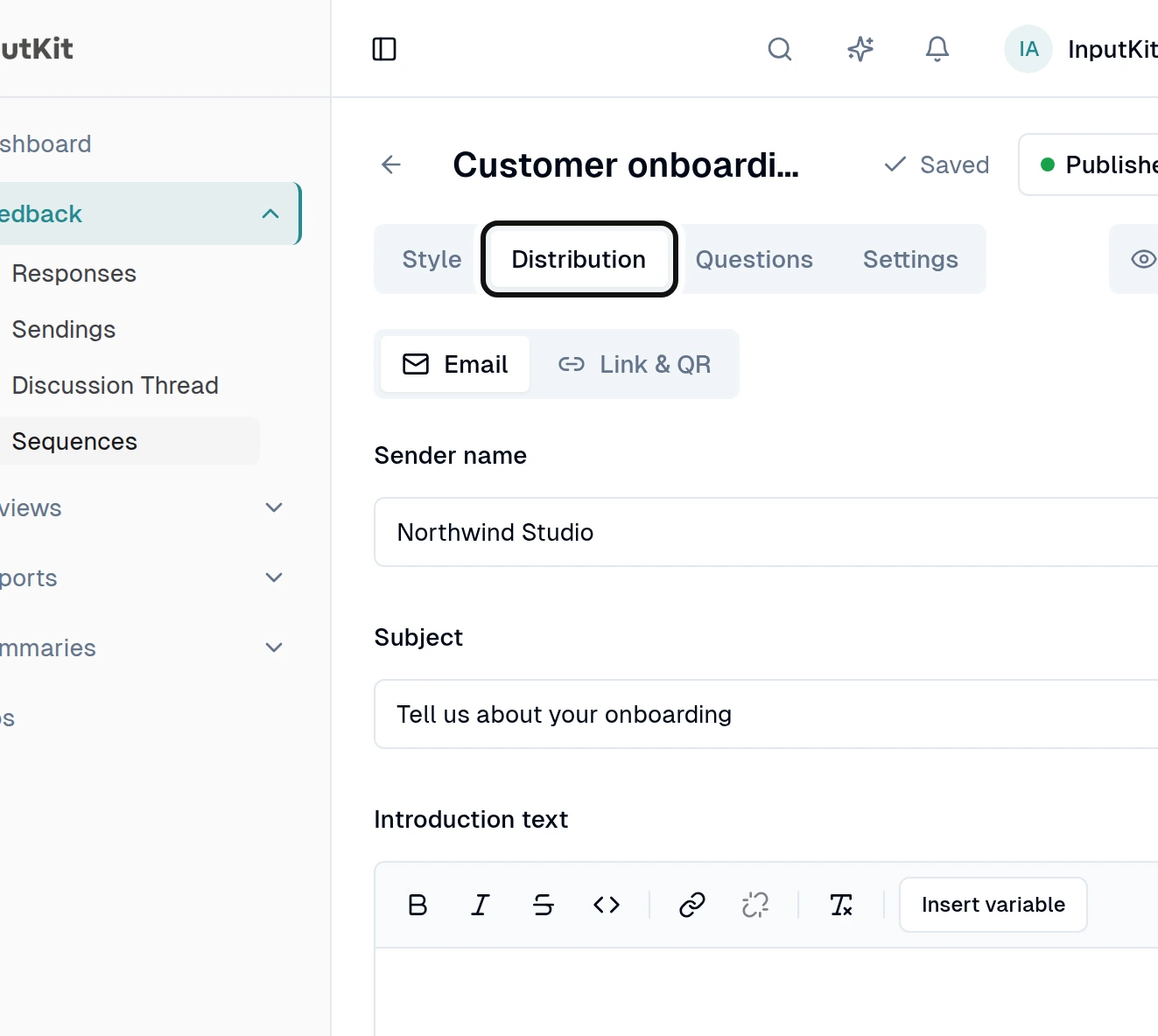
Use Distribution to edit the invitation and link settings.
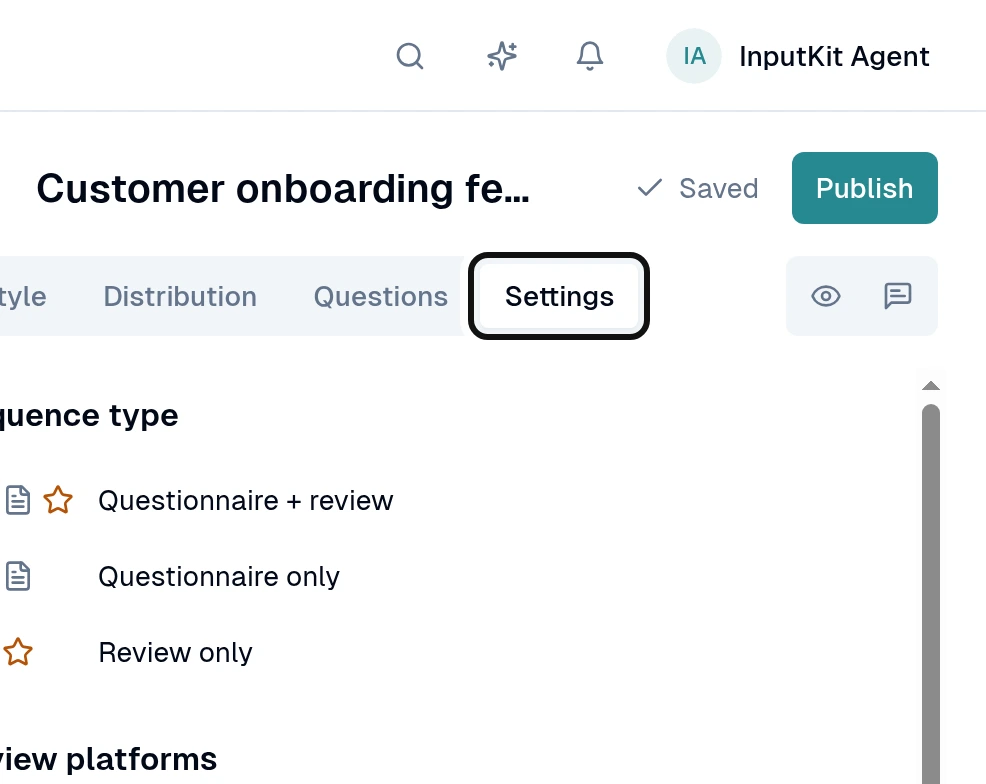
Use Settings to choose the sequence type, languages, reminders and other options.
Select Preview to check what customers will see.
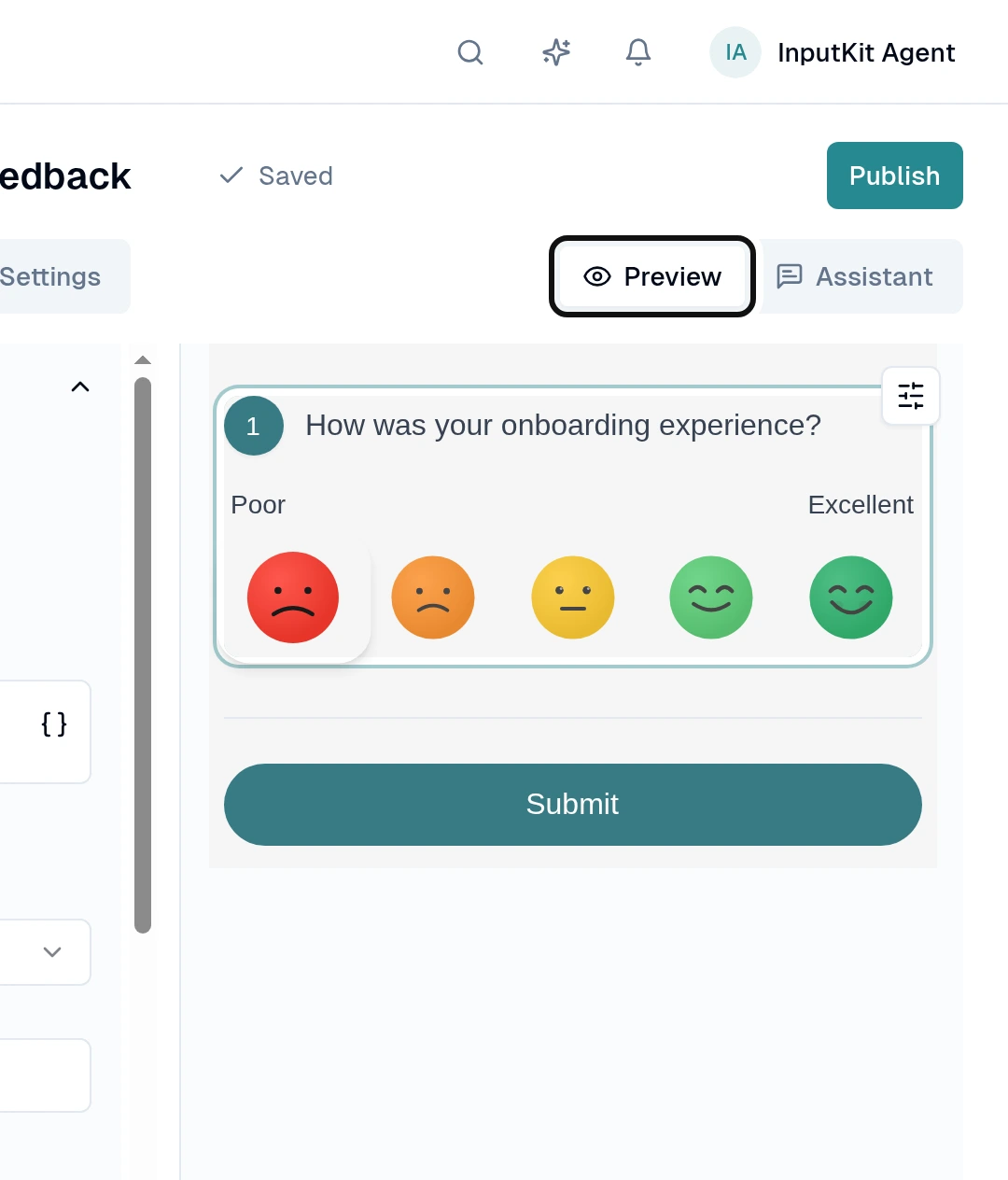
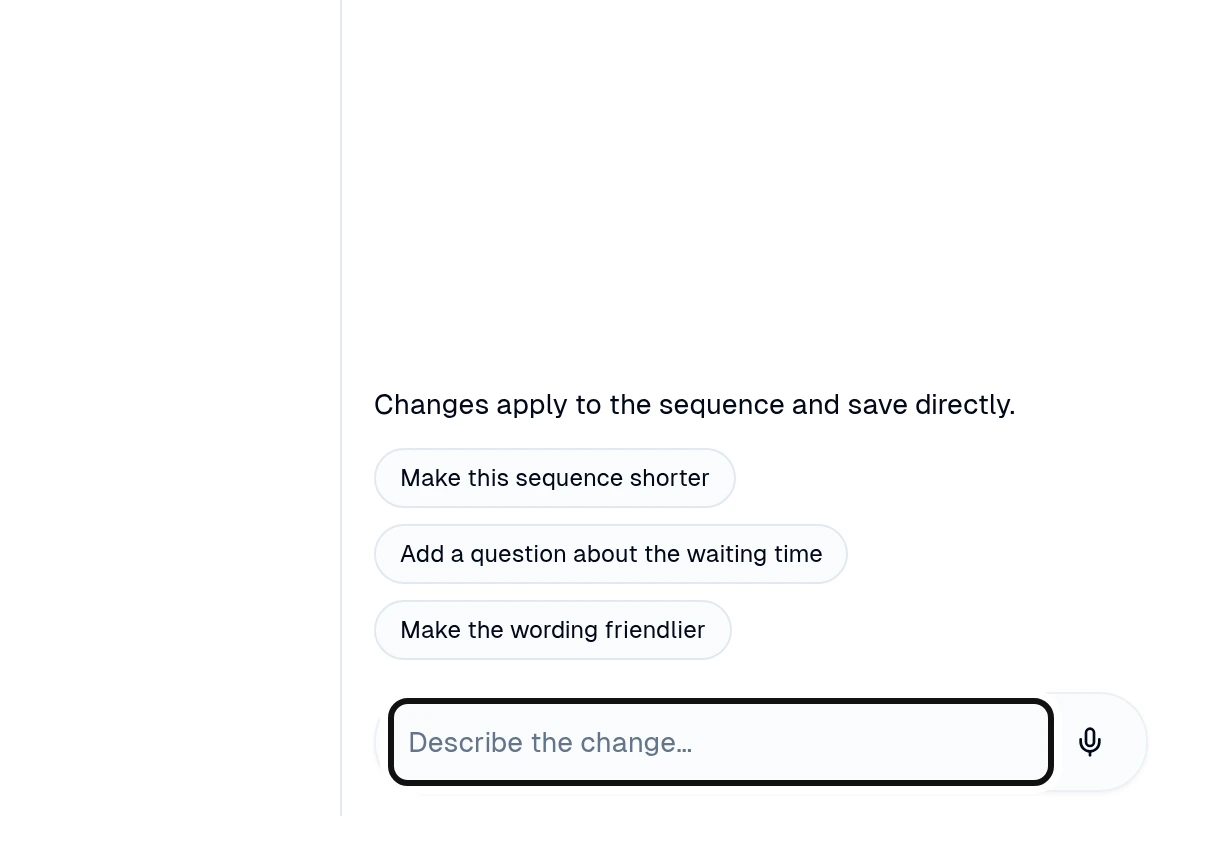
If you want help making changes, open Assistant and enter your request in the message field.
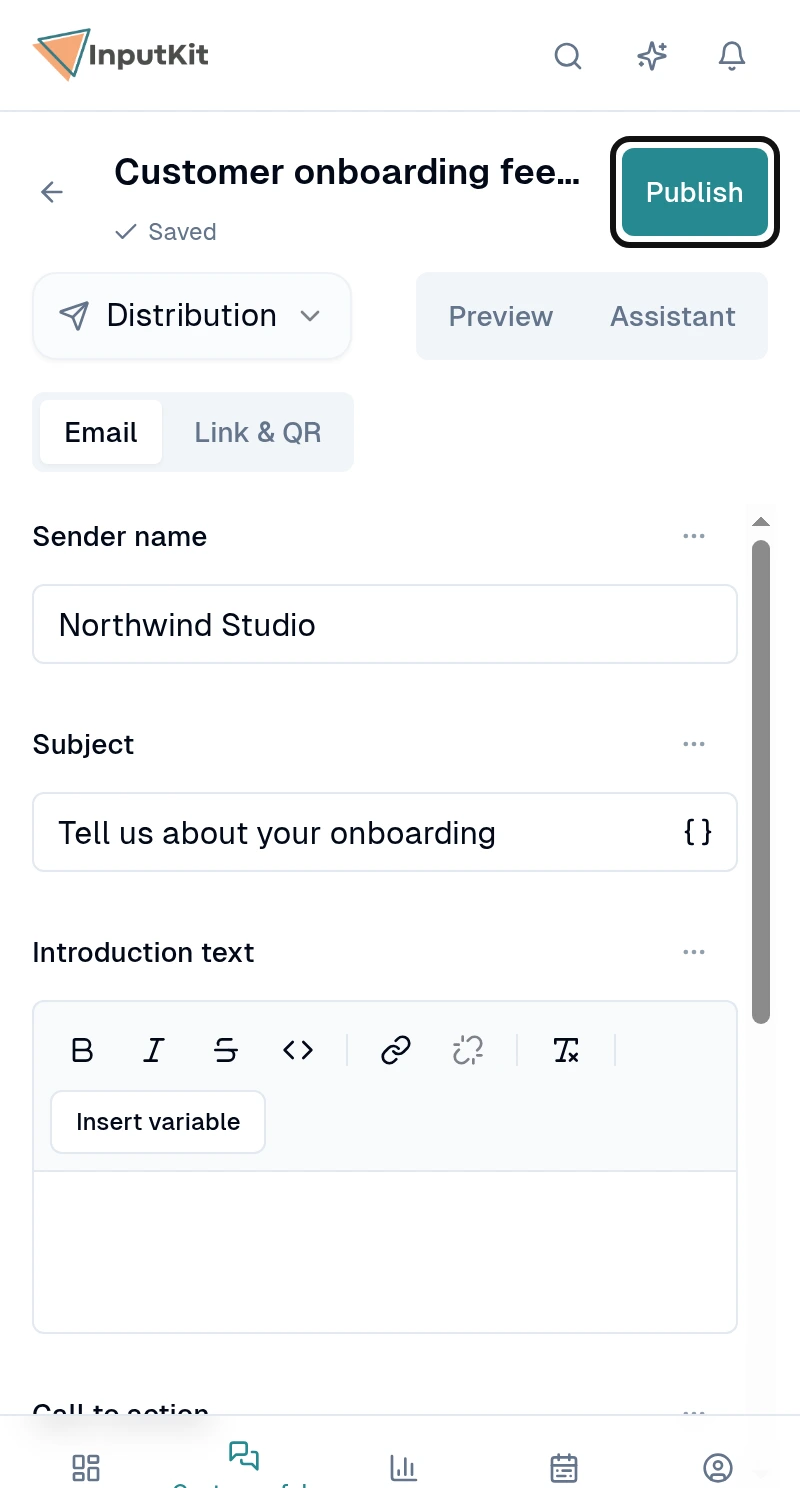
Check that the header says Saved, then select Publish.
To return a published sequence to draft, open Published in the header and select Move back to draft.
Did this answer your question?