How do I export a Questionnaires report as a PDF?
Download a report with or without comments.
Download a questionnaire report as a PDF, with or without comments.
Open the Questionnaires report
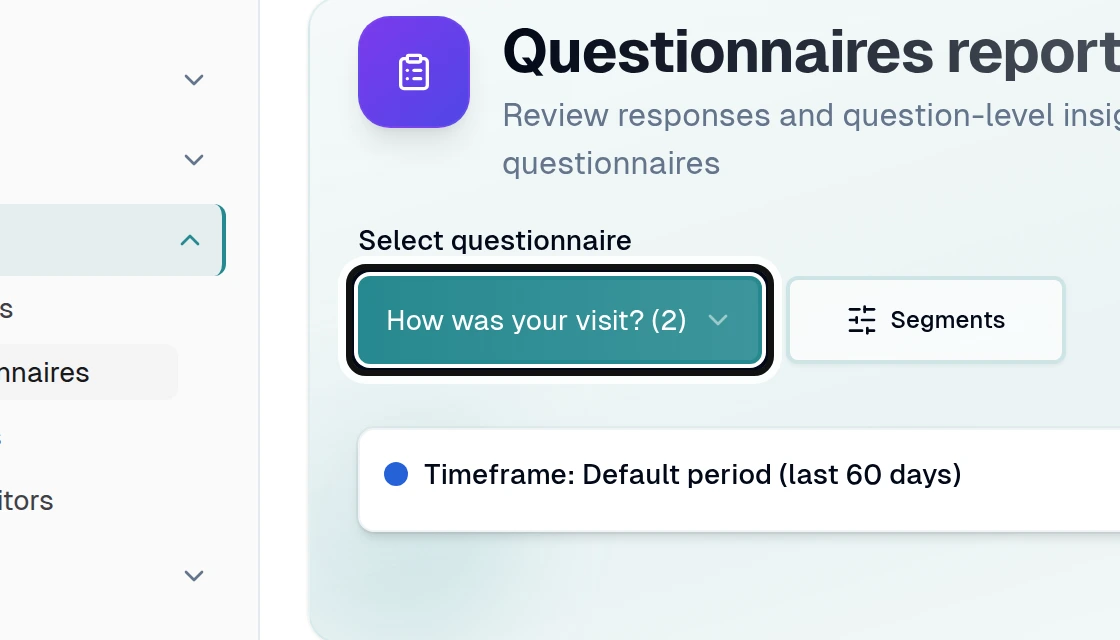
Choose a questionnaire with responses from Select questionnaire.
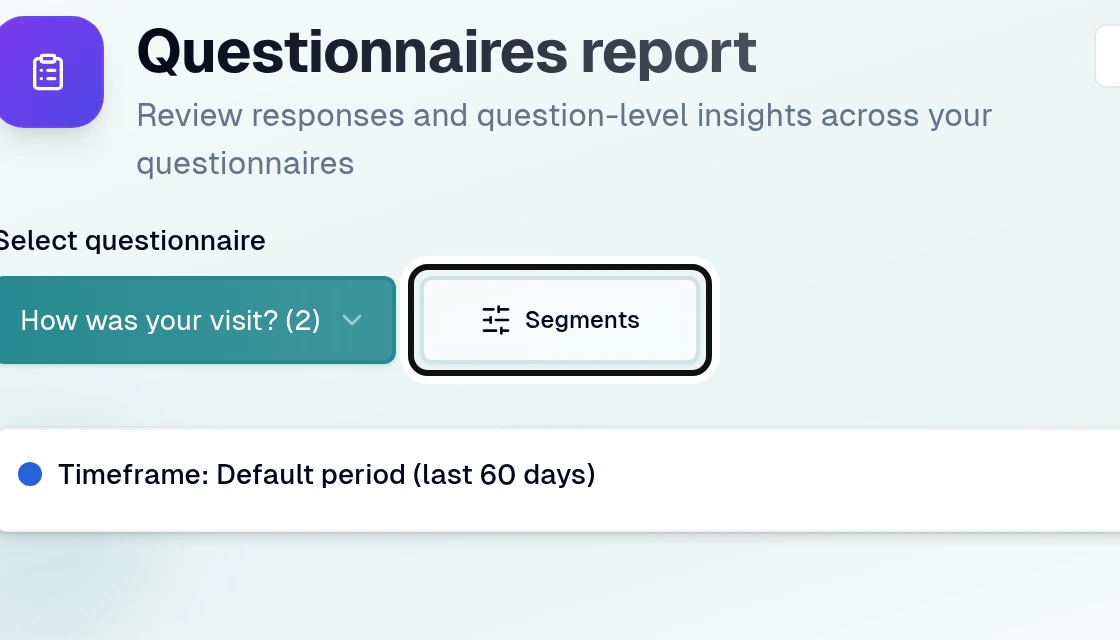
Open Segments.
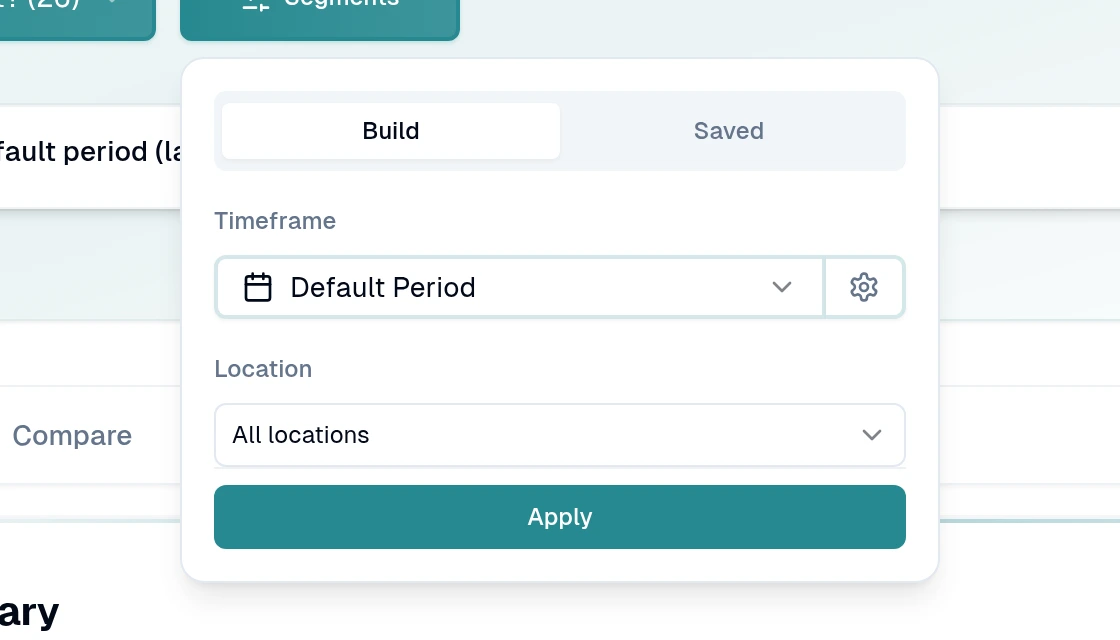
Choose the filters you need and select Apply.
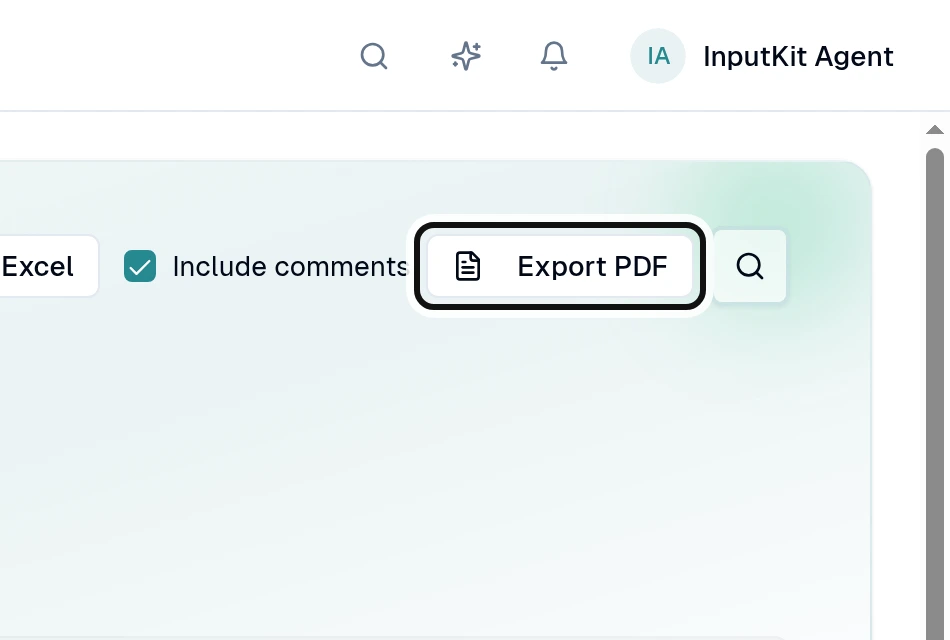
Check Include comments to include comments, or leave it unchecked to leave them out.
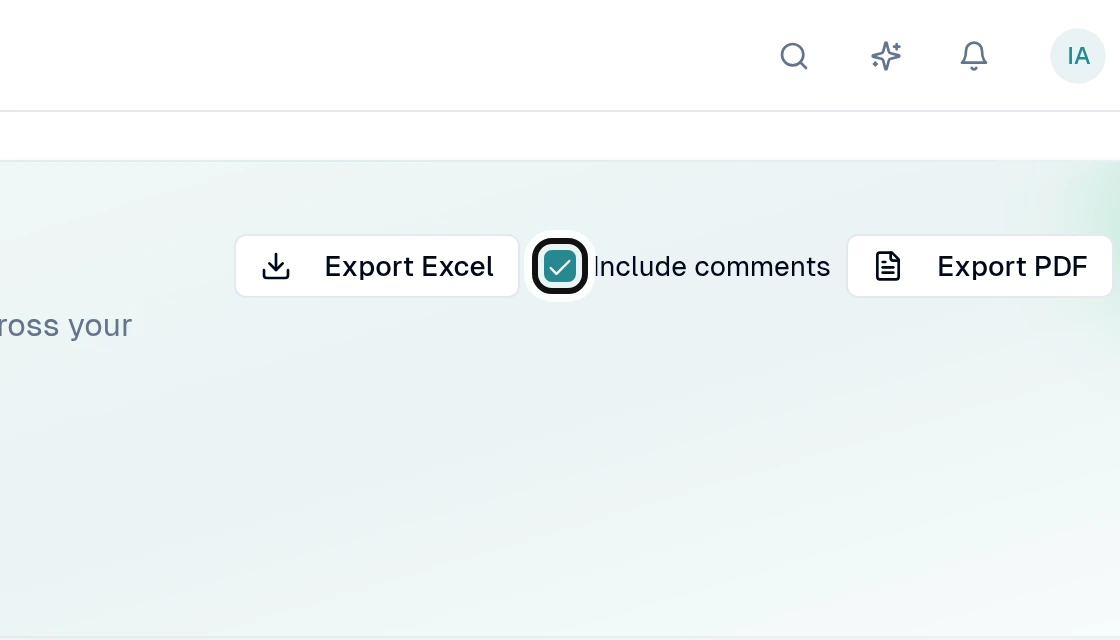
Select Export PDF to download the report.
The PDF shows the applied filters and key metrics. Export requires permission and at least one respondent in the selected report.
Did this answer your question?
NoPartlyYes