How do I export questionnaire results to Excel?
Email an Excel file of the results in your report.
Ask for an Excel file of questionnaire results using your report filters.
Open the Questionnaires report
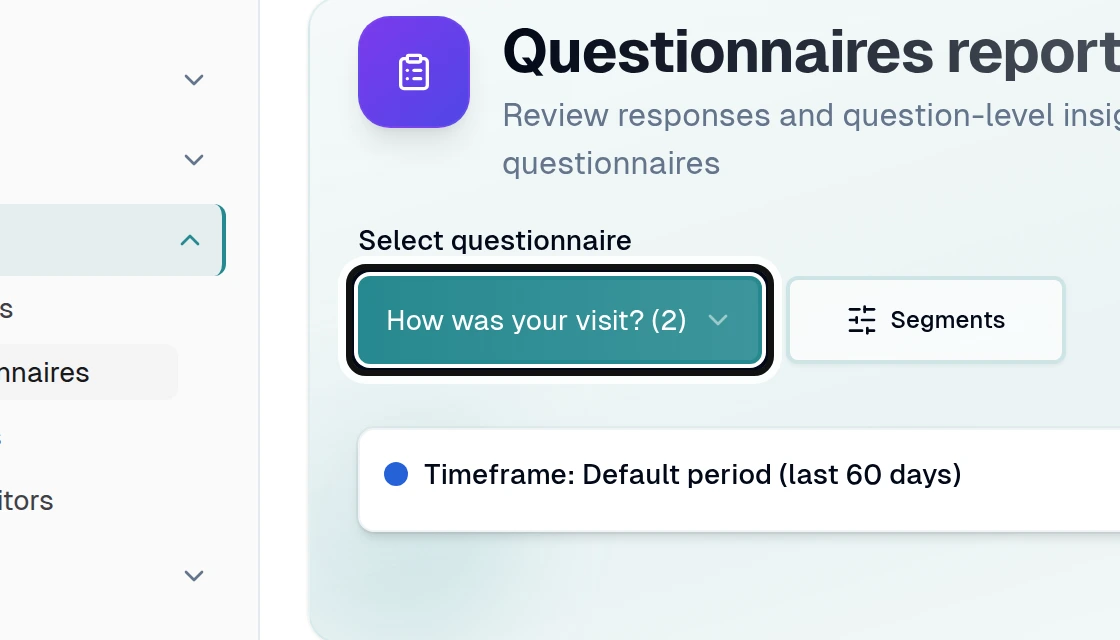
Choose a questionnaire with responses from Select questionnaire.
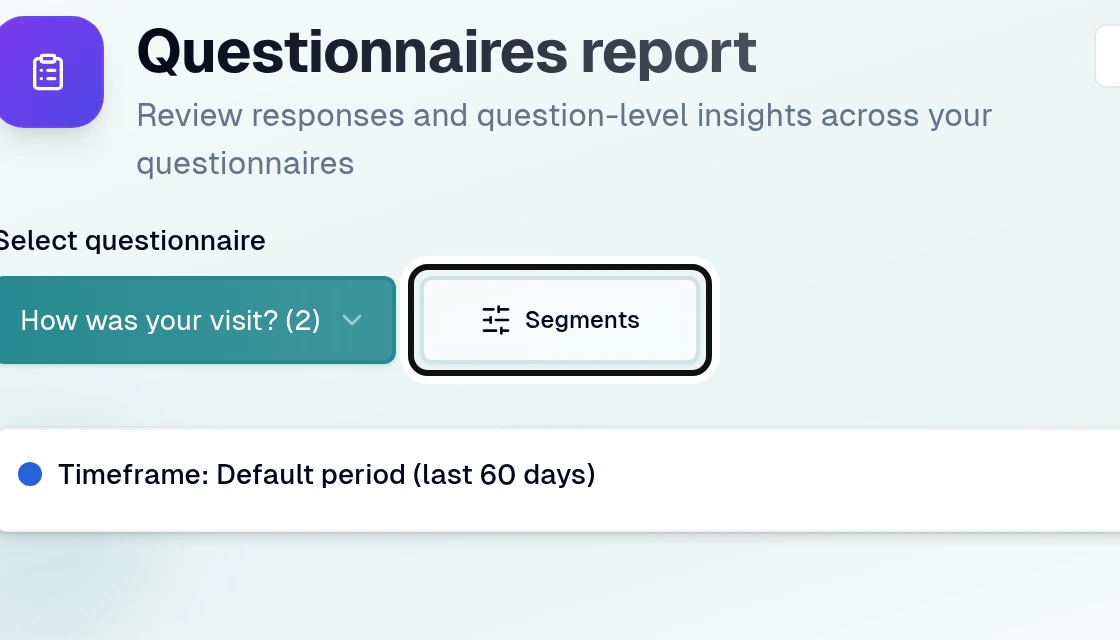
Open Segments.
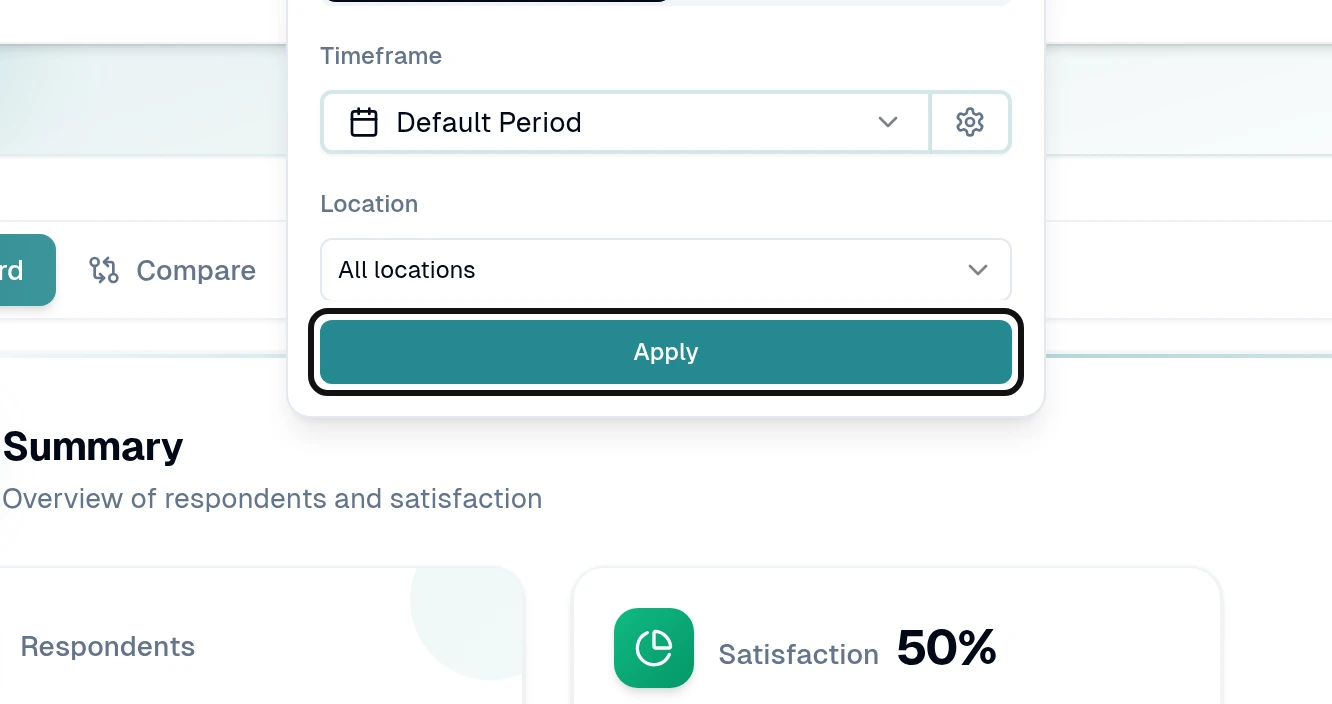
Choose the filters you need and select Apply.
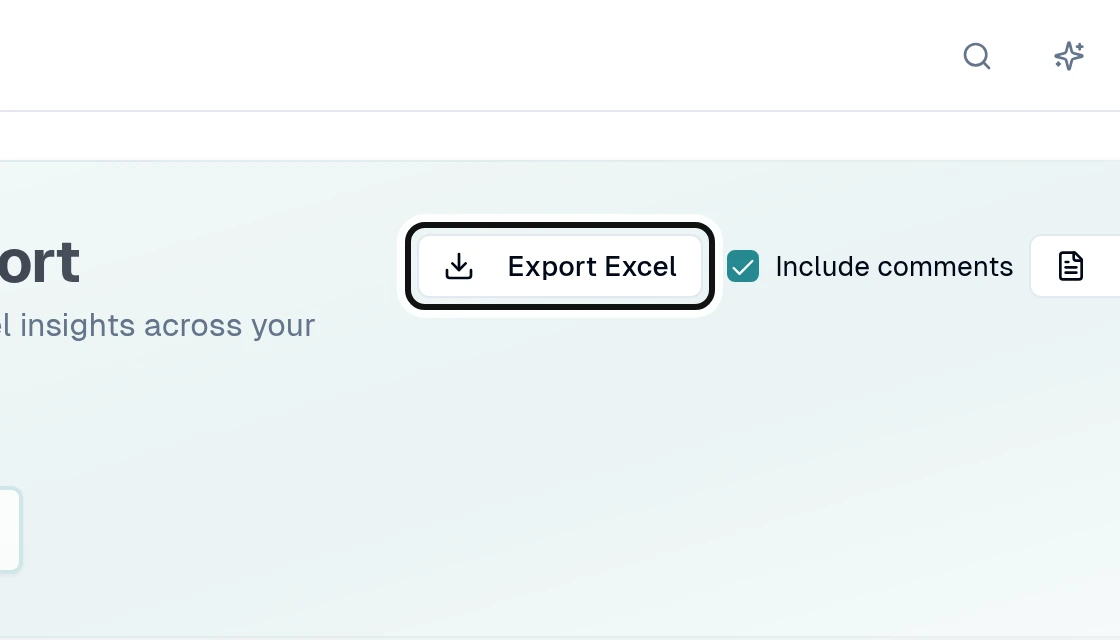
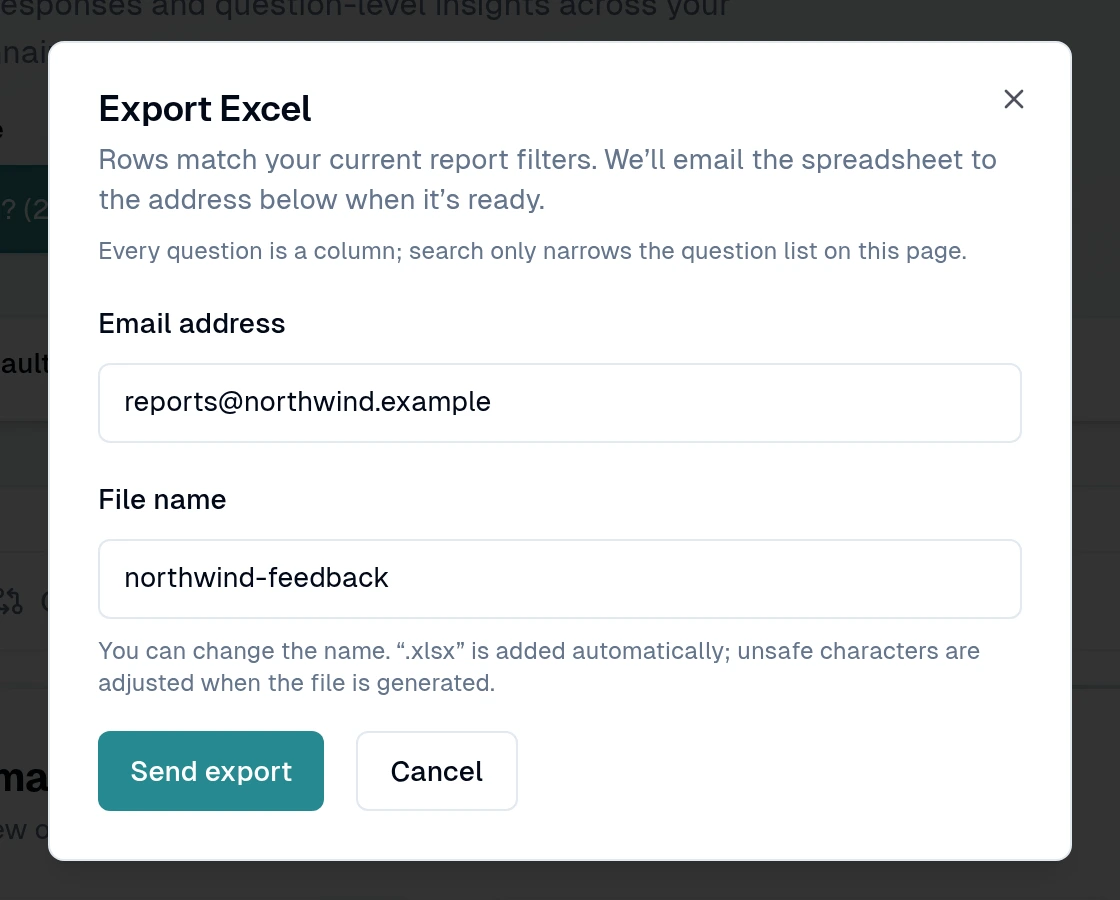
Select Export Excel.
Fill in Email address and File name, then select Send export.
The file is emailed when ready. It has one row per sending and one column per question, with up to 50,000 sendings. You need export permission and at least one respondent.