How do I send a sequence when a Shopify order changes status?
Send a sequence when a Shopify order is created, paid or fulfilled.
Send a sequence when a Shopify order is created, paid or fulfilled.
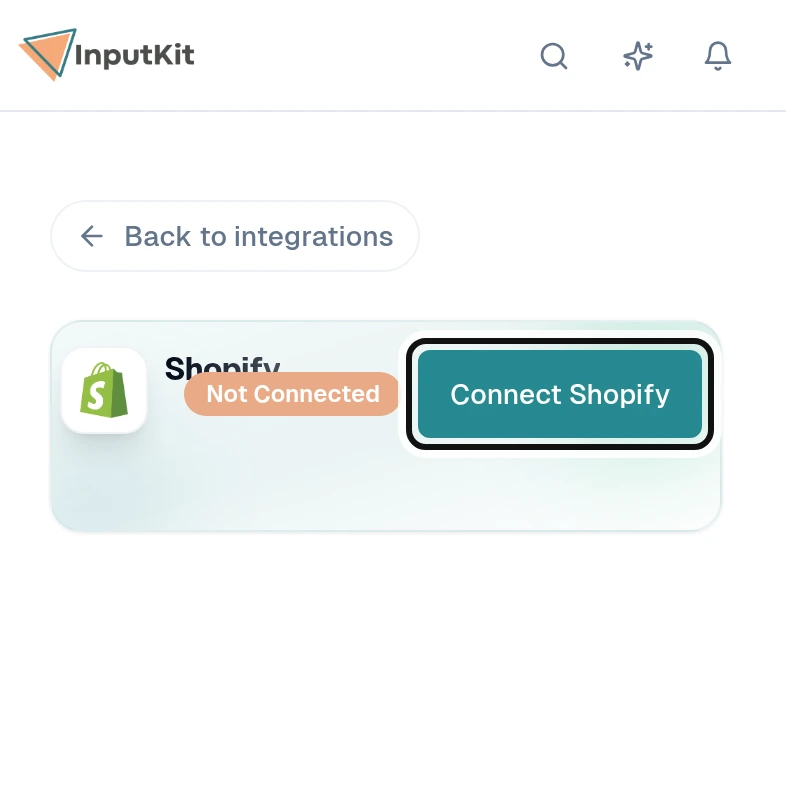
Select Connect Shopify.
In your Shopify admin, open Settings, Notifications, then Webhooks. InputKit shows the steps on its Shopify page.
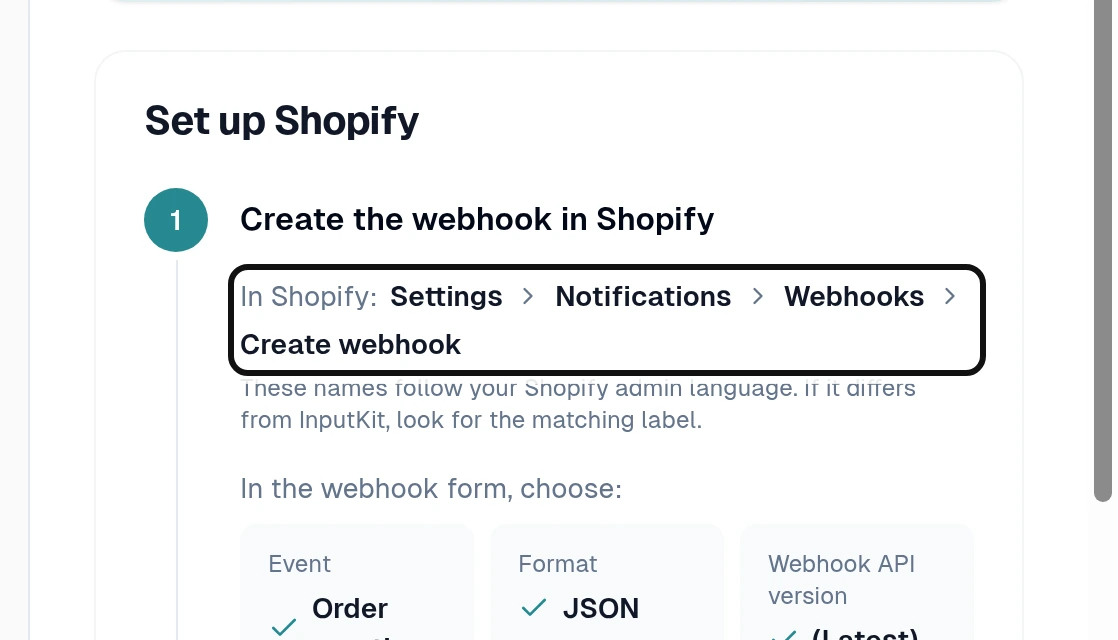
In Shopify, select Create webhook for each event you want: Order creation, Order payment or Order fulfillment.
Set the format to JSON and choose the API version marked Latest.
Copy the URL from the InputKit setup page and paste it into each Shopify webhook.
Copy the signing key shown under Shopify's webhooks list into Signing key in InputKit and select Save key.
Send a test notification from Shopify to finish verification.
Back on the InputKit Shopify page, select Add trigger.
Choose the order event, the sequence, the location and the delay.
Continue to the mapping step and choose the Shopify fields to carry into InputKit. Available fields include order details, payment and fulfillment status, shipping and tracking details, and customer details.
Save the trigger.