How do I send a sequence with Paramaitre?
Choose which Paramaitre files should send a sequence to their clients.
Choose which Paramaitre files should send a sequence to their clients.
Ask the InputKit team to activate the connection.
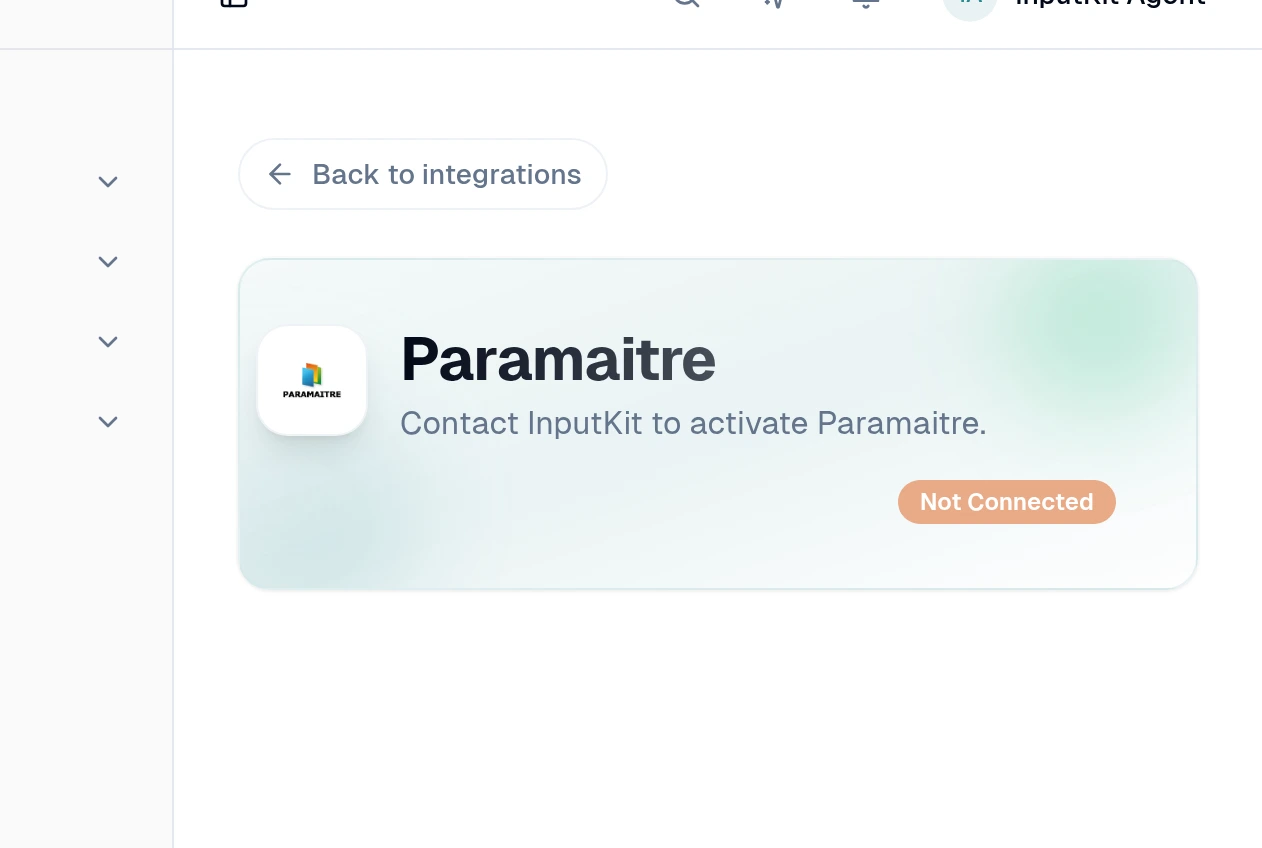
Once connected, select Add trigger.
Under Trigger type, choose Due today for files due today, or At a status for files due today with a chosen status.
If you chose At a status, select the File status.
Choose the sequence, delay and default location.
Continue to the mapping step and choose the fields you want to use.
Add any filters you need, then select Create trigger.
Each matching file creates a sending to the file's client.