How do I edit my company's AI memory?
Choose how your company's AI replies should sound.
Choose how your company's AI replies should sound.
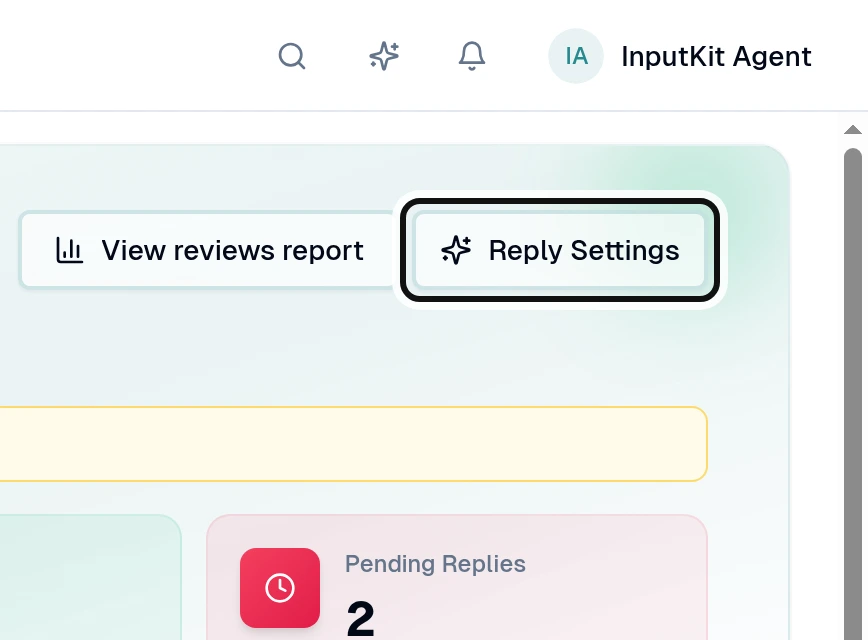
Select Reply Settings.
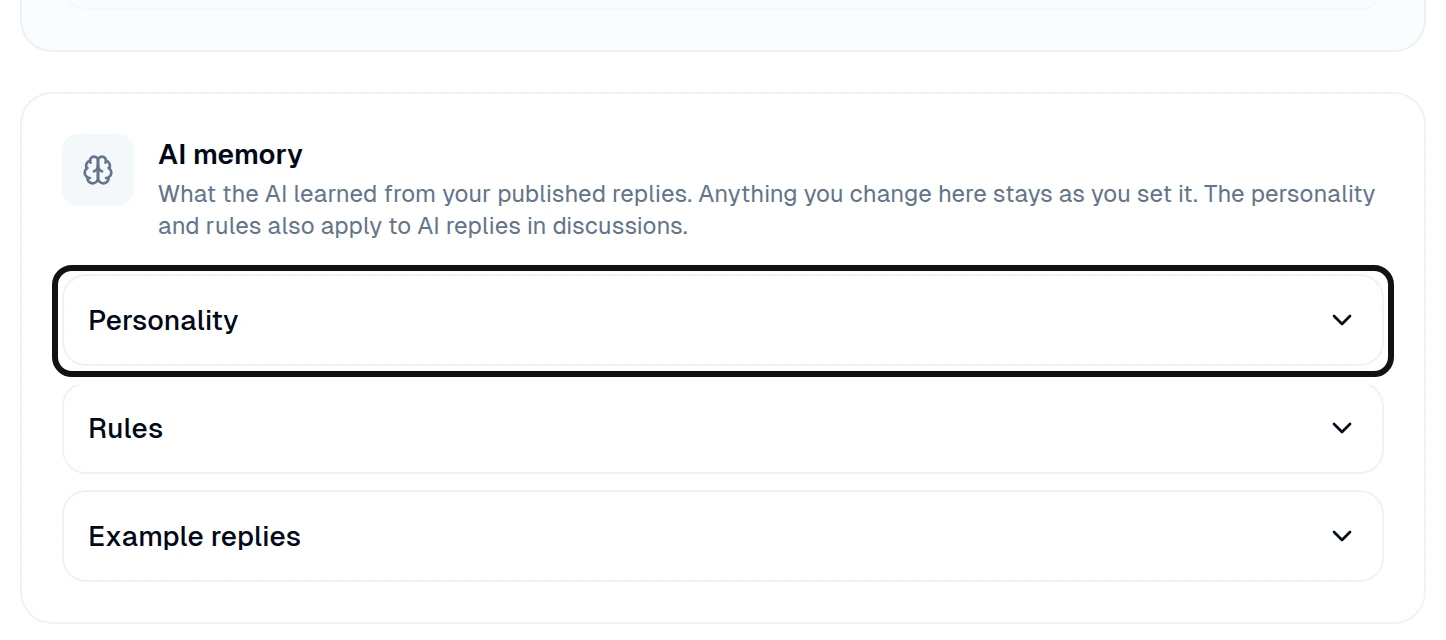
Under AI memory, open Personality.
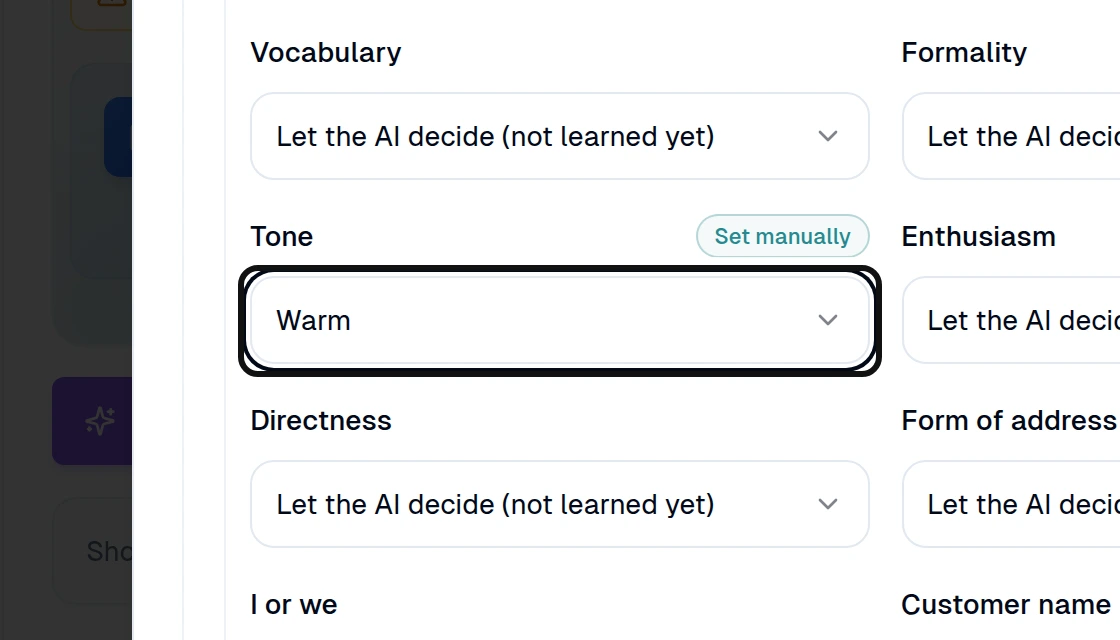
Choose the traits you want, such as Tone.
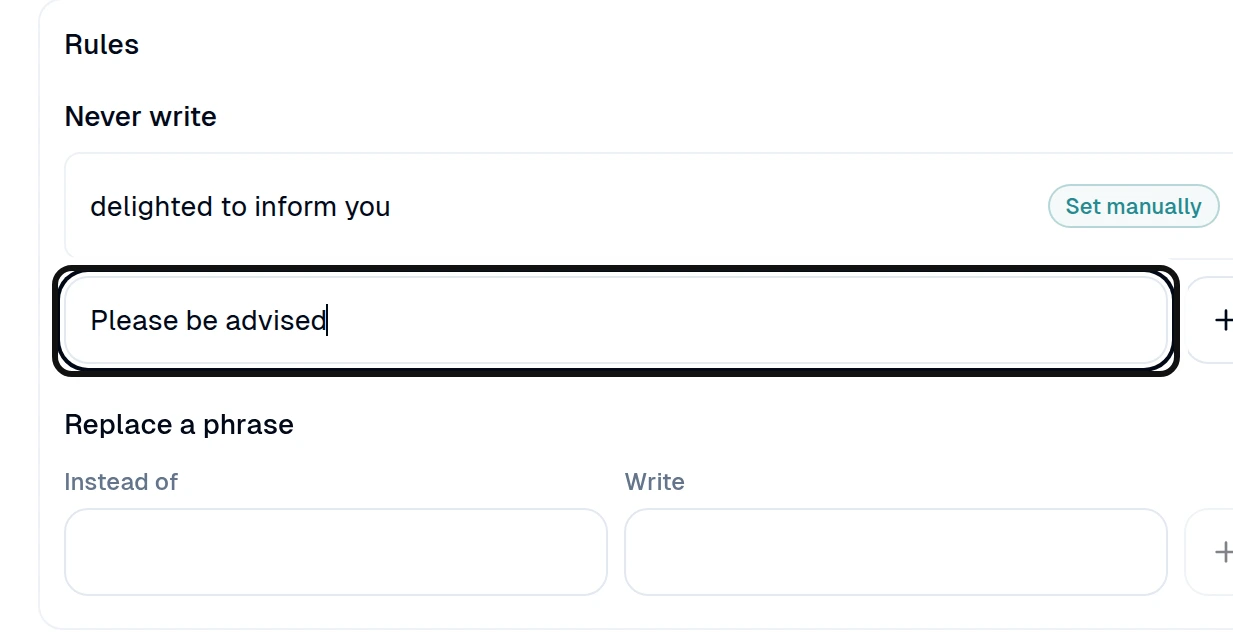
Under Rules, add a phrase to Never write. You can also add a replacement under Replace a phrase.
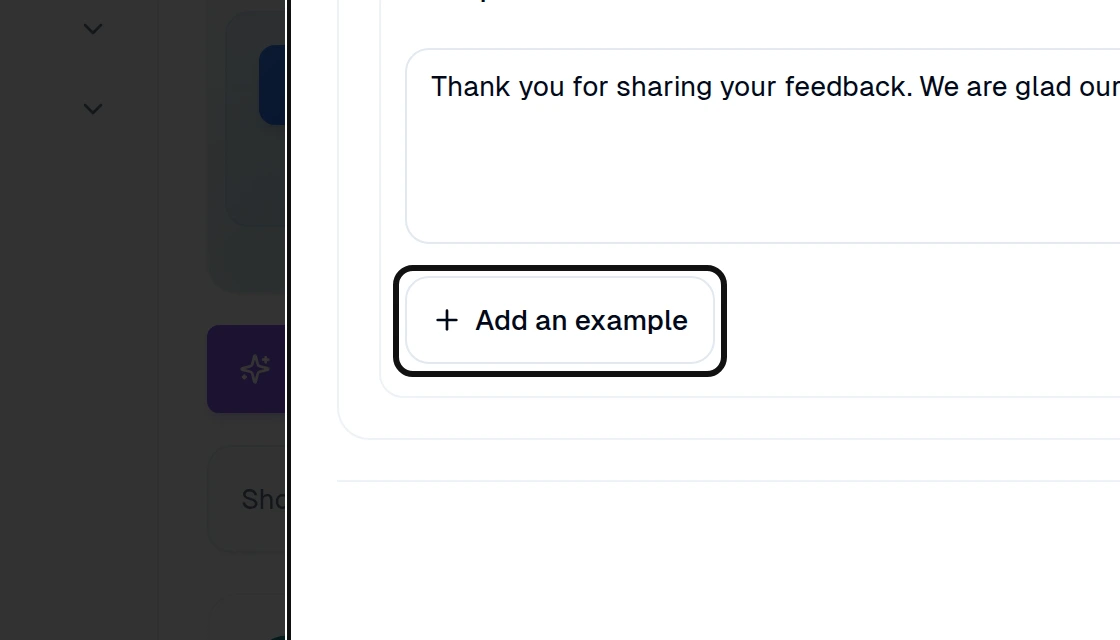
Open Example replies and select Add an example.
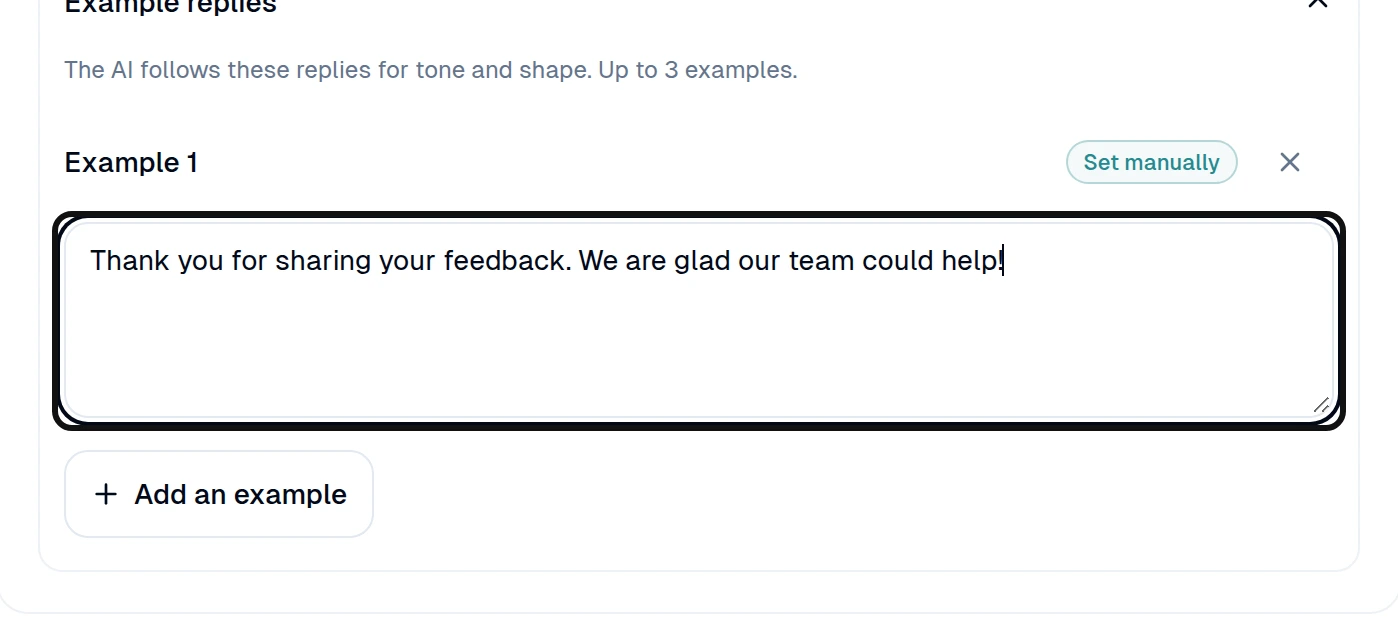
Write a reply that shows the style you want.
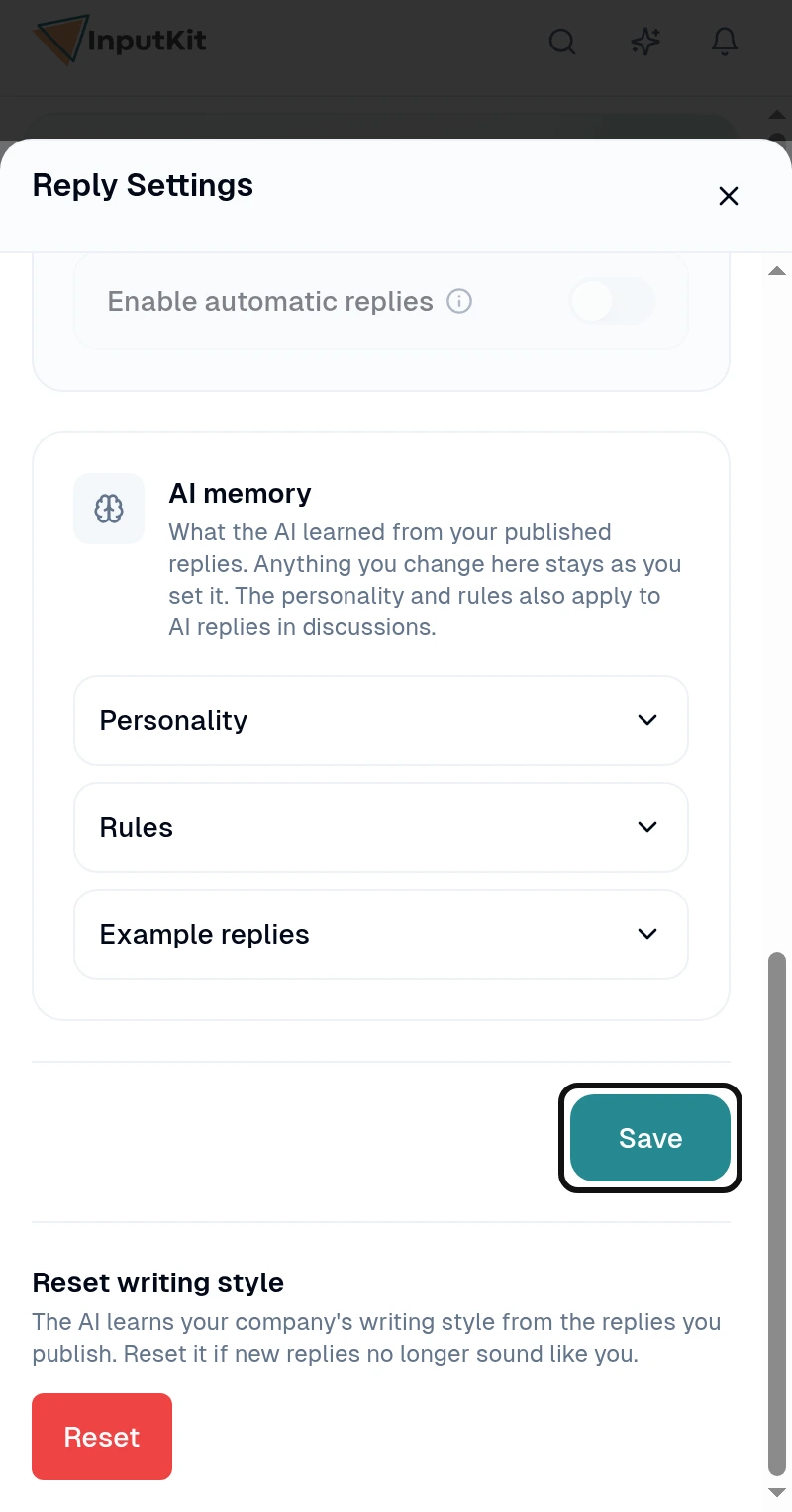
Select Save.
Your changes stay as you set them when the AI updates its memory. Personality and rules also apply to AI replies in discussions.