How do I add an internal note or @mention a teammate in a discussion thread?
Add a private note to a conversation and mention a teammate who can see it.
Add a private note to a conversation and mention a teammate who can see it.
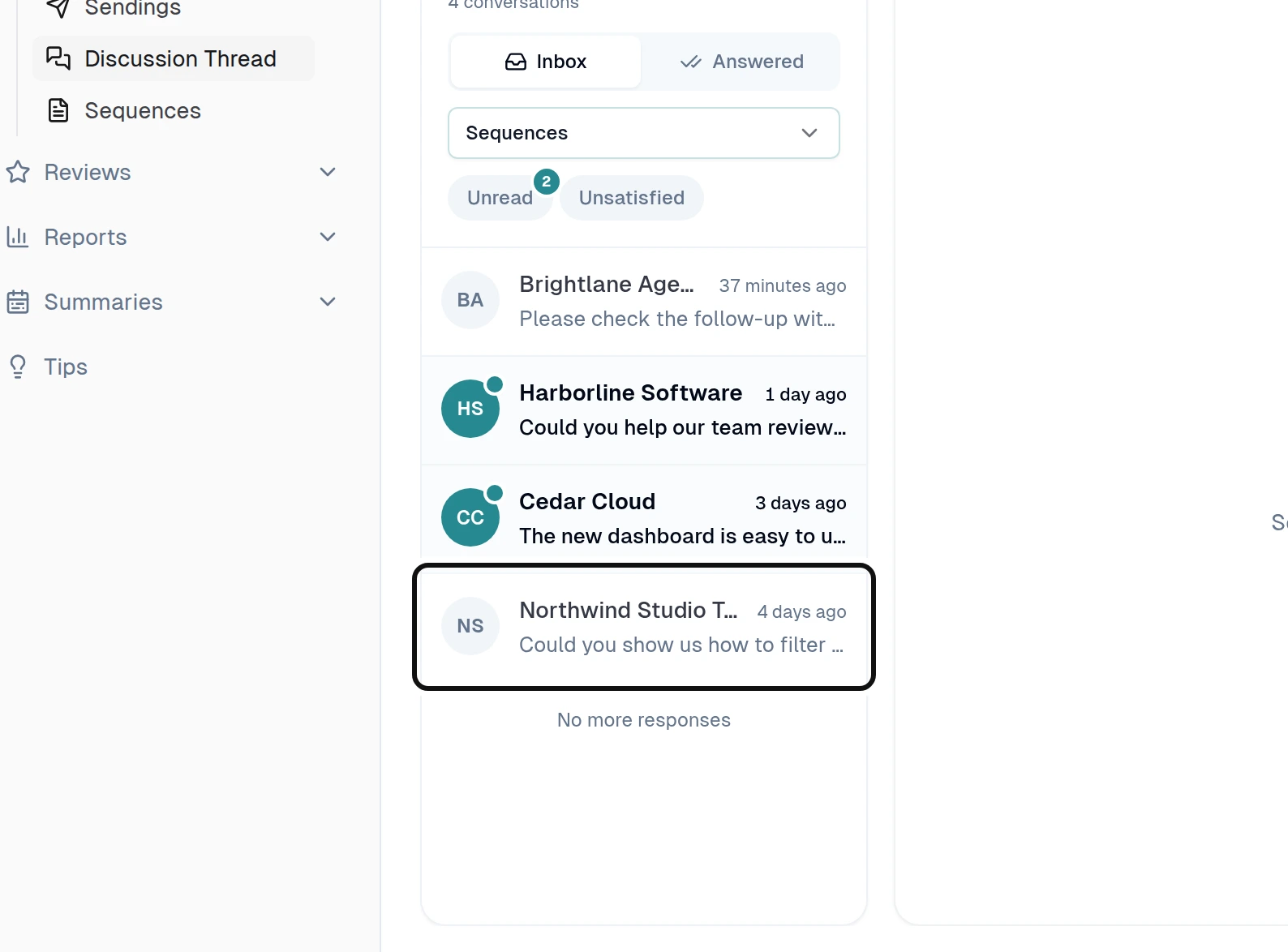
Select a conversation.
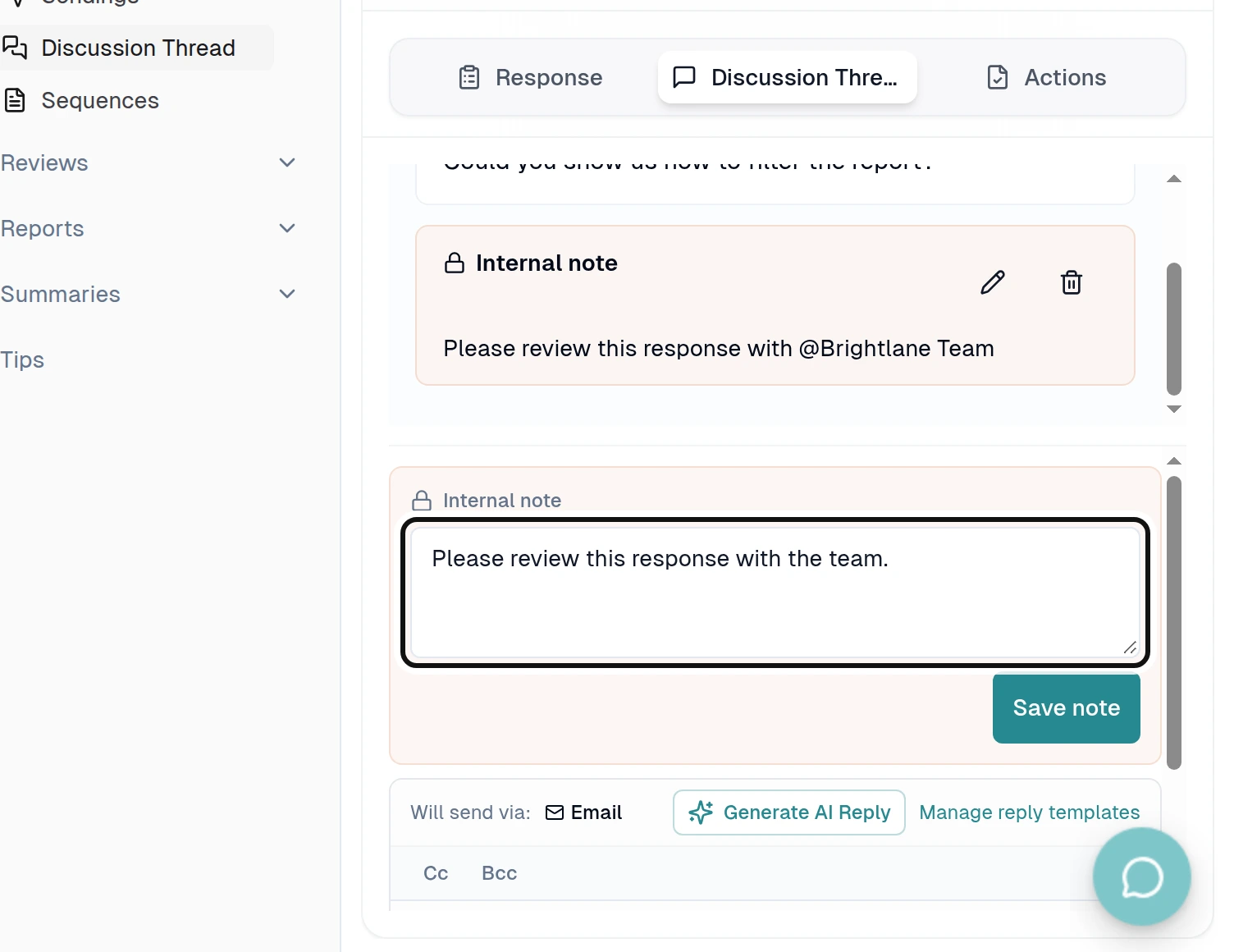
Write your note in Internal note.
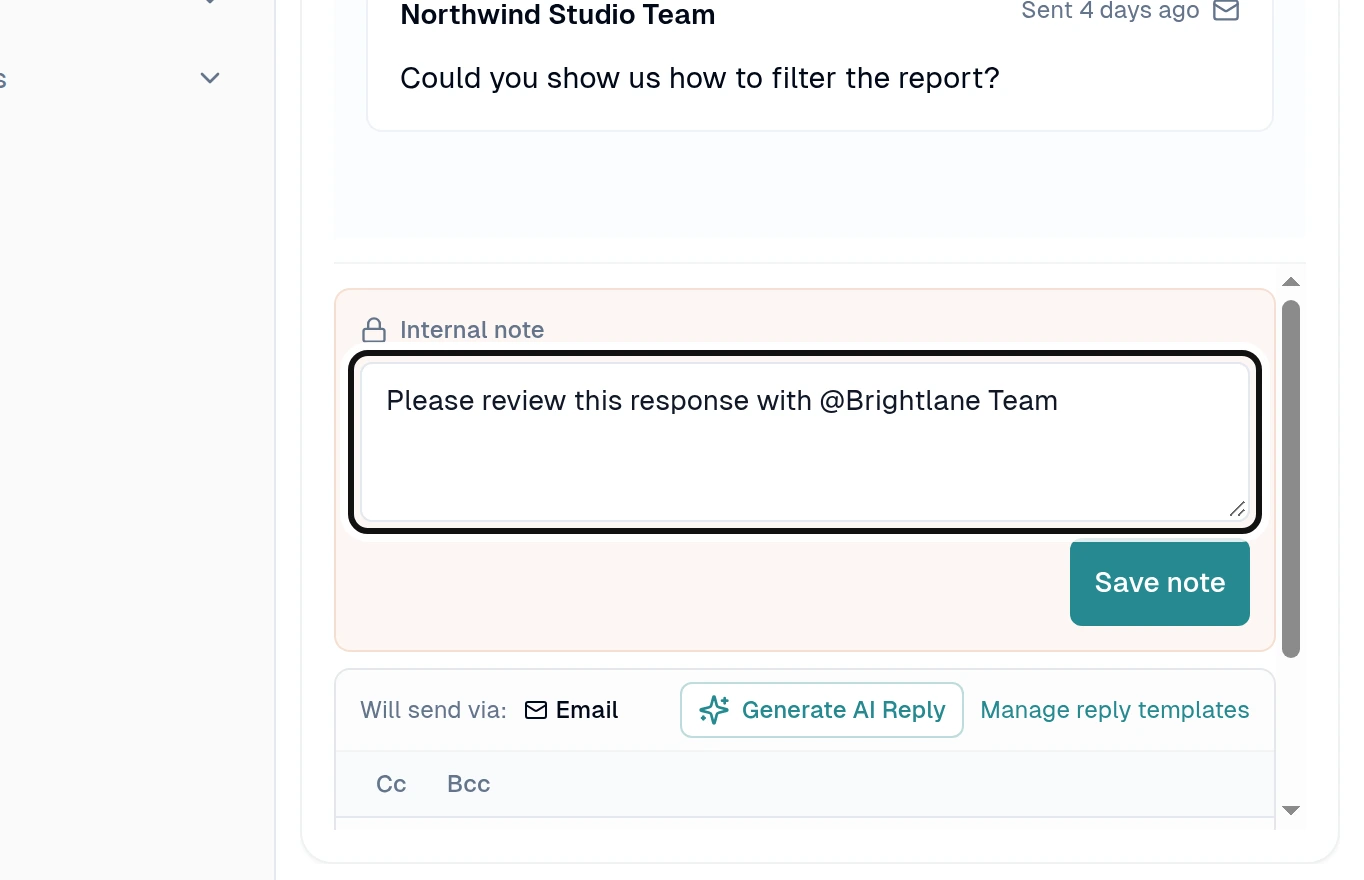
To mention a teammate, type @ and their name, then select them from the suggestions.
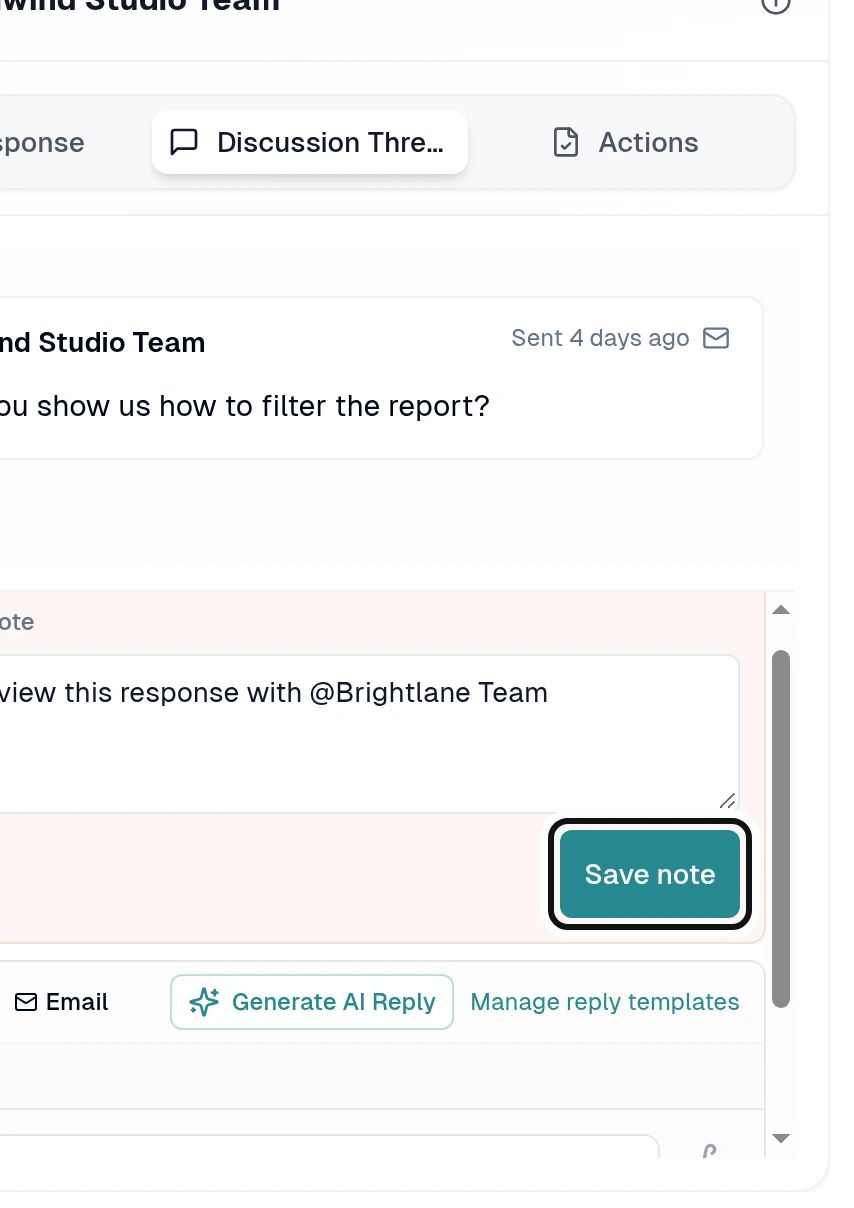
Select Save note.
The note is for your team and is not sent to the customer. A mentioned teammate needs access to the response's office.