How do I connect Square to InputKit?
Connect Square to send sequences after appointments, invoices or payments.
Written by Philippe Genois
Connect Square so you can send sequences after Square events.
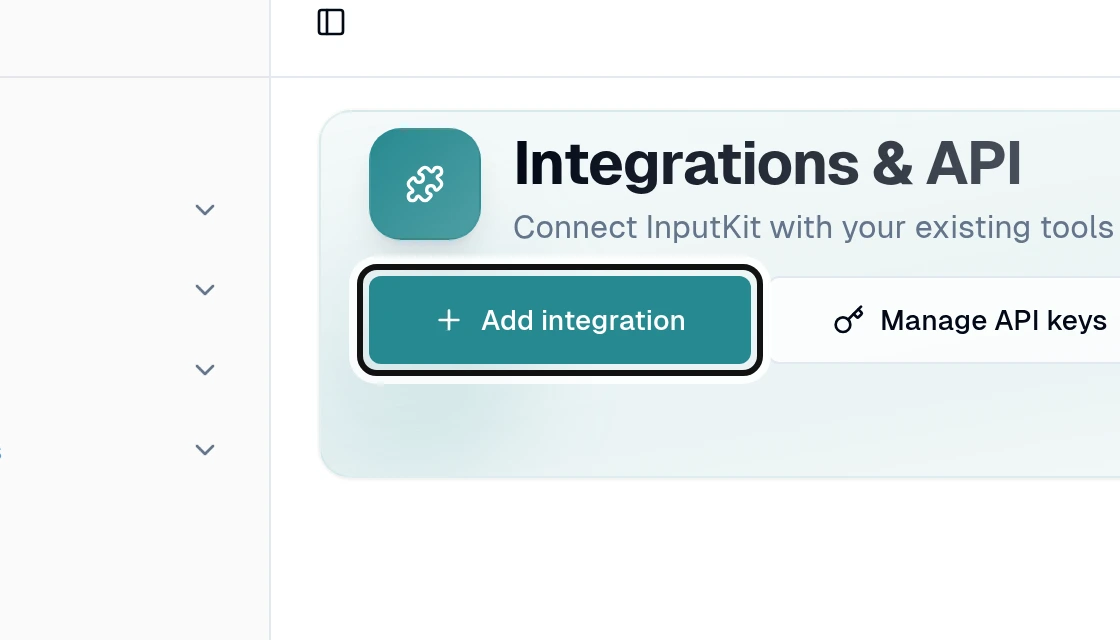
Select Add integration.
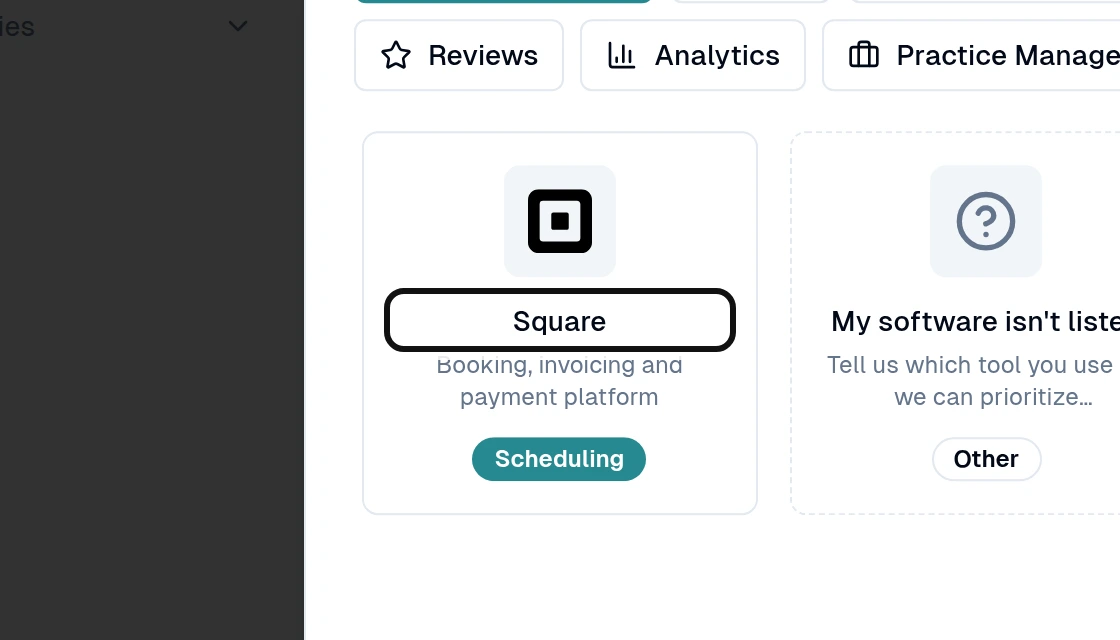
Search for and select Square.
Select Connect Square.
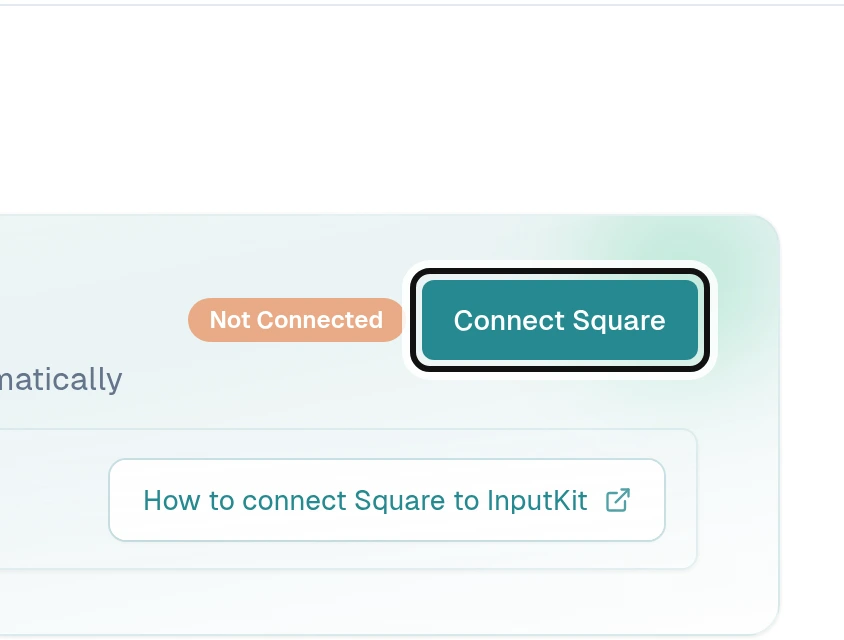
Sign in to Square and authorize the connection. This step takes place in Square. Square returns you to InputKit, where you see Connected.
Once connected, you can set up a trigger to send a sequence after an appointment, invoice or payment.
Did this answer your question?
NoPartlyYes