How do I send my test sendings for real?
Send eligible test sendings to their recipients in one go.
Send eligible test sendings to their recipients in one go.
Only tests that have not been delivered or answered can be sent for real. Turn off your company's Test Mode first.
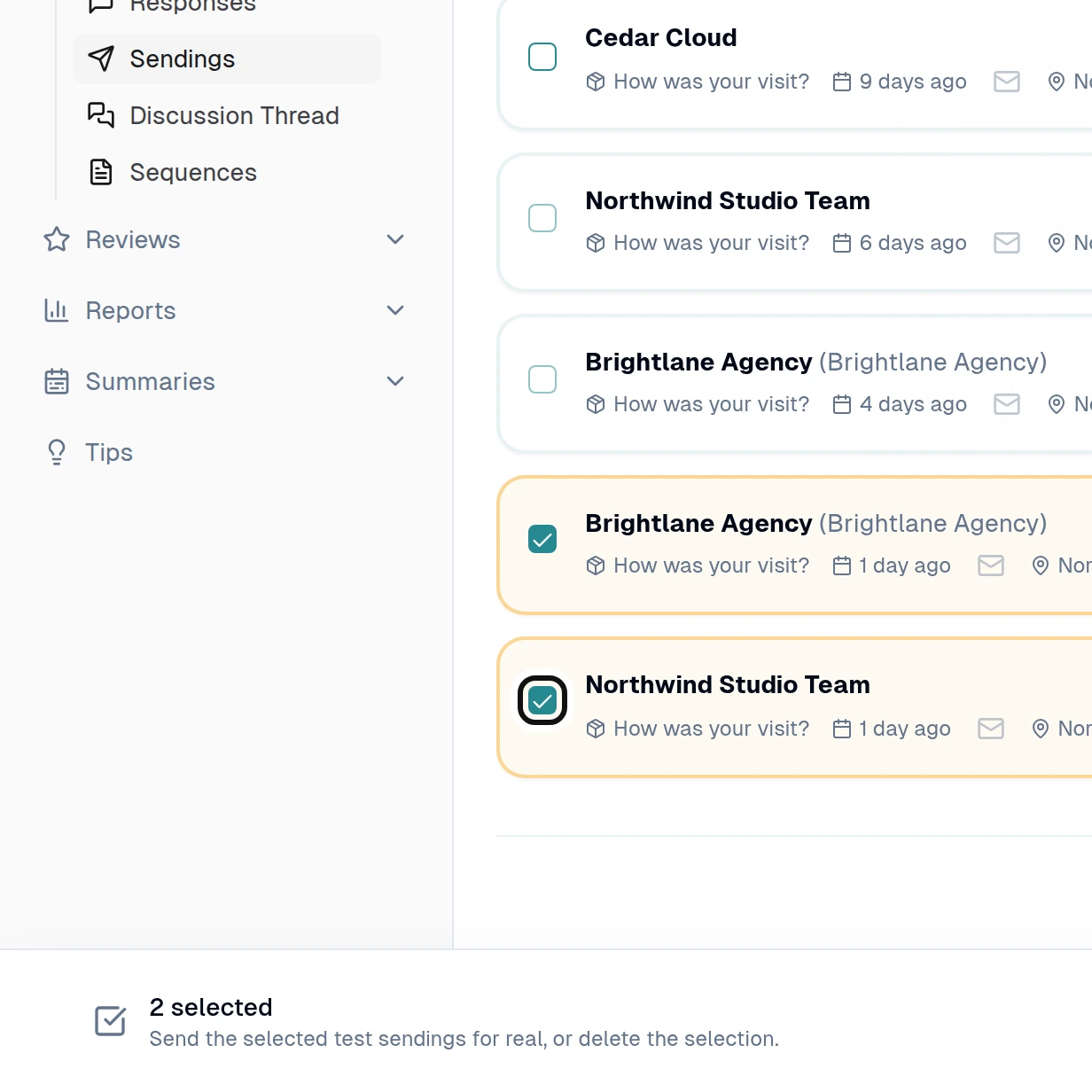
Select the unsent test sendings you want to send.
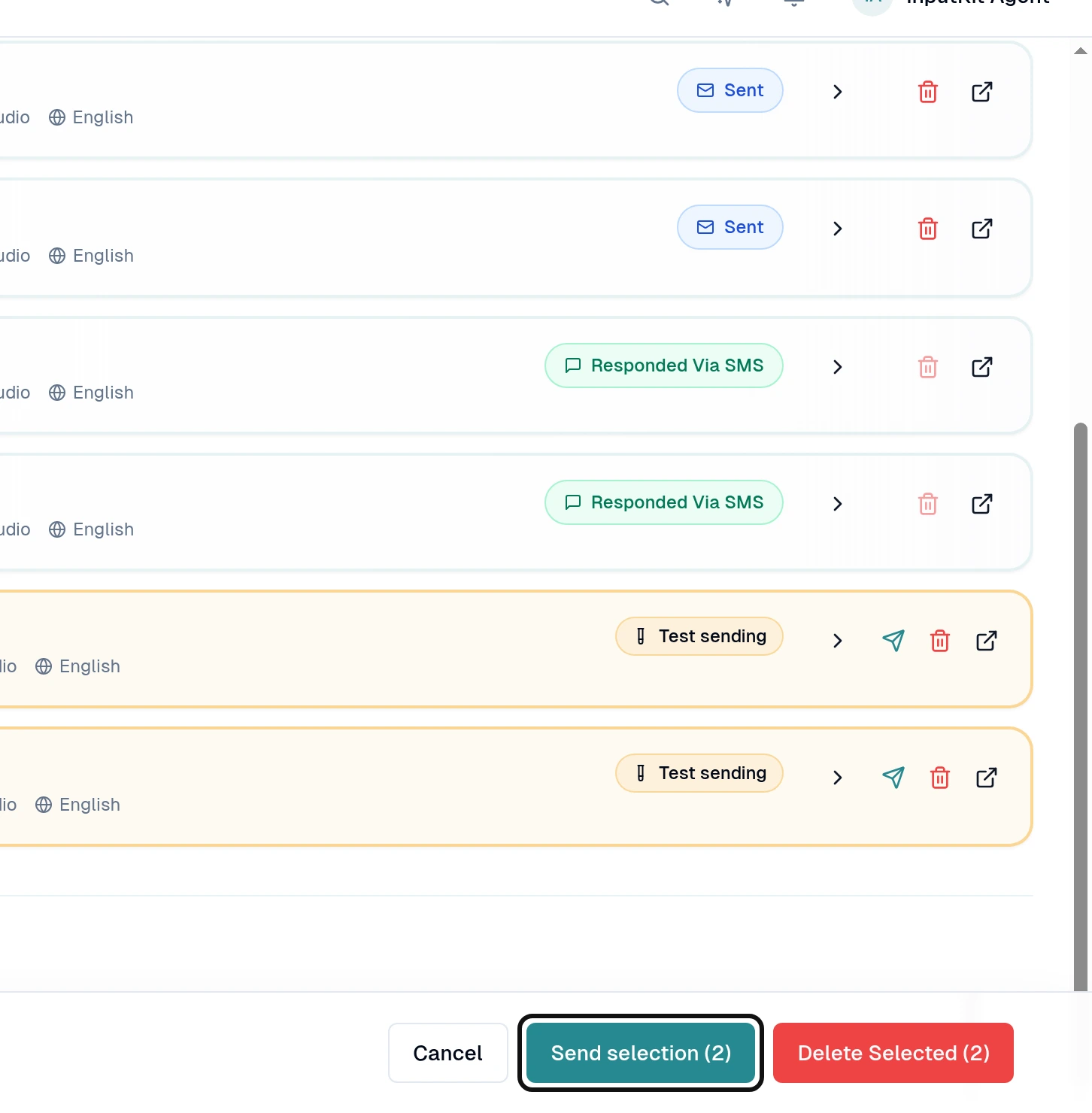
Select Send selection.
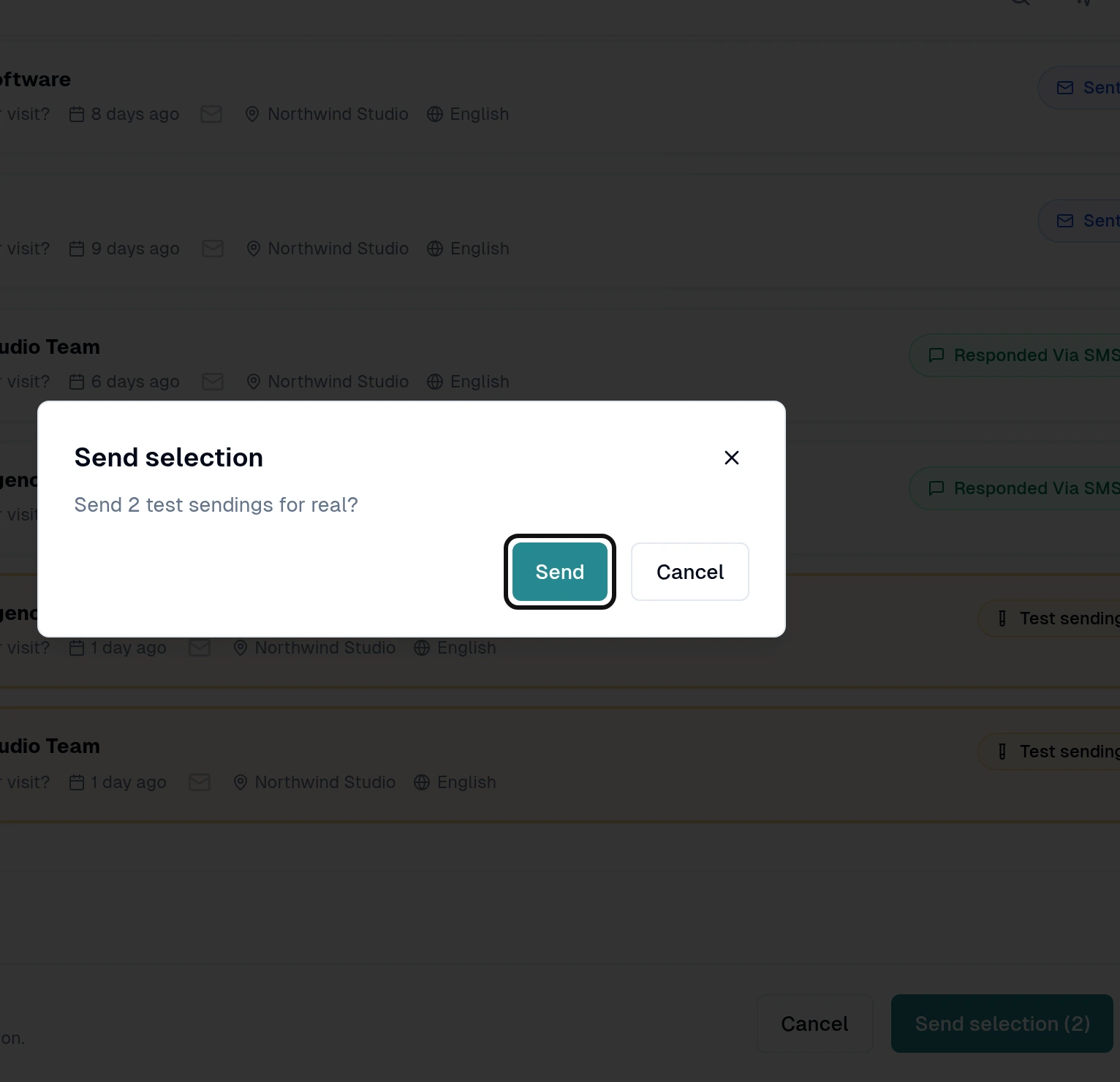
Check the number and select Send to confirm.
When you use Test mode in the manual Send a sequence form, the recipient receives the sequence as usual, but the sending is marked as a test and left out of reports and metrics. A test already delivered cannot be sent again using these steps.