How do I create an announcement for my TV screens?
Show a message to your team on your TV screens.
Written by Philippe Genois
Announcements appear on internal screens with Announcements turned on.
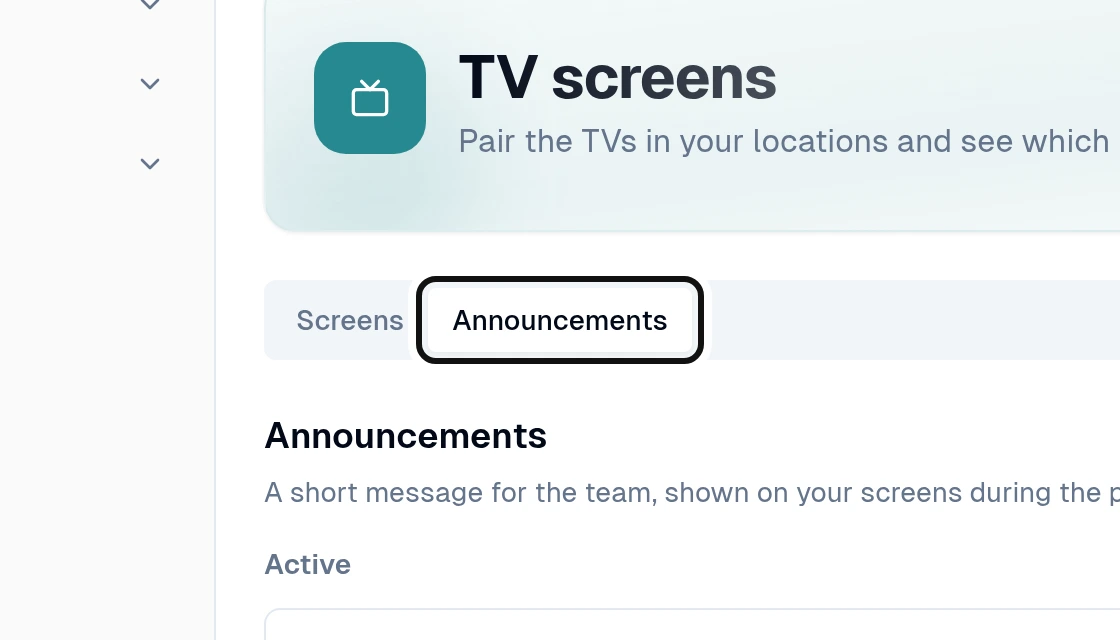
Select Announcements.
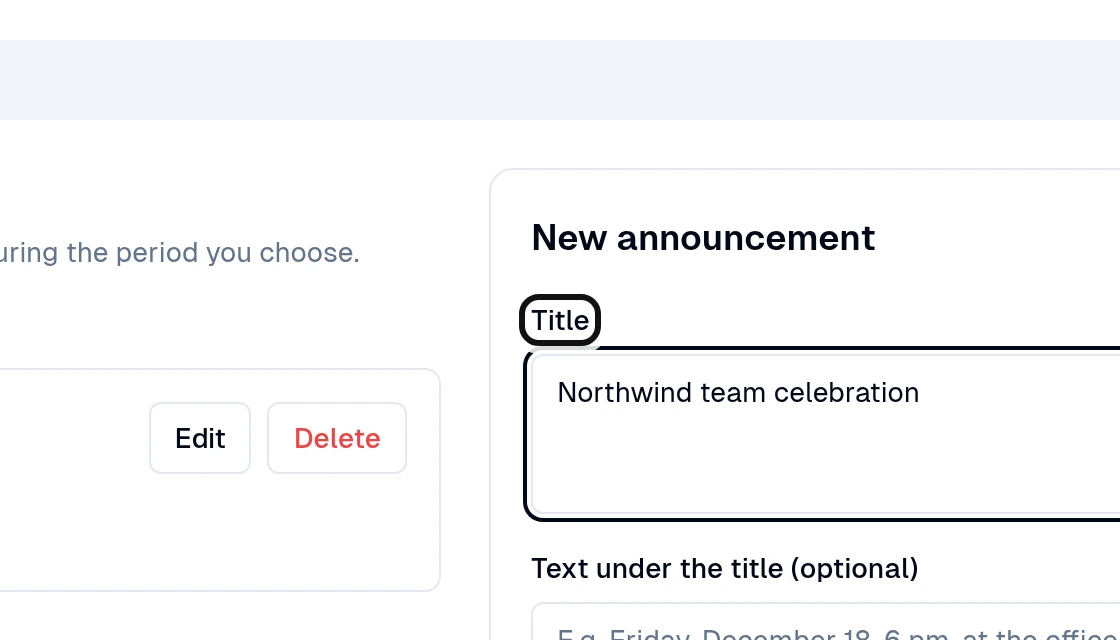
Enter a Title.
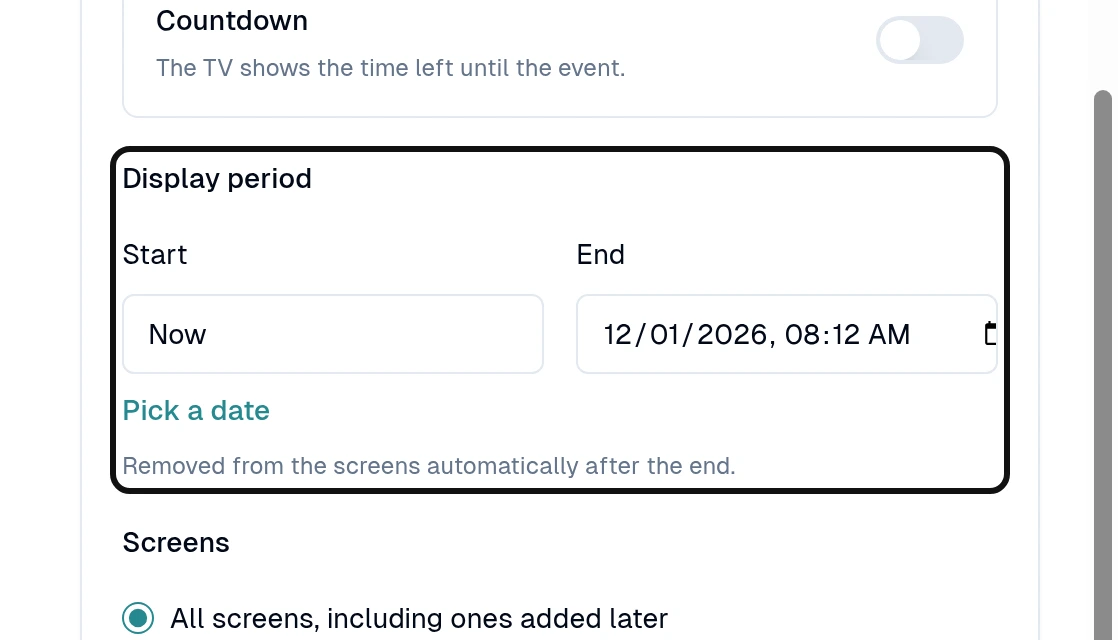
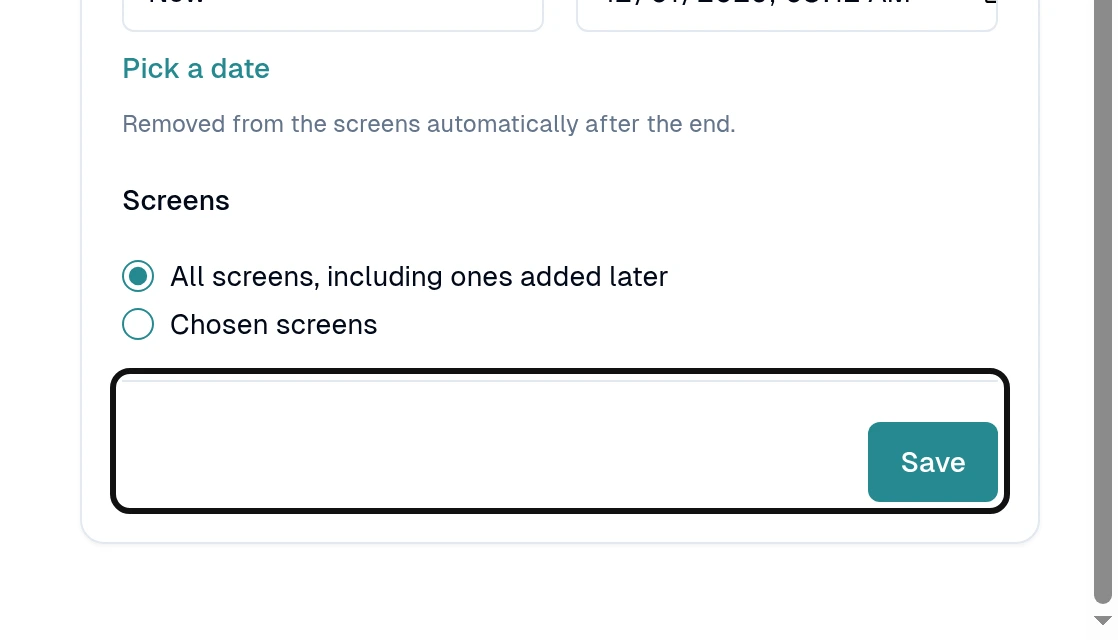
Choose the Display period. The announcement is removed from screens after its end.
Under Screens, choose all screens or select Chosen screens.
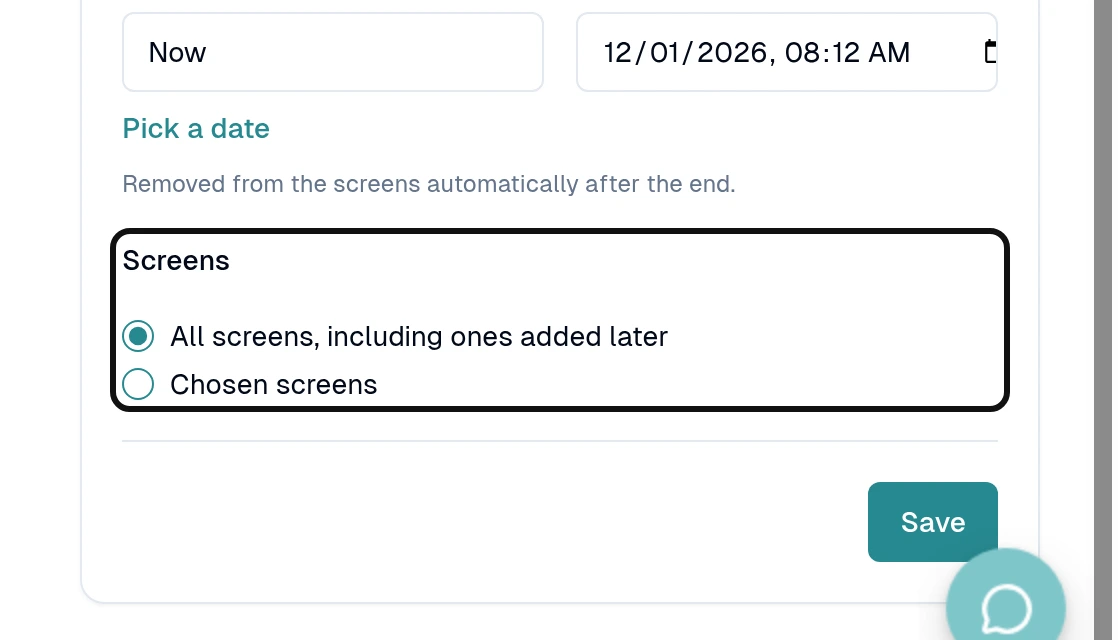
Select Save.
Did this answer your question?
NoPartlyYes